Independent router help & how-tosHelping you find your connection.
The guide library

Windows cannot reconnect after you change the Wi-Fi password

Explore the guide library · Windows connection help

Replace the saved profile for the affected network and distinguish a password update from a security-mode change.
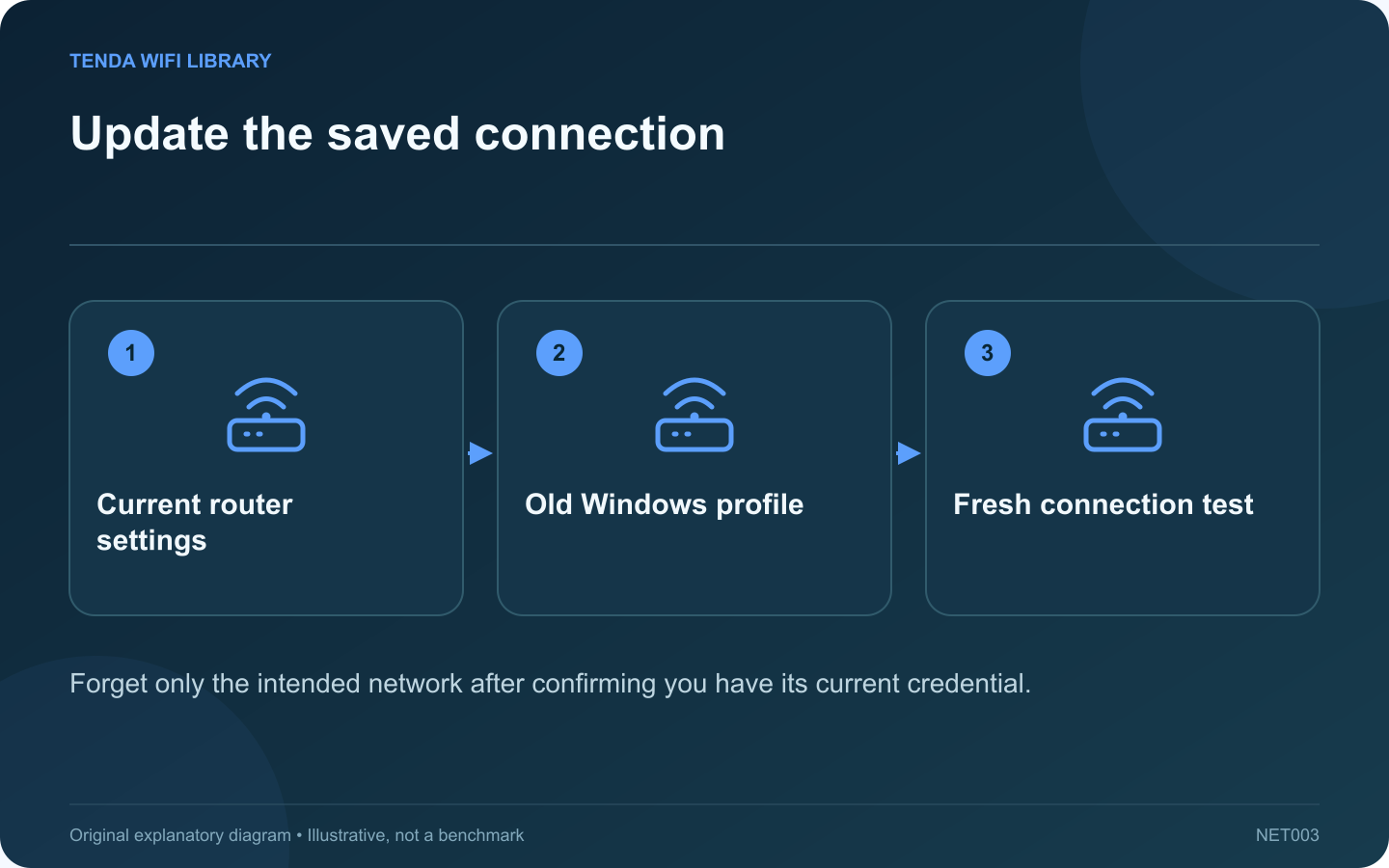
Update the saved connection: Current router settings; Old Windows profile; Fresh connection test
Forget only the intended network after confirming you have its current credential.

After a Wi-Fi password change, a laptop may keep trying the old saved connection. Confirm the new credential and the intended network name before removing a profile. If you also changed the wireless security mode, treat that as a separate compatibility question.

Verify the current settings

Use an authorized device or the router’s supported local interface to confirm the network details. Check capitalization and easily confused characters. Do not share the password in a public support post or screenshot.

Remove only the stale profile

In Windows’ Wi-Fi settings, open the list of known networks, select the affected network and use Forget. Menu labels can vary by Windows release. Microsoft’s connection guide documents forgetting and reconnecting as a supported troubleshooting step.

Do not remove unrelated work or enterprise profiles. Those may require certificates or administrator provisioning that a normal home password cannot recreate.

Reconnect deliberately

  1. Select the exact home network from the current list.
  2. Enter the new credential privately.
  3. Wait for the connection result.
  4. Check ordinary internet access and a required local resource.
  5. Confirm the laptop reconnects after a normal Wi-Fi toggle or restart.

If the fresh connection still fails

Compare another device using the same updated settings. If the router changed to WPA3-only operation, check the laptop’s adapter, operating system and driver support. An authentication failure is not fixed by changing the DNS server.

Review duplicate names

If an old extender or access point still broadcasts the same name with the old password, clients may encounter inconsistent settings. Update the supported network system consistently and verify which equipment is broadcasting.

The successful result is a fresh profile that matches the current router configuration and reconnects reliably. Preserve the exact error if that does not happen; avoid escalating immediately to a full Windows network reset or a router factory reset.

Sources and editorial notes

Sources checked 8–9 October 2026. Independent guidance and original illustrations; product comparisons use published specifications rather than hands-on benchmarks. Check the exact model, revision and regional documentation before changing settings.

Related guides

300 FAQs across our guide libraries

Quick answers

100 practical questions from Tenda WiFi Library.

Browse all 100 FAQs
Why will Windows not reconnect after a Wi-Fi password change?

After a Wi-Fi password change, a laptop may keep trying the old saved connection. Confirm the new credential and the intended network name before removing a profile. If you also changed the wireless security mode, treat that as a separate compatibility question. Use an authorized device or the router's supported local interface to confirm the network details. Check capitalization and easily confused characters. Do not share the password in a public support post or screenshot.

Read the full guide and sources
How should I investigate a firewall-blocked trusted application?

When a home application cannot communicate, disabling the entire Windows firewall is a poor diagnostic shortcut. It changes protection for unrelated services and still may not address the actual problem. Begin by confirming what the application needs to reach. Use the official application and its documented network requirements. Record whether the failure concerns an outgoing connection, discovery of another device or an incoming service on your computer. Those are different tasks and do not automatically require the same exception.

Read the full guide and sources
Should I forget one Wi-Fi network or reset Windows networking?

Forgetting a Wi-Fi network and resetting Windows networking are not interchangeable. The first removes a saved connection profile; the second is a broader recovery action that can affect adapters and related software. Choose the scope from the symptom. If one network's password or security configuration changed, a fresh profile can replace stale connection details. Confirm that you can recreate the connection first. Enterprise Wi-Fi may depend on certificates or policies that require administrator help.

Read the full guide and sources
What should I compare when Windows says connected but no internet?

A connected Wi-Fi indicator confirms part of the local connection, not every step needed to reach an application. Start by comparing your Windows laptop with another device on the same network. This simple test can prevent unnecessary changes to a working router. On the second device, confirm it is using the intended Wi-Fi rather than mobile data. Try the same website and another unrelated destination. If only one website fails on both clients, investigate that service before assuming the whole internet connection is down.

Read the full guide and sources
Independent. Practical. Clear.

Tenda WiFi Library is an independent information website. We are not affiliated with or endorsed by Tenda. Product names belong to their respective owners.