Independent router help & how-tosHelping you find your connection.
The guide library

Wi-Fi drops after Windows wakes from sleep: capture the resume pattern

Explore the guide library · Windows connection help

Compare sleep, restart and ordinary use so the repair targets a resume problem rather than the whole router.
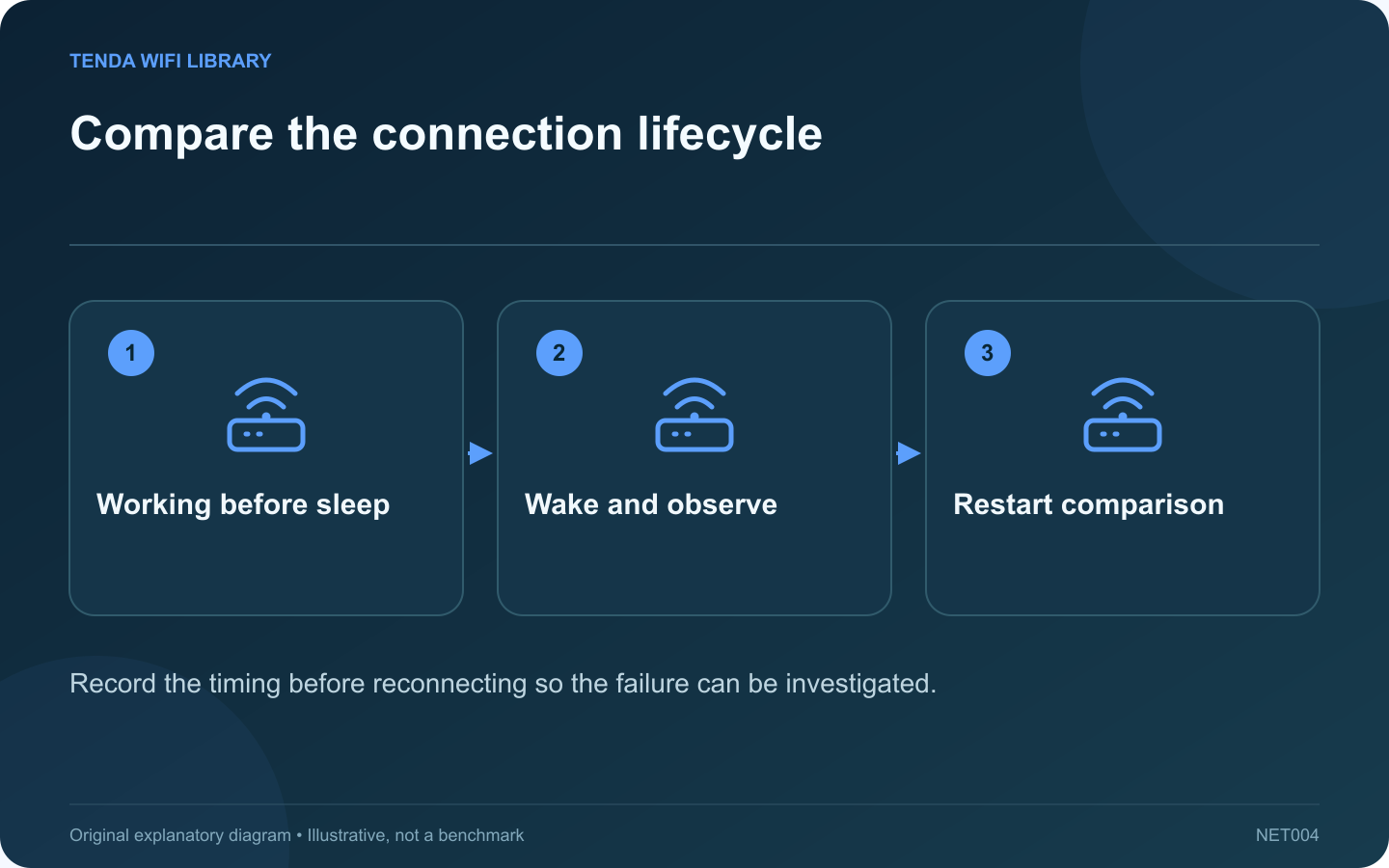
Compare the connection lifecycle: Working before sleep; Wake and observe; Restart comparison
Record the timing before reconnecting so the failure can be investigated.

A connection that fails only after sleep deserves a different investigation from Wi-Fi that is unstable all day. Record the laptop’s behavior immediately after waking and compare it with a normal restart. Avoid changing the router while the failure appears tied to one client’s resume cycle.

Write a repeatable sequence

Note whether the laptop was on battery or external power, whether a USB dock was connected and how long it slept. Record whether the network disappears, authentication fails or the client connects without application access.

Check another client at the same moment

If another device remains connected normally, that helps narrow the issue to the laptop or its interface path. If all clients lose service, investigate the shared network event instead of assuming sleep caused it.

Collect the Windows report

Microsoft documents the wireless network report and recommends collecting connection evidence before resetting profiles or drivers. Generate the report after reproducing the issue and correlate the event time with your notes. Keep the report private because it contains network and device information.

Review supported updates

  • Laptop manufacturer’s firmware and driver guidance.
  • Current operating-system updates.
  • Dock or USB-adapter support when relevant.
  • Any recent change that preceded the failure.

Intel advises attempting ordinary troubleshooting before a clean driver reinstall. Download the correct recovery package before removing a driver that provides your only internet connection.

Verify a proposed fix

Repeat the same sleep-and-wake sequence under comparable power and dock conditions. Also confirm normal roaming and restart behavior. One successful reconnect immediately after changing a setting is weaker evidence than several consistent resume tests.

On a managed laptop, give the administrator the reproduction sequence and redacted event details. A focused report makes it easier to identify a driver, power-state or policy interaction without weakening unrelated router security settings.

Sources and editorial notes

Sources checked 8–9 October 2026. Independent guidance and original illustrations; product comparisons use published specifications rather than hands-on benchmarks. Check the exact model, revision and regional documentation before changing settings.

Related guides

300 FAQs across our guide libraries

Quick answers

100 practical questions from Tenda WiFi Library.

Browse all 100 FAQs
How can I investigate Wi-Fi failures after Windows resumes from sleep?

A connection that fails only after sleep deserves a different investigation from Wi-Fi that is unstable all day. Record the laptop's behavior immediately after waking and compare it with a normal restart. Avoid changing the router while the failure appears tied to one client's resume cycle. Note whether the laptop was on battery or external power, whether a USB dock was connected and how long it slept. Record whether the network disappears, authentication fails or the client connects without application access.

Read the full guide and sources
What should I prepare before updating a wireless driver?

A driver update can fix a wireless problem, but a failed installation can also leave the laptop without its usual internet connection. Prepare the correct package and a recovery route before uninstalling anything. Record the laptop model, wireless-adapter model, Windows version and installed driver version. Use the computer manufacturer's support guidance first when it supplies a customized or validated driver. An adapter brand alone is not enough to choose the package.

Read the full guide and sources
Should I forget one Wi-Fi network or reset Windows networking?

Forgetting a Wi-Fi network and resetting Windows networking are not interchangeable. The first removes a saved connection profile; the second is a broader recovery action that can affect adapters and related software. Choose the scope from the symptom. If one network's password or security configuration changed, a fresh profile can replace stale connection details. Confirm that you can recreate the connection first. Enterprise Wi-Fi may depend on certificates or policies that require administrator help.

Read the full guide and sources
Why can Windows see nearby Wi-Fi but not my home network?

If Windows lists neighboring networks but not your home network, the wireless adapter is doing at least some scanning. Focus on the missing broadcast's band, channel and configuration before changing a password that Windows has not yet tried. Use another compatible device near the router to check for the exact network name. Inspect the router's wireless status and any schedule. If no device sees the network, investigate the router's radio state rather than only the laptop.

Read the full guide and sources
Independent. Practical. Clear.

Tenda WiFi Library is an independent information website. We are not affiliated with or endorsed by Tenda. Product names belong to their respective owners.