Explore the guide library · Mac network help
Understand why a resolver address and a search suffix are not interchangeable when configuring a Mac.
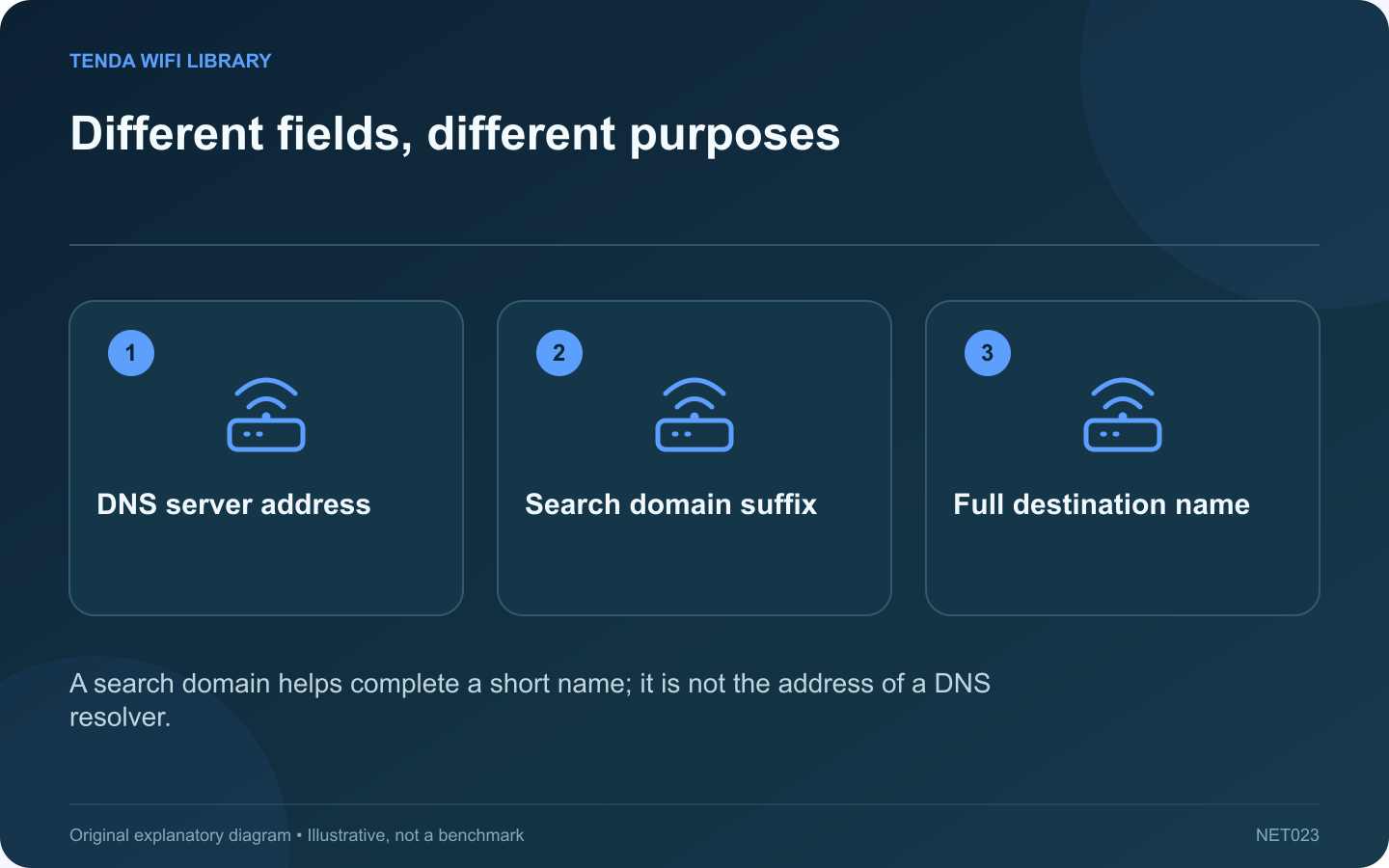
The DNS panel on a Mac contains a server list and a search-domain list. Both affect name resolution, but they are not interchangeable. Putting the same value into both fields can leave a configuration that looks complete while failing to resolve the intended resource.
Understand the server field
A DNS server entry identifies a resolver by its IPv4 or IPv6 address. That service answers name queries according to its configuration. Apple provides separate controls for adding or removing these server addresses in the selected network service’s DNS settings.
Understand a search domain
A search domain is a suffix used when resolving certain short names. For example, an organization may provide a search suffix for its internal resources. It does not replace the resolver, and entering a public website’s address here is not a general method for making that website load faster.
Choose the active service
In System Settings, select Network, the relevant service, Details and DNS. A dock’s Ethernet configuration can differ from Wi-Fi. Record any existing manual entries before making an authorized change, and keep workplace details private.
Test a precise symptom
- If a full hostname works but its short form does not, review the expected search-domain behavior.
- If ordinary public names fail broadly, inspect the intended resolver and connection.
- If only a work resource fails, confirm the approved VPN and organization guidance.
Restore the intended configuration
Use addresses and suffixes supplied by the network administrator or trusted service documentation. Avoid collecting arbitrary resolver entries from several tutorials. More entries do not necessarily produce clearer or more reliable behavior.
After the change, test both the exact previously failing name and a normal public destination. A successful web search alone may hide a continuing internal-name problem. Document the purpose of any manual setting so a later move between home, office and travel networks does not turn it into an unexplained dependency.
Sources and editorial notes
Sources checked 8–9 October 2026. Independent guidance and original illustrations; product comparisons use published specifications rather than hands-on benchmarks. Check the exact model, revision and regional documentation before changing settings.