Explore the guide library · Mac network help
Set an intentional preference between active connections and verify the real task after docking or undocking.
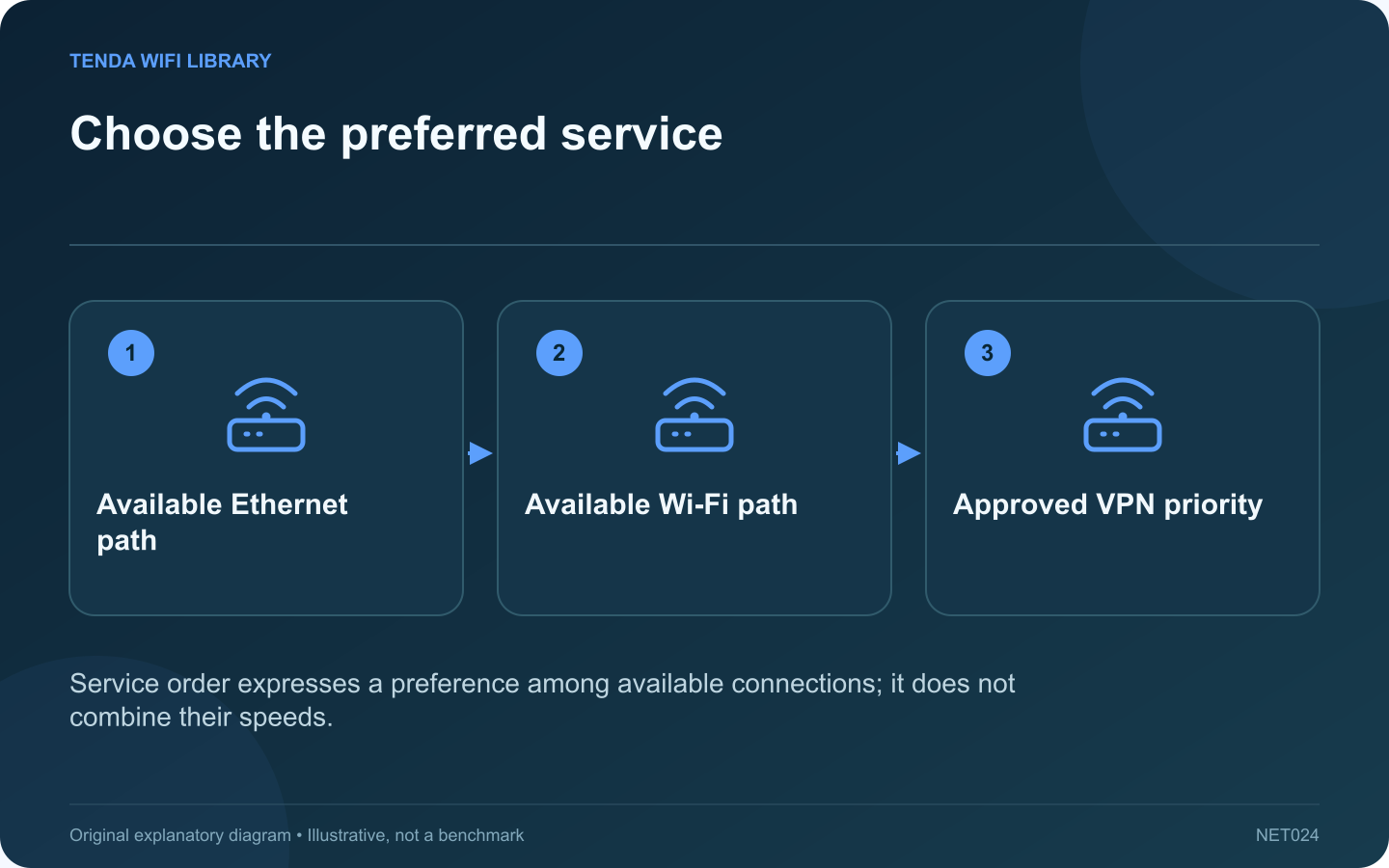
A Mac with both Wi-Fi and Ethernet available may not use the connection you expected. Network service order helps establish which ordinary service the computer tries first. This is especially useful for a desk setup where a dock provides the preferred wired connection.
Confirm Ethernet actually works
Check the dock’s network service and its connection status before changing priorities. An attached cable is not proof that the service has a usable address or route. Inspect the far-end port and compare a known-working cable if the wired service appears disconnected.
Review the current order
Apple documents the Set Service Order command in System Settings under Network’s action menu. Place the intended service in the appropriate position and save. Keep a note of the original order so an unexpected effect can be reversed.
Understand the limits
This preference does not bond Wi-Fi and Ethernet into one faster connection. Apple also notes that VPN connections already take priority over non-VPN connections and cannot be reordered through this control. A managed VPN can therefore affect the observed route even after ordinary services are rearranged.
Verify the desk workflow
- Connect the dock and wait for Ethernet to become available.
- Test the actual file transfer, call or service used at the desk.
- Finish active work before undocking.
- Confirm Wi-Fi provides the expected connection afterward.
Keep local resources in mind
Different connections may reach different printers or storage systems. If a resource disappears only when the preferred connection changes, inspect the network each interface joins rather than assuming the application is broken.
For a work-managed Mac, coordinate changes with the administrator. The successful result is predictable behavior at the desk and away from it, with the required VPN and security controls still active. Avoid deleting the secondary service merely to hide an unresolved problem in the primary connection.
Sources and editorial notes
Sources checked 8–9 October 2026. Independent guidance and original illustrations; product comparisons use published specifications rather than hands-on benchmarks. Check the exact model, revision and regional documentation before changing settings.