Independent router help & how-tosHelping you find your connection.
The guide library

A mapped drive works in Explorer but disappears in an administrator app

Explore the guide library · Local storage connections

Recognize separate Windows logon contexts before diagnosing the problem as a Wi-Fi or NAS outage.
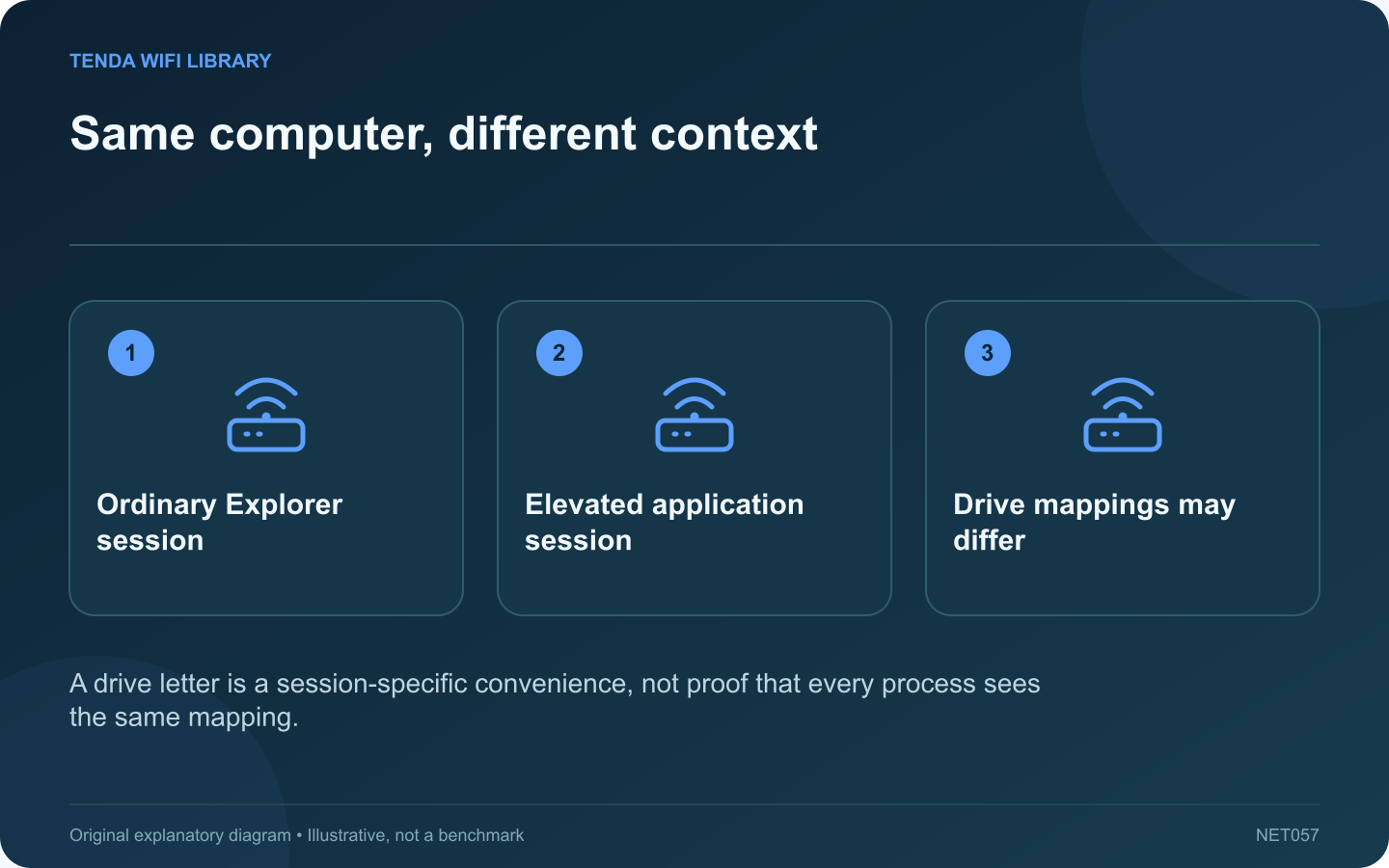
Same computer, different context: Ordinary Explorer session; Elevated application session; Drive mappings may differ
A drive letter is a session-specific convenience, not proof that every process sees the same mapping.

A mapped network drive may open normally in File Explorer yet be unavailable inside an application launched as administrator. That pattern can concern Windows’ user context rather than the physical network. Rebooting the router is unlikely to explain why one process sees a drive letter and another does not.

Confirm the contrast

Open the same mapped drive in ordinary Explorer and note the result. Then record the application’s exact error and whether it is elevated. Do not change the NAS or credentials while the basic comparison is still unclear.

Understand the mapping boundary

Microsoft explains that drive mappings can be associated with particular logon sessions. With User Account Control, an elevated process can have a different context from the ordinary session that created the mapping. The network service itself may remain healthy.

Check whether elevation is necessary

If the application supports normal operation without administrator rights, use its intended ordinary launch mode. Do not elevate every program as a default troubleshooting habit. For software that legitimately requires elevation, consult its support instructions or your administrator.

Use the supported resource path

An administrator may recommend accessing the authorized share through its full network path or establishing the required mapping in the correct context. Keep the same intended permissions. Do not embed passwords in scripts or weaken account controls to make the drive letter appear.

Verify the application’s real task

  • Open an authorized test file.
  • Confirm the expected save location.
  • Check that the file is visible from the ordinary workflow.
  • Retain the intended access restrictions.

Record the launch mode and resource path with the application’s setup notes. Avoid copying old registry workarounds without checking their applicability to the current Windows version and policy. A clear distinction between session context and network reachability prevents unnecessary changes to a router, cable or storage device that was already serving the share correctly.

Sources and editorial notes

Sources checked 8–9 October 2026. Independent guidance and original illustrations; product comparisons use published specifications rather than hands-on benchmarks. Check the exact model, revision and regional documentation before changing settings.

Related guides

300 FAQs across our guide libraries

Quick answers

100 practical questions from Tenda WiFi Library.

Browse all 100 FAQs
Why might a mapped drive disappear in an administrator application?

A mapped network drive may open normally in File Explorer yet be unavailable inside an application launched as administrator. That pattern can concern Windows' user context rather than the physical network. Rebooting the router is unlikely to explain why one process sees a drive letter and another does not. Open the same mapped drive in ordinary Explorer and note the result. Then record the application's exact error and whether it is elevated. Do not change the NAS or credentials while the basic comparison is still unclear.

Read the full guide and sources
What should I check before enabling legacy SMB for an old NAS?

An older storage device can disappear from Windows' Network view even while its address remains reachable. Discovery, file-sharing protocol support and authentication are separate stages. Identify the failed stage before following instructions that re-enable obsolete protocols. Check its power, connection and supported management interface. Record the exact model and firmware. If the NAS itself is unavailable to every client, begin with its local connection or service state rather than changing one Windows computer.

Read the full guide and sources
How can I separate slow NAS storage from a slow network path?

A slow copy to network storage does not automatically mean Wi-Fi is the limiting component. The transfer depends on the source device, file workload, network path and storage server. Separate those factors before purchasing a faster router or network adapter. Record whether the copy contains one large file or thousands of small files. Include the transfer direction and source location. A folder of small documents is not directly comparable with a single large video, even when the total size is similar.

Read the full guide and sources
Why can Windows see nearby Wi-Fi but not my home network?

If Windows lists neighboring networks but not your home network, the wireless adapter is doing at least some scanning. Focus on the missing broadcast's band, channel and configuration before changing a password that Windows has not yet tried. Use another compatible device near the router to check for the exact network name. Inspect the router's wireless status and any schedule. If no device sees the network, investigate the router's radio state rather than only the laptop.

Read the full guide and sources
Independent. Practical. Clear.

Tenda WiFi Library is an independent information website. We are not affiliated with or endorsed by Tenda. Product names belong to their respective owners.