Explore the guide library · Windows connection help
Check band support and the router’s actual broadcast before treating a missing network as a password problem.
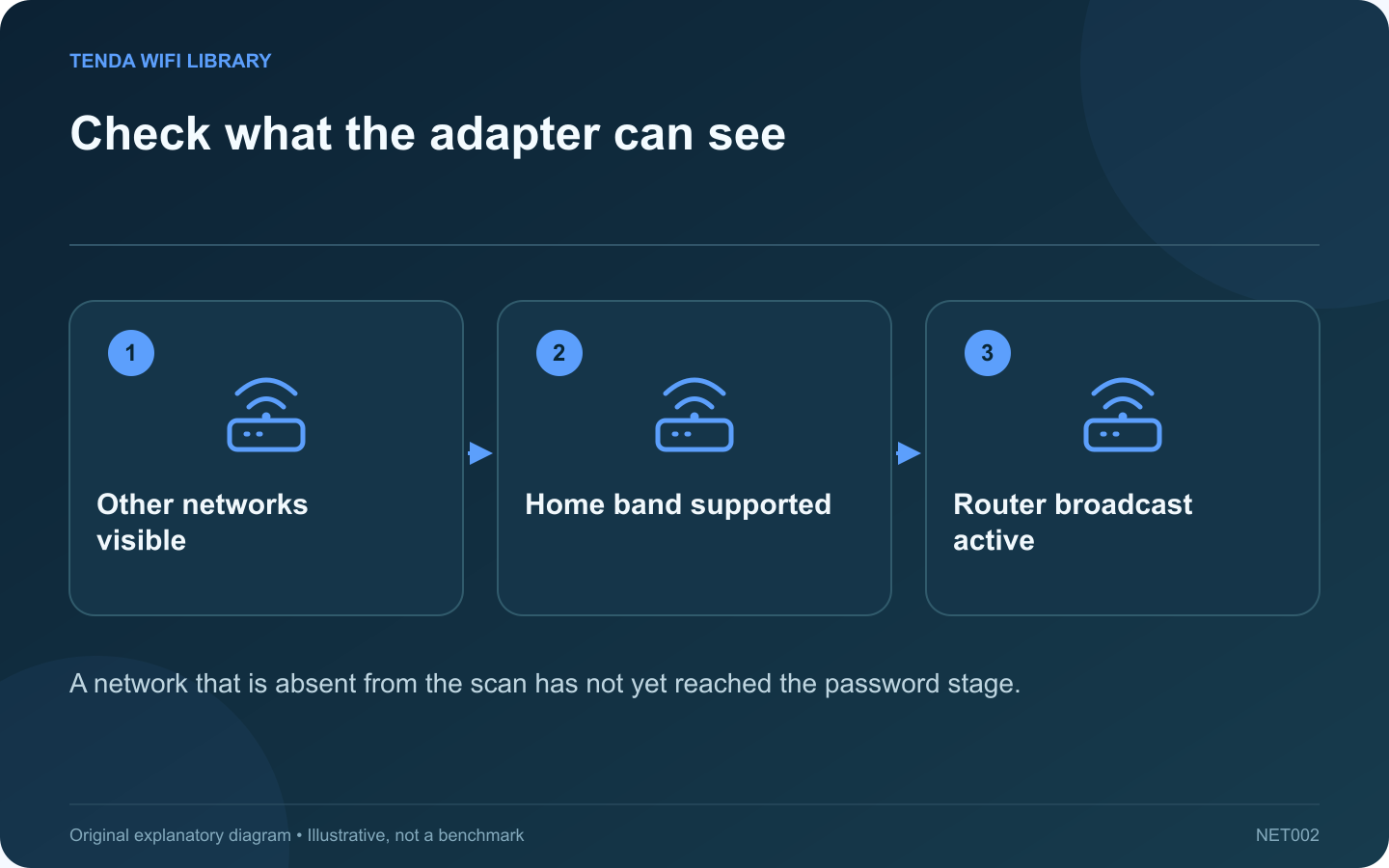
If Windows lists neighboring networks but not your home network, the wireless adapter is doing at least some scanning. Focus on the missing broadcast’s band, channel and configuration before changing a password that Windows has not yet tried.
Confirm the router is broadcasting
Use another compatible device near the router to check for the exact network name. Inspect the router’s wireless status and any schedule. If no device sees the network, investigate the router’s radio state rather than only the laptop.
Check the laptop’s capabilities
Record the adapter model and driver version. Compare supported bands with the router’s active network. A 6 GHz-only network requires an appropriate client and supported regional platform configuration; Intel documents additional requirements beyond simply owning a newer router.
Compare at a known location
- Move the laptop close enough for a practical test.
- Refresh the normal Windows network list.
- Check a supported other band broadcast by your own router.
- Record which networks appear and which remain absent.
- Return to the original location only after the basic compatibility check.
Review recent changes
Did the router change channel, security mode or network name? Was a client driver updated? Keep those changes separate. A DFS-related channel event or a regional compatibility difference can have a different explanation from a disabled wireless adapter.
Use supported settings
Do not force an incorrect country setting or install untrusted driver packages to reveal more channels. Use the laptop manufacturer’s supported driver and the router’s permitted regional configuration.
When reporting the issue, provide the adapter model, firmware and observed band comparison without exposing passwords or full device identifiers. A useful diagnosis explains why this particular network is absent, rather than treating every invisible SSID as a reason to factory-reset the gateway.
Sources and editorial notes
Sources checked 8–9 October 2026. Independent guidance and original illustrations; product comparisons use published specifications rather than hands-on benchmarks. Check the exact model, revision and regional documentation before changing settings.
- Microsoft: evidence-based wireless connection diagnosis
- Intel: 6 GHz platform and regional requirements