Explore the guide library · Wired connection help
Trace detection, approval and network-service setup when a dock charges the Mac but does not provide Ethernet.
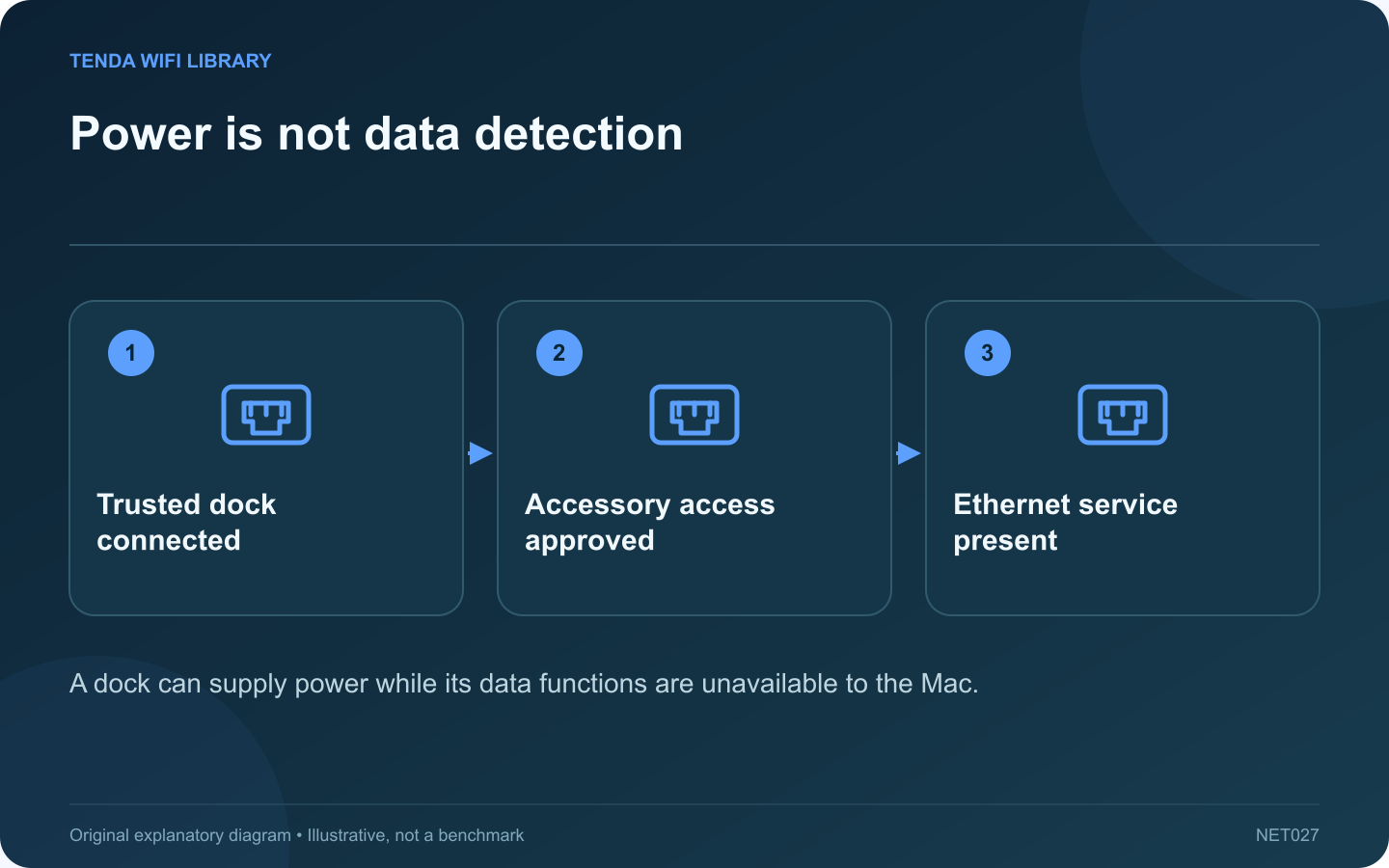
A USB-C dock can charge a Mac while its Ethernet connection remains absent. Power delivery and data access are different functions. If the network service never appears, begin with accessory detection and approval before entering manual IP addresses.
Identify the actual hardware
Record the dock or adapter model, cable and Mac model. Confirm that the accessory supports the installed macOS version and the intended port. A connector that physically fits does not guarantee every feature or cable capability is suitable.
Check the approval prompt
Apple documents accessory approval on supported Macs. Unlock the computer and reconnect your trusted accessory through the normal workflow. If access was declined, the accessory may still provide charging while data communication is unavailable. Approve only equipment you recognize and intend to use.
Look for the network service
Open System Settings and Network. Check whether the Ethernet interface is listed and whether it reports a physical connection. Apple documents adding a network service for an available interface, but this cannot create hardware support for an undetected or incompatible adapter.
Isolate the external path
- Use the accessory’s recommended cable and power arrangement.
- Try a supported direct connection without an unnecessary hub.
- Check the Ethernet cable and far-end port.
- Use official manufacturer software only when required.
Test after detection succeeds
Once the interface appears, inspect its intended automatic or managed network configuration. Verify a local connection and then the original task. If the interface is present but the link is down, continue with cabling rather than repeatedly changing DNS.
Keep accessory security enabled; a blanket always-allow setting is unnecessary for this diagnosis. On a managed Mac, ask the administrator about blocked accessories or required drivers. The key milestone is a recognized data interface, followed by a working link, followed by valid network configuration.
Sources and editorial notes
Sources checked 8–9 October 2026. Independent guidance and original illustrations; product comparisons use published specifications rather than hands-on benchmarks. Check the exact model, revision and regional documentation before changing settings.