Explore the guide library · Wired connection help
A cable that charges the laptop may still lack the data capabilities required by its docking station.
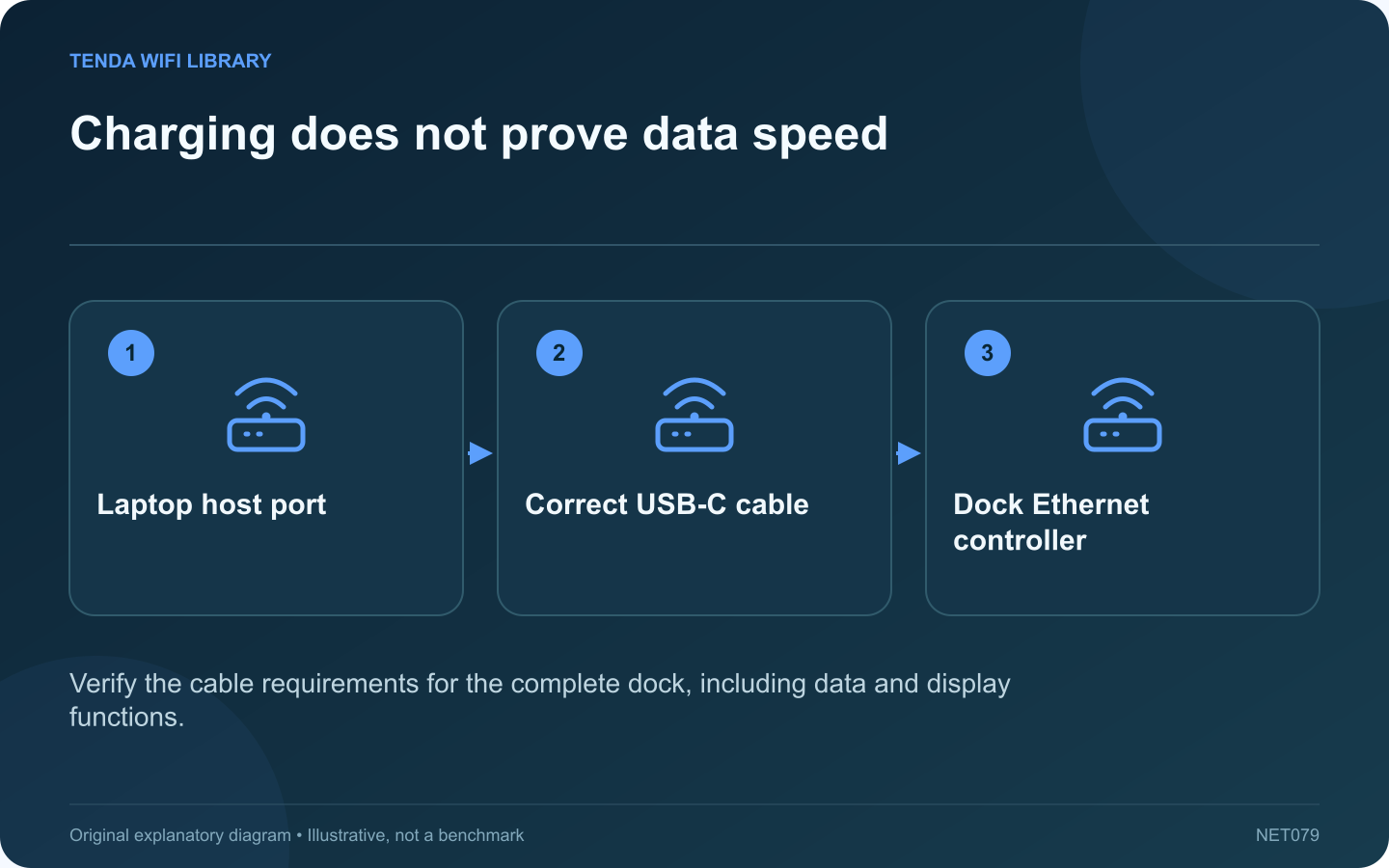
A longer USB-C cable can make a desk neater while quietly changing a docking station’s behavior. If Ethernet slows or disappears immediately after a cable replacement, investigate the laptop-to-dock connection before replacing the network cable.
Recreate the known working setup
Save active work and reconnect the original manufacturer-supplied host cable. Use the same laptop port and Ethernet connection. If normal behavior returns, the replacement host cable becomes a strong suspect, although the result alone does not identify its exact electrical limitation.
Read the dock’s requirements
Plugable advises matching a replacement cable to the docking station’s required capabilities. A USB-C connector shape does not establish its supported data rate, video mode or charging capacity. Compare the cable specification with the whole dock, not just with the power adapter.
Separate three observations
| Observation | What it establishes |
|---|---|
| Laptop charges | A power path exists |
| Ethernet adapter appears | The operating system detects the interface |
| Normal transfer rate returns | The tested data path performs as expected |
None of these observations alone proves all the others. An Ethernet link can negotiate normally on the dock’s network side while its USB host connection limits delivery to the laptop.
Test under normal desk use
After selecting a documented compatible cable, reconnect the displays and peripherals normally used with the dock. Repeat a representative network transfer and a sleep-and-wake cycle. Record any disconnects rather than relying on one brief speed test.
Keep the replacement identifiable
Label the cable used for the dock so it is not later swapped with a charging-only accessory. Avoid adding unapproved extension chains to solve a length problem. A correctly specified direct host connection is easier to verify and troubleshoot than several adapters whose combined capabilities are unclear.
Sources and editorial notes
Sources checked 8–9 October 2026. Independent guidance and original illustrations; product comparisons use published specifications rather than hands-on benchmarks. Check the exact model, revision and regional documentation before changing settings.
- Plugable: replacement docking-station cable requirements
- Plugable: USBC-E2500 compatibility and interfaces