Independent router help & how-tosHelping you find your connection.
The guide library

iPhone photos or backups pause on Wi-Fi: check Low Data Mode before blaming signal strength

Explore the guide library · Apple device connections

Distinguish intentional background-data limits from a broken connection when foreground browsing still works.
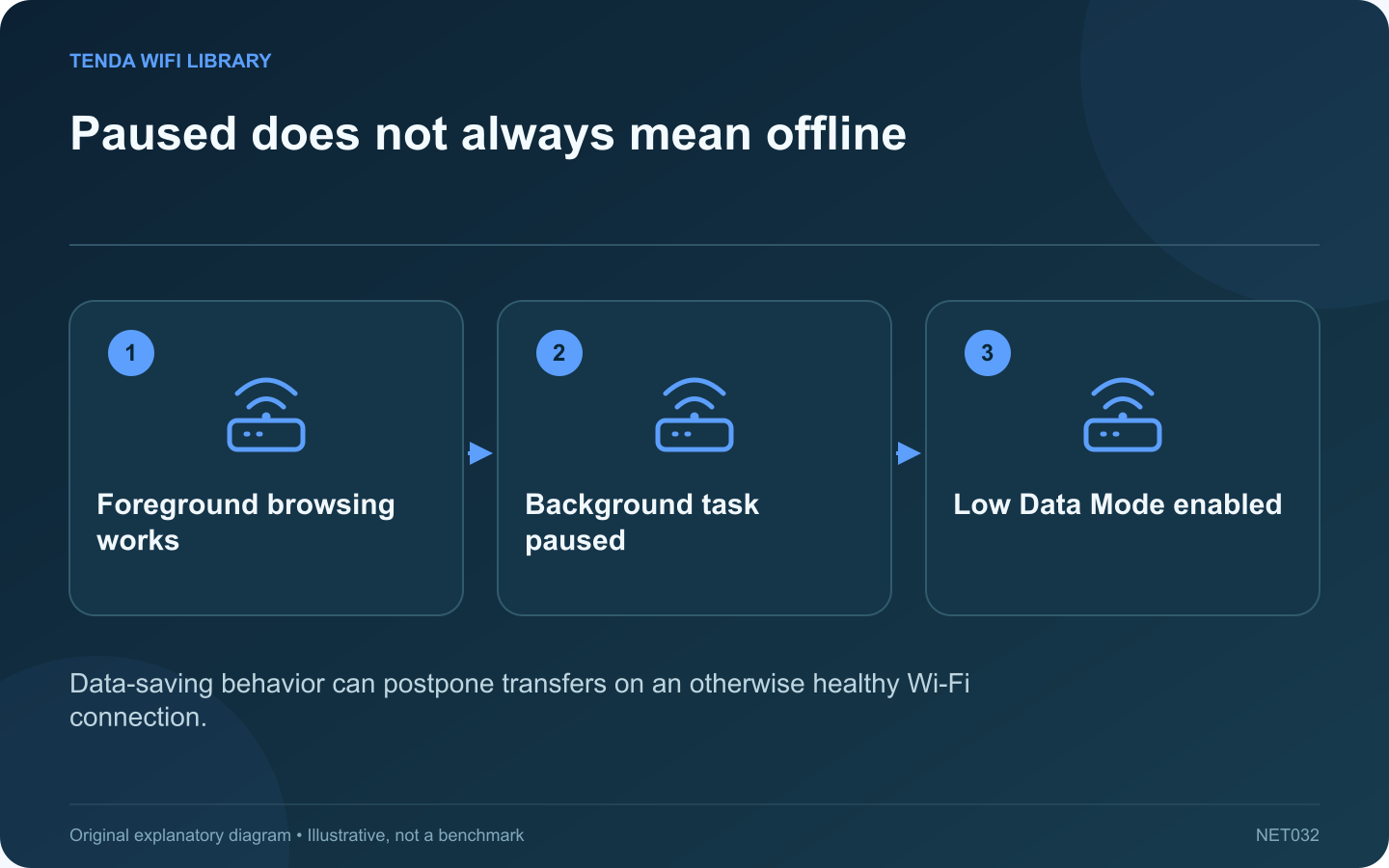
Paused does not always mean offline: Foreground browsing works; Background task paused; Low Data Mode enabled
Data-saving behavior can postpone transfers on an otherwise healthy Wi-Fi connection.

An iPhone can browse normally while photo synchronization or automatic backups remain paused. That pattern may reflect intentional data-saving behavior. Low Data Mode can restrict background activity even when the phone is connected to Wi-Fi with a strong signal.

Check the application’s status message

Read the reason shown beside the paused task. Storage limits, power conditions and account issues can also affect synchronization. Do not assume every pending upload is a network fault simply because the task needs the internet.

Inspect the Wi-Fi-specific setting

Apple allows Low Data Mode to be configured separately for cellular and Wi-Fi connections. Open the information panel for the connected Wi-Fi network and inspect its setting. A choice made while using a limited travel connection may still be relevant later.

Understand the expected tradeoff

Apple documents reduced background activity and changes to automatic downloads, backups and some media behavior. These changes help conserve data. They do not mean the router has reduced the radio signal or that the phone’s wireless hardware is defective.

Choose according to the connection

  • On a limited hotspot, keep conservation in mind before resuming a large upload.
  • On an appropriate unmetered connection, review whether the restriction is still needed.
  • For a managed device, follow the organization’s intended settings.

Verify the original task

After an intentional adjustment, return to the application and check whether it resumes under its other requirements. Allow a reasonable observation period and inspect actual progress rather than only the disappearance of a status label.

If the transfer remains paused, investigate the specific reason shown by the application instead of resetting the router. Record the network and setting used when testing. This helps distinguish a designed data-saving pause from a connectivity failure and prevents repeated changes to a Wi-Fi system that was already carrying ordinary traffic correctly.

Sources and editorial notes

Sources checked 8–9 October 2026. Independent guidance and original illustrations; product comparisons use published specifications rather than hands-on benchmarks. Check the exact model, revision and regional documentation before changing settings.

Related guides

300 FAQs across our guide libraries

Quick answers

100 practical questions from Tenda WiFi Library.

Browse all 100 FAQs
Could Low Data Mode pause iPhone backups or downloads?

An iPhone can browse normally while photo synchronization or automatic backups remain paused. That pattern may reflect intentional data-saving behavior. Low Data Mode can restrict background activity even when the phone is connected to Wi-Fi with a strong signal. Read the reason shown beside the paused task. Storage limits, power conditions and account issues can also affect synchronization. Do not assume every pending upload is a network fault simply because the task needs the internet.

Read the full guide and sources
What can an Apple limited-compatibility warning mean on Wi-Fi 6E?

A supported Apple device can display a limited-compatibility message when joining a newer Wi-Fi network. This is different from a simple wrong-password error. Apple's current guidance links this behavior to how the router names its 2.4, 5 and 6 GHz bands. Check the exact device model against Apple's current compatibility information. A recent product name does not guarantee every variant supports the same bands. Regional availability also matters, particularly for features using 6 GHz.

Read the full guide and sources
Why can an iPhone casting app fail to see a television?

A streaming application can play video on an iPhone yet show no television in its casting list. Internet playback and local-device discovery are separate operations. A denied Local Network permission is one possible explanation when the TV and phone are otherwise correctly connected. Confirm that the television or streaming receiver supports the casting method used by the app. A generic smart-TV label does not mean every protocol is supported. Open the receiver's relevant feature and check its connection state.

Read the full guide and sources
Does working AirDrop prove that internet access is working?

A successful AirDrop transfer can be reassuring when a Mac or iPhone has network trouble. However, it does not establish that the home router's internet connection is working. Nearby sharing and a web request are different tasks with different requirements. Apple's guidance calls for Wi-Fi and Bluetooth to be enabled on nearby participating devices, along with suitable receiving settings. Confirm the intended recipient and use a harmless test file. Do not broaden receiving availability indefinitely just to diagnose another network problem.

Read the full guide and sources
Independent. Practical. Clear.

Tenda WiFi Library is an independent information website. We are not affiliated with or endorsed by Tenda. Product names belong to their respective owners.