Independent router help & how-tosHelping you find your connection.
The guide library

A casting app on iPhone cannot see the TV: inspect Local Network access

Explore the guide library · Apple device connections

Check app discovery permission before changing the TV, Wi-Fi password or whole router configuration.
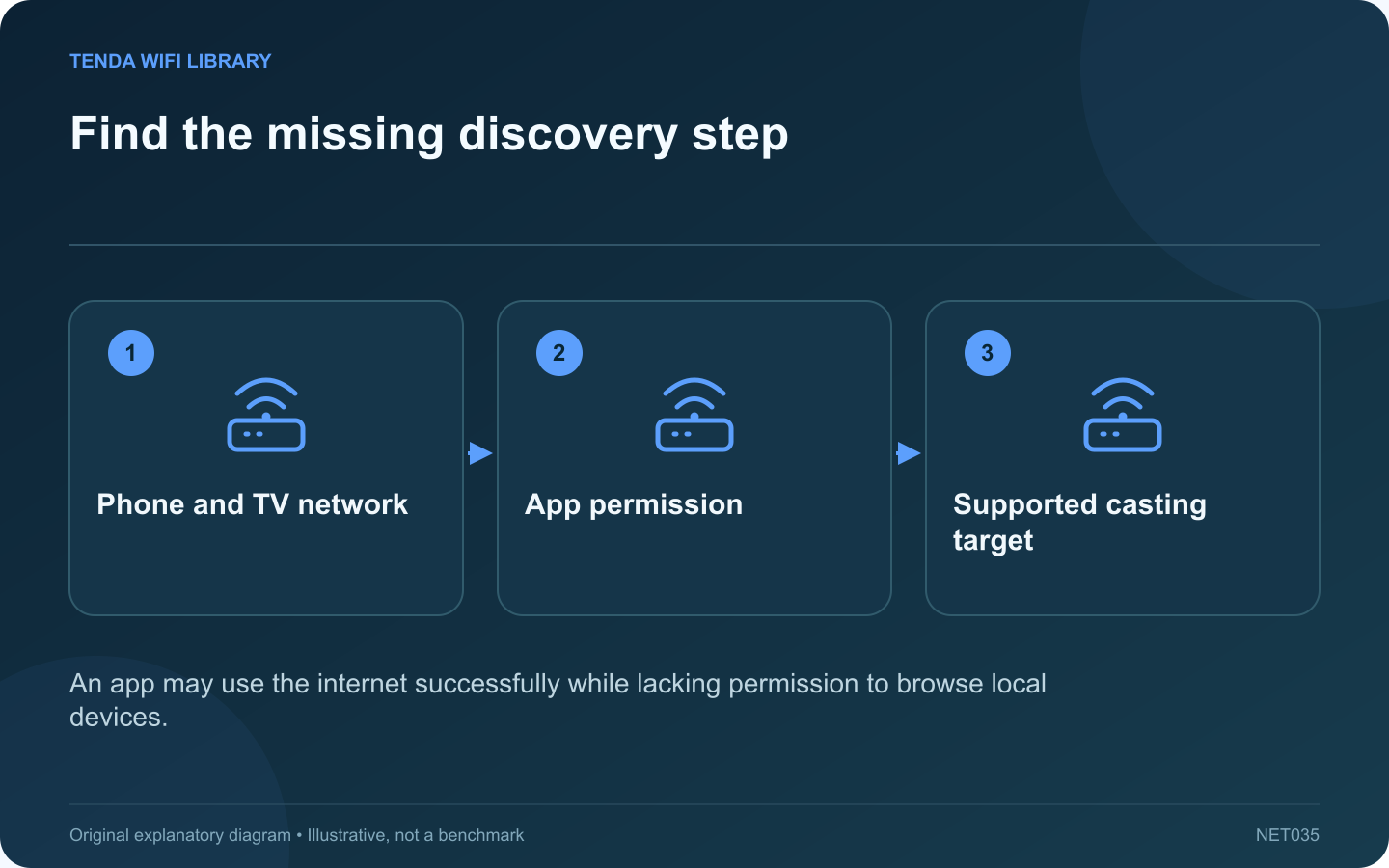
Find the missing discovery step: Phone and TV network; App permission; Supported casting target
An app may use the internet successfully while lacking permission to browse local devices.

A streaming application can play video on an iPhone yet show no television in its casting list. Internet playback and local-device discovery are separate operations. A denied Local Network permission is one possible explanation when the TV and phone are otherwise correctly connected.

Verify the intended target

Confirm that the television or streaming receiver supports the casting method used by the app. A generic smart-TV label does not mean every protocol is supported. Open the receiver’s relevant feature and check its connection state.

Review the app’s permission

Apple provides Local Network controls under Settings, Privacy & Security. Find the specific application. If it is a trusted app whose purpose requires discovering your receiver, allow that access and retry its normal casting workflow.

Understand the distinction from system services

Apple notes that an app denied local-network browsing can still use the internet or interact through certain system services. Therefore, one working system sharing feature does not prove that the app’s own discovery permission is enabled.

Check the network arrangement

  • Confirm both devices use the intended home network.
  • Check whether one device is on an isolated guest connection.
  • Inspect an approved VPN’s local-network policy when relevant.
  • Keep the receiver awake during discovery.

Test a small session

Select the correct receiver and start a short piece of content. Confirm that playback begins on the intended screen and that the phone can control it. A receiver appearing in a list is progress, but successful playback verifies more of the workflow.

If discovery still fails, follow the app and receiver manufacturers’ compatibility guidance. Do not grant every app local access or disable network isolation for the whole household. Review any permission again when the application is removed or no longer used for casting, keeping access tied to a clear practical purpose.

Sources and editorial notes

Sources checked 8–9 October 2026. Independent guidance and original illustrations; product comparisons use published specifications rather than hands-on benchmarks. Check the exact model, revision and regional documentation before changing settings.

Related guides

300 FAQs across our guide libraries

Quick answers

100 practical questions from Tenda WiFi Library.

Browse all 100 FAQs
Why can an iPhone casting app fail to see a television?

A streaming application can play video on an iPhone yet show no television in its casting list. Internet playback and local-device discovery are separate operations. A denied Local Network permission is one possible explanation when the TV and phone are otherwise correctly connected. Confirm that the television or streaming receiver supports the casting method used by the app. A generic smart-TV label does not mean every protocol is supported. Open the receiver's relevant feature and check its connection state.

Read the full guide and sources
Does working AirDrop prove that internet access is working?

A successful AirDrop transfer can be reassuring when a Mac or iPhone has network trouble. However, it does not establish that the home router's internet connection is working. Nearby sharing and a web request are different tasks with different requirements. Apple's guidance calls for Wi-Fi and Bluetooth to be enabled on nearby participating devices, along with suitable receiving settings. Confirm the intended recipient and use a harmless test file. Do not broaden receiving availability indefinitely just to diagnose another network problem.

Read the full guide and sources
Could Low Data Mode pause iPhone backups or downloads?

An iPhone can browse normally while photo synchronization or automatic backups remain paused. That pattern may reflect intentional data-saving behavior. Low Data Mode can restrict background activity even when the phone is connected to Wi-Fi with a strong signal. Read the reason shown beside the paused task. Storage limits, power conditions and account issues can also affect synchronization. Do not assume every pending upload is a network fault simply because the task needs the internet.

Read the full guide and sources
What can an Apple limited-compatibility warning mean on Wi-Fi 6E?

A supported Apple device can display a limited-compatibility message when joining a newer Wi-Fi network. This is different from a simple wrong-password error. Apple's current guidance links this behavior to how the router names its 2.4, 5 and 6 GHz bands. Check the exact device model against Apple's current compatibility information. A recent product name does not guarantee every variant supports the same bands. Regional availability also matters, particularly for features using 6 GHz.

Read the full guide and sources
Independent. Practical. Clear.

Tenda WiFi Library is an independent information website. We are not affiliated with or endorsed by Tenda. Product names belong to their respective owners.