Explore the guide library · Apple device connections
Distinguish nearby Apple-device sharing from ordinary internet access before interpreting a successful transfer.
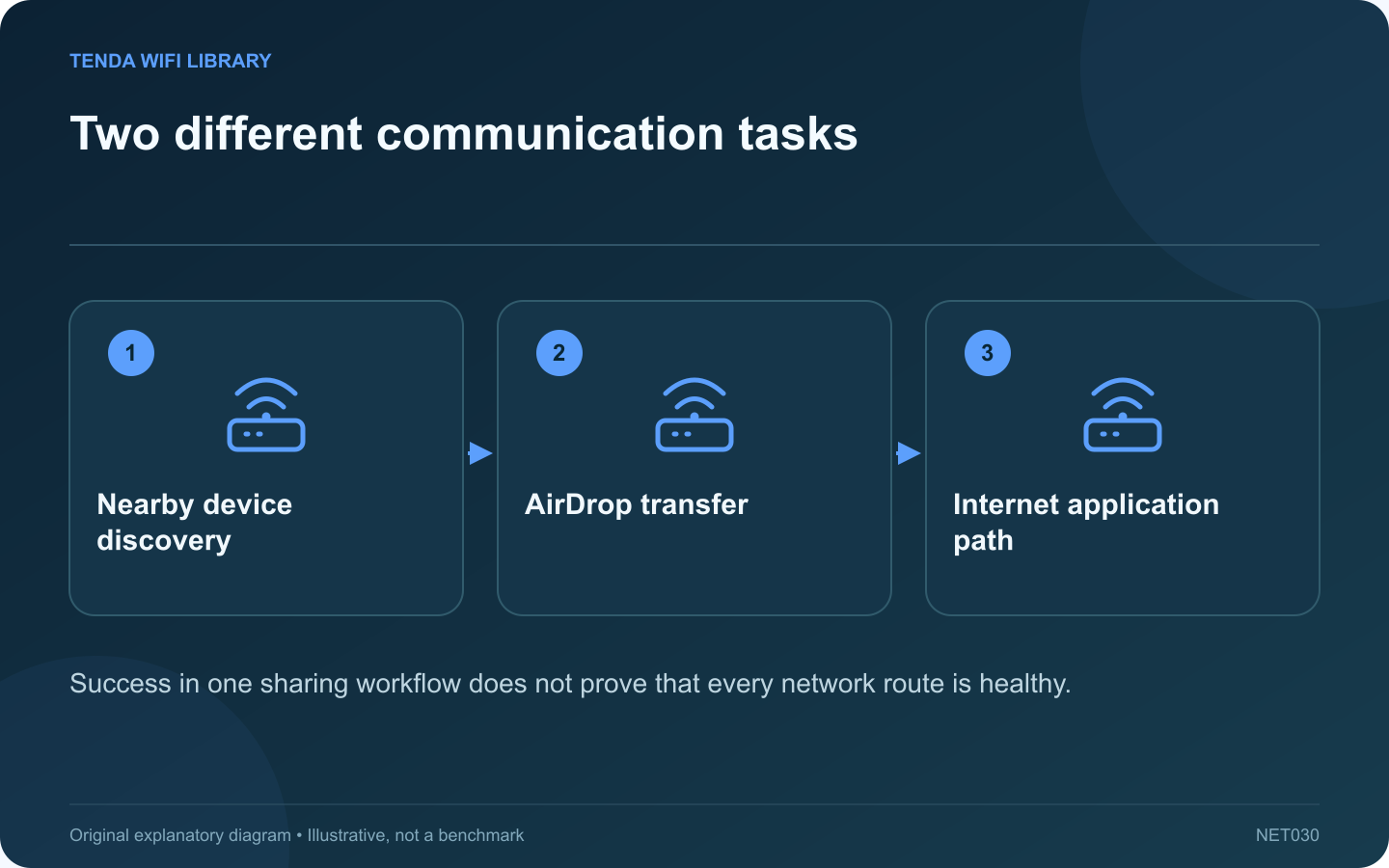
A successful AirDrop transfer can be reassuring when a Mac or iPhone has network trouble. However, it does not establish that the home router’s internet connection is working. Nearby sharing and a web request are different tasks with different requirements.
Check AirDrop’s own requirements
Apple’s guidance calls for Wi-Fi and Bluetooth to be enabled on nearby participating devices, along with suitable receiving settings. Confirm the intended recipient and use a harmless test file. Do not broaden receiving availability indefinitely just to diagnose another network problem.
Test internet access independently
On the affected device, open the intended website and a second unrelated public destination. Confirm whether a phone is using cellular data or the home Wi-Fi path. A phone that silently uses mobile data can make a household outage appear device-specific.
Separate discovery from completion
Seeing a recipient in AirDrop means discovery succeeded under those conditions. Completing a transfer adds evidence about that sharing task. Neither result confirms the provider connection, DNS behavior or availability of an unrelated remote service.
Watch for a change of path
Apple documents that some AirDrop transfers can continue over the internet after devices leave nearby range. Record whether the devices remained close and which connections were available. Avoid treating every successful AirDrop transfer as proof that it used only a local path.
Use the comparison constructively
- If nearby sharing works but public sites fail, investigate the internet path separately.
- If public sites work but AirDrop fails, inspect discovery, receiving settings and device compatibility.
- If an approved VPN is involved, ask whether its policy permits the required local networking.
Keep the test focused on the user’s actual goal. A router replacement is not justified by an AirDrop discovery problem alone, and a successful nearby transfer is not enough to dismiss a real broadband outage affecting the household.
Sources and editorial notes
Sources checked 8–9 October 2026. Independent guidance and original illustrations; product comparisons use published specifications rather than hands-on benchmarks. Check the exact model, revision and regional documentation before changing settings.