Independent router help & how-tosHelping you find your connection.
The guide library

Intel AX210 vs AX211: the interface matters more than the similar Wi-Fi name

Explore the guide library · Network adapter comparisons

Compare the host interface before buying a replacement wireless module for a laptop or desktop.
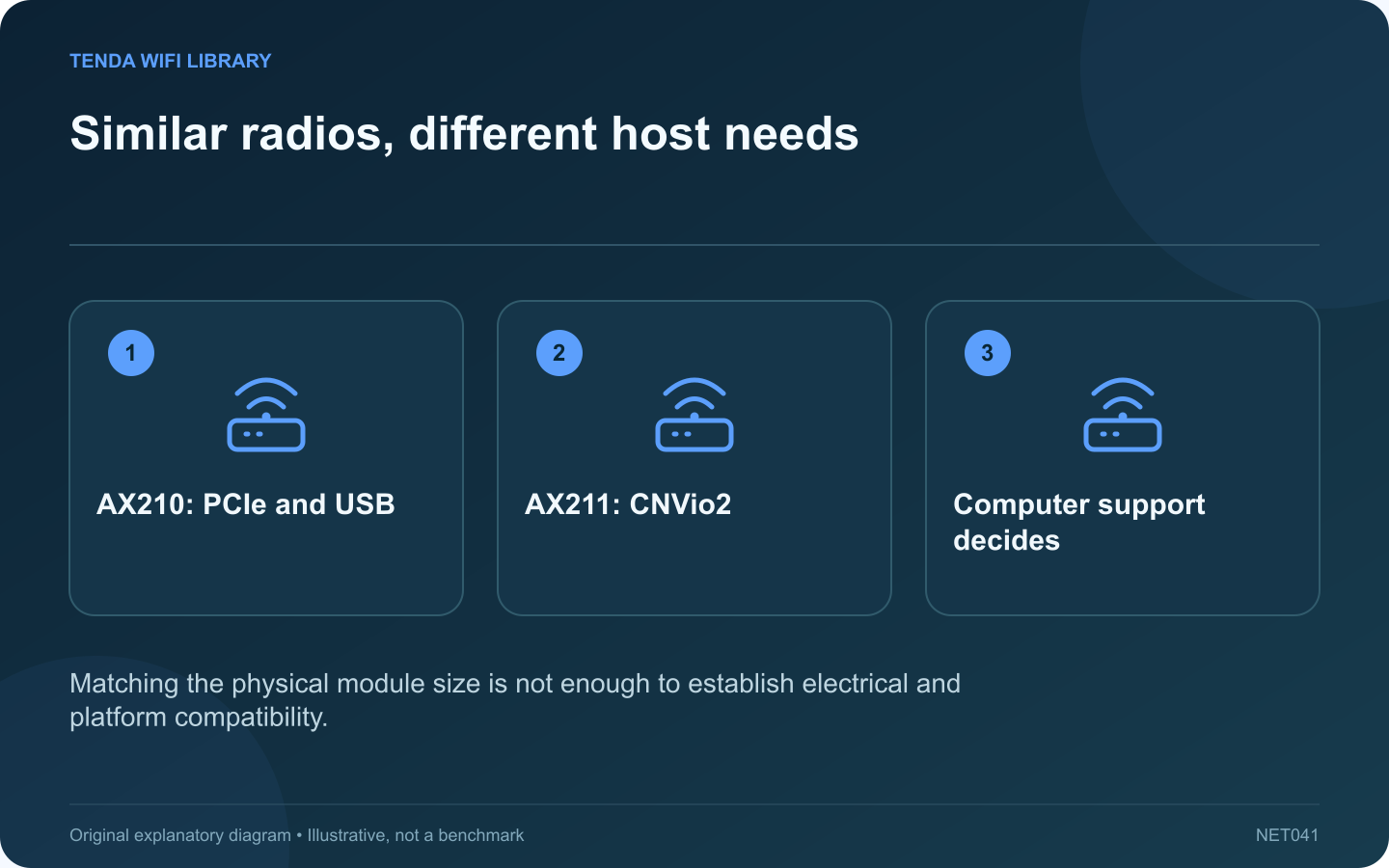
Similar radios, different host needs: AX210: PCIe and USB; AX211: CNVio2; Computer support decides
Matching the physical module size is not enough to establish electrical and platform compatibility.

Intel’s AX210 and AX211 can look like interchangeable Wi-Fi 6E upgrades because their radio specifications are similar. The crucial purchase check is the computer-side interface. A module that fits a socket physically is not necessarily supported by the platform behind it.

Compare the documented distinction

Question AX210 AX211
Host interface Wi-Fi through PCIe, Bluetooth through USB CNVio2
Advertised radio class Wi-Fi 6E, two streams Wi-Fi 6E, two streams
Bands listed 2.4, 5 and 6 GHz 2.4, 5 and 6 GHz

Check the computer’s service documentation

Find the exact laptop or motherboard model and its supported wireless modules. Confirm whether the existing component is replaceable, which interface the socket supports and whether the manufacturer restricts replacements. Do not buy solely from a reseller’s broad compatibility claim.

Consider the antenna arrangement

A useful upgrade also requires an appropriate antenna system and supported installation. Small antenna connectors are delicate. If the manufacturer does not provide a user-service procedure, use qualified service rather than opening a sealed computer on the strength of a generic tutorial.

Separate installation from 6 GHz access

Even a correctly supported module needs suitable operating-system, driver and regional support for 6 GHz. A working 5 GHz connection after installation does not prove every advertised band is available in that configuration.

Make the buying decision

Choose the module explicitly supported by the computer, then compare the cost with an external adapter or simply retaining the existing connection. If the current bottleneck is the broadband plan or router placement, replacing the internal module may not improve the task.

This is a specification-based compatibility comparison, not a benchmark or a claim that one model works in every Intel or AMD computer. Verify the exact machine and regional product documentation before ordering.

Sources and editorial notes

Sources checked 8–9 October 2026. Independent guidance and original illustrations; product comparisons use published specifications rather than hands-on benchmarks. Check the exact model, revision and regional documentation before changing settings.

Related guides

300 FAQs across our guide libraries

Quick answers

100 practical questions from Tenda WiFi Library.

Browse all 100 FAQs
Are Intel AX210 and AX211 interchangeable laptop upgrades?

Intel's AX210 and AX211 can look like interchangeable Wi-Fi 6E upgrades because their radio specifications are similar. The crucial purchase check is the computer-side interface. A module that fits a socket physically is not necessarily supported by the platform behind it. Find the exact laptop or motherboard model and its supported wireless modules. Confirm whether the existing component is replaceable, which interface the socket supports and whether the manufacturer restricts replacements. Do not buy solely from a reseller's broad compatibility claim.

Read the full guide and sources
Are Intel BE200 and BE201 interchangeable Wi-Fi 7 modules?

The BE200 and BE201 belong to Intel's Wi-Fi 7 family, but their similar names conceal an important host-interface difference. A successful upgrade begins with the computer manufacturer's supported configuration, not the largest wireless rate printed in a listing. Check the exact laptop or motherboard service information, socket interface, antenna arrangement and supported firmware. Do not infer compatibility from the presence of an M.2 connector alone. Different uses of that connector can require different electrical support.

Read the full guide and sources
What should I compare on ROG USB-BE92 and USB-AX56?

ASUS offers USB wireless adapters with very different capabilities despite similar naming. This comparison concerns the standard ROG USB-BE92 and USB-AX56. Check the complete model name when shopping because a Nano variant can have a different interface and physical design. If the router and intended task use only 2.4 or 5 GHz, the AX56 may provide the needed capability. If the goal specifically requires a compatible 6 GHz or Wi-Fi 7 connection, the BE92 belongs on the shortlist.

Read the full guide and sources
What should I compare on UE302C and USBC-E2500 adapters?

TP-Link's UE302C and Plugable's USBC-E2500 both provide a 2.5 Gigabit Ethernet interface for a compatible computer. The useful difference is how each fits your laptop and support requirements. Neither product makes a gigabit router port operate at 2.5 Gbps. Plugable's connector flexibility can be useful when moving between older desktops and newer laptops. A dedicated Type-C adapter can be simpler if all intended computers already have an appropriate free port. Confirm the exact regional package rather than relying on a marketplace photograph.

Read the full guide and sources
Independent. Practical. Clear.

Tenda WiFi Library is an independent information website. We are not affiliated with or endorsed by Tenda. Product names belong to their respective owners.