Independent router help & how-tosHelping you find your connection.
The guide library

ROG USB-BE92 vs USB-AX56: does your computer need 6 GHz and Wi-Fi 7?

Explore the guide library · Network adapter comparisons

Compare the standard ROG USB-BE92 with the USB-AX56 by bands, software support and placement needs.
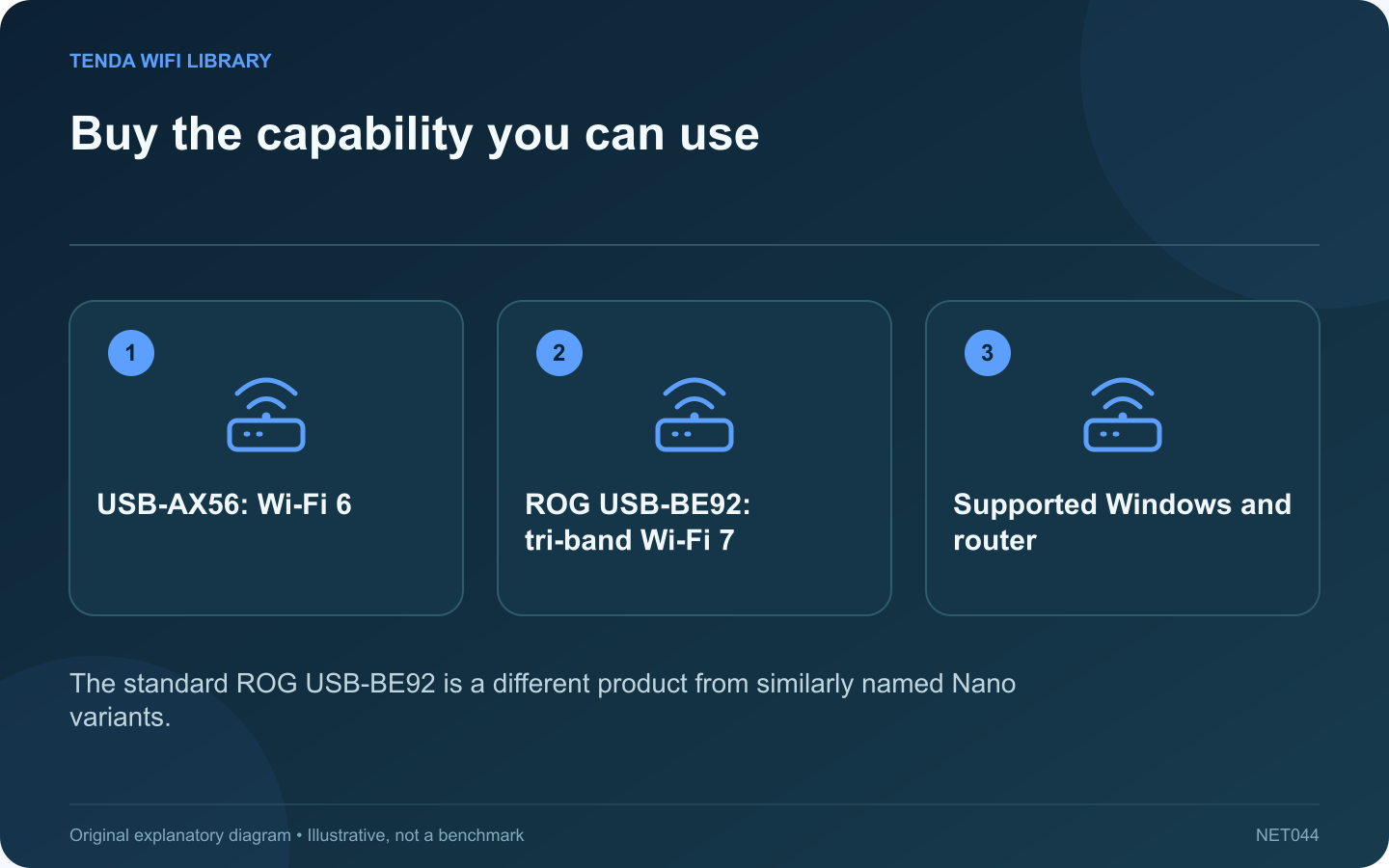
Buy the capability you can use: USB-AX56: Wi-Fi 6; ROG USB-BE92: tri-band Wi-Fi 7; Supported Windows and router
The standard ROG USB-BE92 is a different product from similarly named Nano variants.

ASUS offers USB wireless adapters with very different capabilities despite similar naming. This comparison concerns the standard ROG USB-BE92 and USB-AX56. Check the complete model name when shopping because a Nano variant can have a different interface and physical design.

Compare the relevant specifications

Feature USB-AX56 ROG USB-BE92
Wireless generation Wi-Fi 6 Wi-Fi 7
Listed bands 2.4 and 5 GHz 2.4, 5 and 6 GHz
USB interface USB 3.2 Gen 1 USB 3.0
Antenna design Two external antennas Two internal antennas

Start with the existing network

If the router and intended task use only 2.4 or 5 GHz, the AX56 may provide the needed capability. If the goal specifically requires a compatible 6 GHz or Wi-Fi 7 connection, the BE92 belongs on the shortlist.

Check the software conditions

ASUS lists Windows support and notes that full Wi-Fi 7 functionality requires an appropriate Windows 11 platform version. Confirm the current driver for the exact product and region. Do not assume support for macOS or Linux from the fact that the adapter uses USB.

Evaluate the physical arrangement

Measure neighboring port clearance and consider where the adapter will sit relative to the computer chassis. The antenna count alone does not prove which model will perform better at your desk. Test the supported placement with the actual router and workload.

Make a proportionate upgrade

Keep the current adapter if it already meets the task reliably. Spend more when the newer band’s availability or a supported feature addresses an identified limitation.

This comparison uses published specifications rather than measured benchmarks. Neither product’s wireless class guarantees internet speed. Include local warranty, return conditions and driver support in the decision so a specification advantage does not become an unsupported accessory.

Sources and editorial notes

Sources checked 8–9 October 2026. Independent guidance and original illustrations; product comparisons use published specifications rather than hands-on benchmarks. Check the exact model, revision and regional documentation before changing settings.

Related guides

300 FAQs across our guide libraries

Quick answers

100 practical questions from Tenda WiFi Library.

Browse all 100 FAQs
What should I compare on ROG USB-BE92 and USB-AX56?

ASUS offers USB wireless adapters with very different capabilities despite similar naming. This comparison concerns the standard ROG USB-BE92 and USB-AX56. Check the complete model name when shopping because a Nano variant can have a different interface and physical design. If the router and intended task use only 2.4 or 5 GHz, the AX56 may provide the needed capability. If the goal specifically requires a compatible 6 GHz or Wi-Fi 7 connection, the BE92 belongs on the shortlist.

Read the full guide and sources
When does a TXE70UH USB adapter suit a desktop better than TXE75E?

The Archer TXE70UH and TXE75E both offer a route to Wi-Fi 6E, but they connect to the computer differently. The TXE70UH is an external USB adapter; the TXE75E is a PCIe desktop card. That distinction can decide the purchase before any speed comparison is relevant. A laptop with a supported USB port may accept an external adapter without internal service work. A desktop can accommodate a PCIe card only when it has a suitable accessible slot and case clearance. Do not buy a card for an all-in-one computer simply because the machine runs Windows.

Read the full guide and sources
Are Intel BE200 and BE201 interchangeable Wi-Fi 7 modules?

The BE200 and BE201 belong to Intel's Wi-Fi 7 family, but their similar names conceal an important host-interface difference. A successful upgrade begins with the computer manufacturer's supported configuration, not the largest wireless rate printed in a listing. Check the exact laptop or motherboard service information, socket interface, antenna arrangement and supported firmware. Do not infer compatibility from the presence of an M.2 connector alone. Different uses of that connector can require different electrical support.

Read the full guide and sources
What should I compare on UE302C and USBC-E2500 adapters?

TP-Link's UE302C and Plugable's USBC-E2500 both provide a 2.5 Gigabit Ethernet interface for a compatible computer. The useful difference is how each fits your laptop and support requirements. Neither product makes a gigabit router port operate at 2.5 Gbps. Plugable's connector flexibility can be useful when moving between older desktops and newer laptops. A dedicated Type-C adapter can be simpler if all intended computers already have an appropriate free port. Confirm the exact regional package rather than relying on a marketplace photograph.

Read the full guide and sources
Independent. Practical. Clear.

Tenda WiFi Library is an independent information website. We are not affiliated with or endorsed by Tenda. Product names belong to their respective owners.