Independent router help & how-tosHelping you find your connection.
The guide library

TP-Link UE302C vs Plugable USBC-E2500: choose a 2.5G laptop adapter

Explore the guide library · Network adapter comparisons

Compare host connectors, supported systems and the network beyond the adapter before choosing either model.
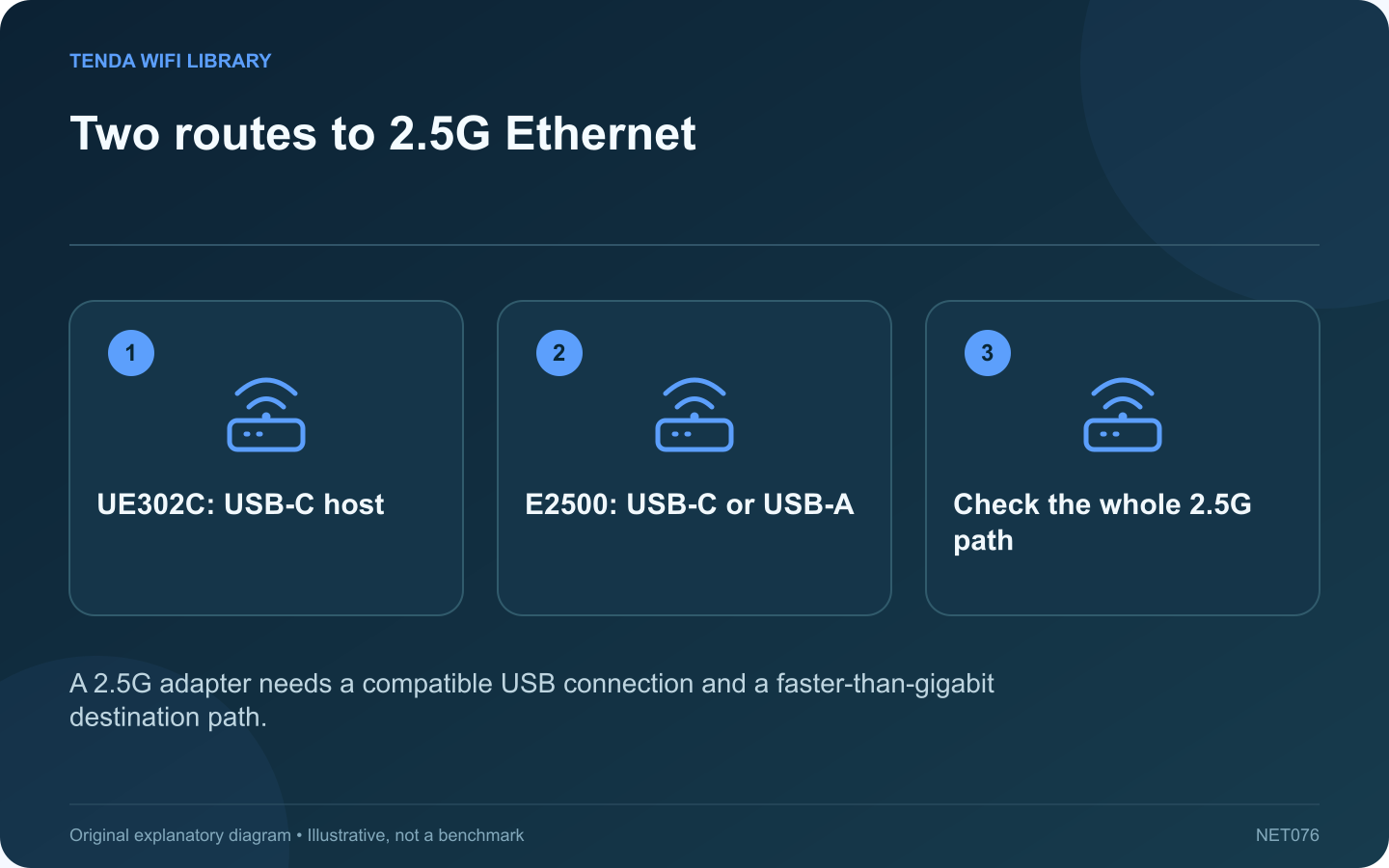
Two routes to 2.5G Ethernet: UE302C: USB-C host; E2500: USB-C or USB-A; Check the whole 2.5G path
A 2.5G adapter needs a compatible USB connection and a faster-than-gigabit destination path.

TP-Link’s UE302C and Plugable’s USBC-E2500 both provide a 2.5 Gigabit Ethernet interface for a compatible computer. The useful difference is how each fits your laptop and support requirements. Neither product makes a gigabit router port operate at 2.5 Gbps.

Compare the connectors first

Requirement UE302C USBC-E2500
Laptop connection USB-C Hybrid USB-C and USB-A arrangement
Ethernet class 2.5 Gigabit 2.5 Gigabit
Purchase check Available compatible Type-C port Correct host connector and USB speed

Plugable’s connector flexibility can be useful when moving between older desktops and newer laptops. A dedicated Type-C adapter can be simpler if all intended computers already have an appropriate free port. Confirm the exact regional package rather than relying on a marketplace photograph.

Check operating-system support

Read the current compatibility table for your operating system and version. An adapter being recognized is not the same as every optional feature working. If the laptop is managed by an employer, ask whether additional drivers are permitted before purchasing hardware.

Draw the transfer path

List the adapter, switch port, uplink and destination. A fast local NAS can justify this upgrade even when the internet plan is slower. Conversely, a gigabit bottleneck elsewhere limits a large transfer regardless of the adapter’s label.

Use a practical return-window test

  1. Connect directly to a suitable host port.
  2. Confirm the negotiated Ethernet rate.
  3. Transfer representative data to a capable local destination.
  4. Repeat after sleep and reconnection.

Choose based on compatibility and repeatable behavior in your own setup, including the ports available at your usual desk. This is a specification comparison, not a measured ranking of sustained speed, heat or reliability. Those results depend on the host, driver, cable and workload and should be tested before committing to a larger network upgrade.

Sources and editorial notes

Sources checked 8–9 October 2026. Independent guidance and original illustrations; product comparisons use published specifications rather than hands-on benchmarks. Check the exact model, revision and regional documentation before changing settings.

Related guides

300 FAQs across our guide libraries

Quick answers

100 practical questions from Tenda WiFi Library.

Browse all 100 FAQs
What should I compare on UE302C and USBC-E2500 adapters?

TP-Link's UE302C and Plugable's USBC-E2500 both provide a 2.5 Gigabit Ethernet interface for a compatible computer. The useful difference is how each fits your laptop and support requirements. Neither product makes a gigabit router port operate at 2.5 Gbps. Plugable's connector flexibility can be useful when moving between older desktops and newer laptops. A dedicated Type-C adapter can be simpler if all intended computers already have an appropriate free port. Confirm the exact regional package rather than relying on a marketplace photograph.

Read the full guide and sources
When does a laptop benefit from 2.5G rather than Gigabit Ethernet?

A laptop's Gigabit Ethernet connection may already handle video calls, browsing and a modest internet plan comfortably. Moving to 2.5G is most compelling when a frequent transfer actually runs into the existing wired link's capacity. Choose a real job such as copying a video project to a NAS. Record its size and elapsed time with the existing adapter. Keep the same files and destination for the comparison. A synthetic speed result matters less than whether the daily task finishes sooner.

Read the full guide and sources
What should I verify before buying a Wi-Fi adapter for Linux?

For Linux, a Wi-Fi adapter's retail speed class is only part of the purchase decision. The exact chipset, available driver and firmware package determine whether the distribution can use it reliably. A Windows driver download does not establish Linux support. Record the chipset and product revision, not only the marketing name. Different revisions can use different components. For an internal module, also confirm the laptop's electrical interface and manufacturer support; matching the physical socket is insufficient.

Read the full guide and sources
When does a TXE70UH USB adapter suit a desktop better than TXE75E?

The Archer TXE70UH and TXE75E both offer a route to Wi-Fi 6E, but they connect to the computer differently. The TXE70UH is an external USB adapter; the TXE75E is a PCIe desktop card. That distinction can decide the purchase before any speed comparison is relevant. A laptop with a supported USB port may accept an external adapter without internal service work. A desktop can accommodate a PCIe card only when it has a suitable accessible slot and case clearance. Do not buy a card for an all-in-one computer simply because the machine runs Windows.

Read the full guide and sources
Independent. Practical. Clear.

Tenda WiFi Library is an independent information website. We are not affiliated with or endorsed by Tenda. Product names belong to their respective owners.