Independent router help & how-tosHelping you find your connection.
The guide library

Intel BE200 vs BE201: choose a supported Wi-Fi 7 platform, not just an M.2 shape

Explore the guide library · Network adapter comparisons

Distinguish PCIe/USB and CNVio3 modules before planning an internal Wi-Fi 7 upgrade.
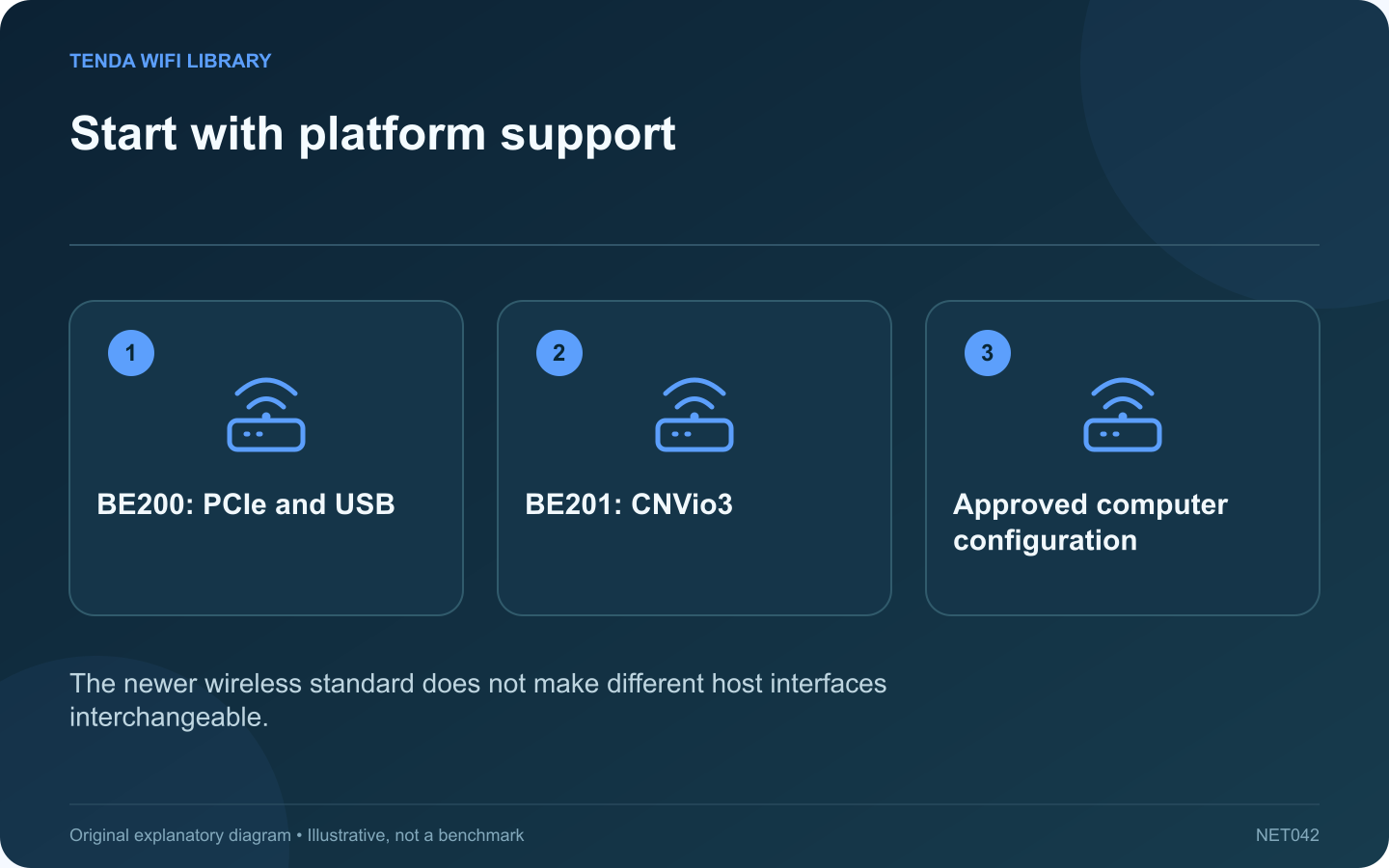
Start with platform support: BE200: PCIe and USB; BE201: CNVio3; Approved computer configuration
The newer wireless standard does not make different host interfaces interchangeable.

The BE200 and BE201 belong to Intel’s Wi-Fi 7 family, but their similar names conceal an important host-interface difference. A successful upgrade begins with the computer manufacturer’s supported configuration, not the largest wireless rate printed in a listing.

Read the interface specification

Item BE200 BE201
System interface M.2 PCIe and USB M.2 CNVio3
Listed bands 2.4, 5 and 6 GHz 2.4, 5 and 6 GHz
Advertised maximum Up to 5.8 Gbps under specified radio conditions Up to 5.8 Gbps under specified radio conditions

Verify the whole platform

Check the exact laptop or motherboard service information, socket interface, antenna arrangement and supported firmware. Do not infer compatibility from the presence of an M.2 connector alone. Different uses of that connector can require different electrical support.

Account for software requirements

A supported driver and operating-system build determine which wireless features are usable. Microsoft’s Wi-Fi guidance identifies Windows requirements for newer capabilities. A driver installing successfully is not evidence that every Wi-Fi 7 function is active.

Define the upgrade’s benefit

Identify whether the goal is access to a suitable 6 GHz network, faster local transfers or improved performance with a specific router. An internet connection already limited elsewhere may show little improvement after a client-module change.

Choose a supported purchase route

Prefer a manufacturer-approved replacement or a documented external alternative when internal compatibility is uncertain. Include installation effort and recovery options in the cost, especially when the existing radio provides your only internet access.

The quoted radio maximum is a specification, not a measured download promise. Region, router capabilities, channel availability and the actual environment matter. Retain the original supported configuration until the replacement has passed ordinary connection, restart, sleep and application checks on the exact computer.

Sources and editorial notes

Sources checked 8–9 October 2026. Independent guidance and original illustrations; product comparisons use published specifications rather than hands-on benchmarks. Check the exact model, revision and regional documentation before changing settings.

Related guides

300 FAQs across our guide libraries

Quick answers

100 practical questions from Tenda WiFi Library.

Browse all 100 FAQs
Are Intel BE200 and BE201 interchangeable Wi-Fi 7 modules?

The BE200 and BE201 belong to Intel's Wi-Fi 7 family, but their similar names conceal an important host-interface difference. A successful upgrade begins with the computer manufacturer's supported configuration, not the largest wireless rate printed in a listing. Check the exact laptop or motherboard service information, socket interface, antenna arrangement and supported firmware. Do not infer compatibility from the presence of an M.2 connector alone. Different uses of that connector can require different electrical support.

Read the full guide and sources
Are Intel AX210 and AX211 interchangeable laptop upgrades?

Intel's AX210 and AX211 can look like interchangeable Wi-Fi 6E upgrades because their radio specifications are similar. The crucial purchase check is the computer-side interface. A module that fits a socket physically is not necessarily supported by the platform behind it. Find the exact laptop or motherboard model and its supported wireless modules. Confirm whether the existing component is replaceable, which interface the socket supports and whether the manufacturer restricts replacements. Do not buy solely from a reseller's broad compatibility claim.

Read the full guide and sources
When does a TXE70UH USB adapter suit a desktop better than TXE75E?

The Archer TXE70UH and TXE75E both offer a route to Wi-Fi 6E, but they connect to the computer differently. The TXE70UH is an external USB adapter; the TXE75E is a PCIe desktop card. That distinction can decide the purchase before any speed comparison is relevant. A laptop with a supported USB port may accept an external adapter without internal service work. A desktop can accommodate a PCIe card only when it has a suitable accessible slot and case clearance. Do not buy a card for an all-in-one computer simply because the machine runs Windows.

Read the full guide and sources
When does a laptop benefit from 2.5G rather than Gigabit Ethernet?

A laptop's Gigabit Ethernet connection may already handle video calls, browsing and a modest internet plan comfortably. Moving to 2.5G is most compelling when a frequent transfer actually runs into the existing wired link's capacity. Choose a real job such as copying a video project to a NAS. Record its size and elapsed time with the existing adapter. Keep the same files and destination for the comparison. A synthetic speed result matters less than whether the daily task finishes sooner.

Read the full guide and sources
Independent. Practical. Clear.

Tenda WiFi Library is an independent information website. We are not affiliated with or endorsed by Tenda. Product names belong to their respective owners.