Explore the guide library · Printer networking
Understand a DIRECT printer network before mistaking it for the router’s normal internet connection.
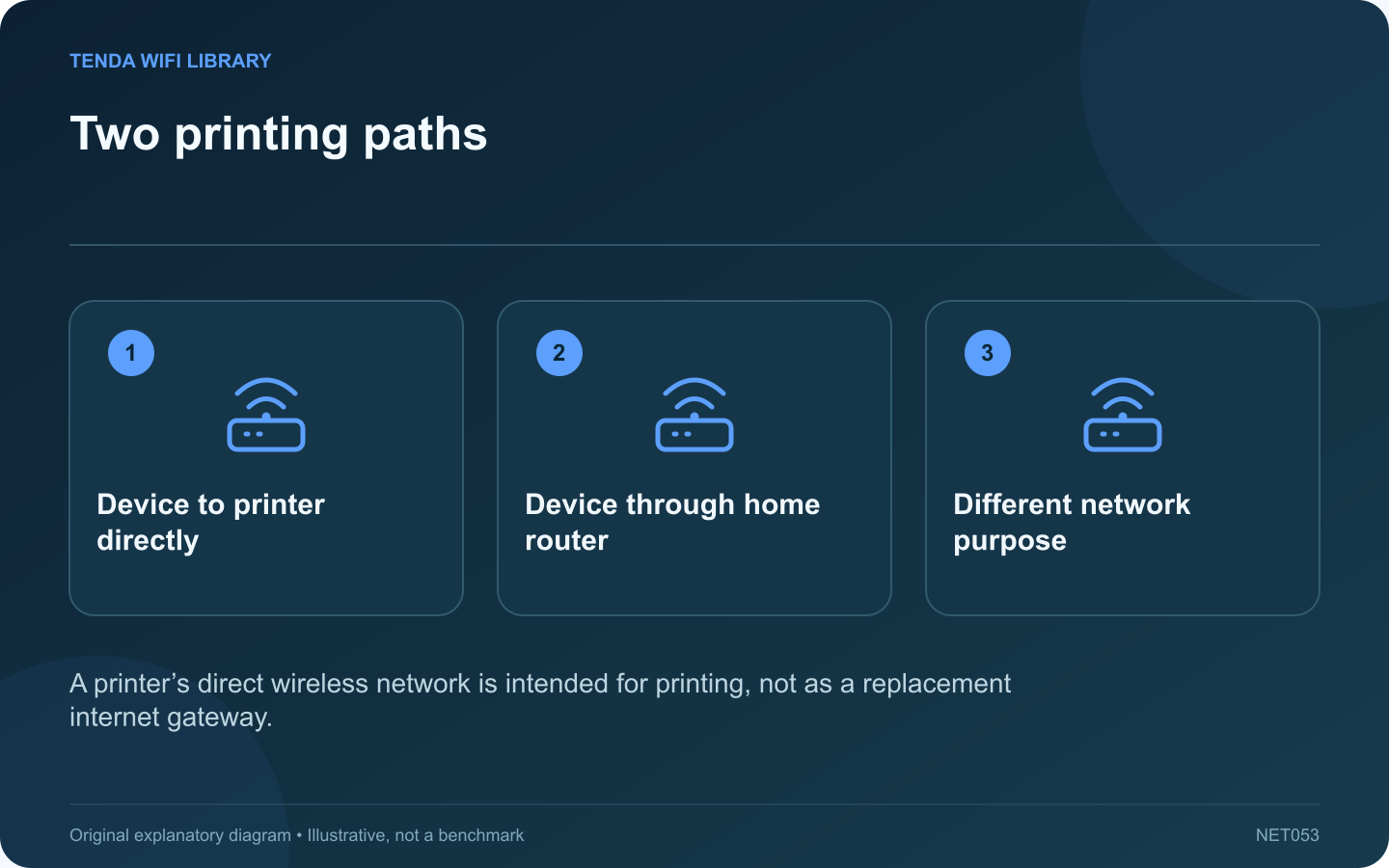
A wireless printer may advertise a network beginning with DIRECT while also supporting a connection to your home router. These are different arrangements. Joining the direct network can be useful for a specific print job, but it should not be confused with joining ordinary household Wi-Fi.
Understand the direct path
HP describes Wi-Fi Direct as a connection between the printer and a compatible device without requiring the router for that printing exchange. The printer does not thereby become an internet gateway for connected clients.
Understand the shared home path
When the printer joins the household network, approved computers and phones can reach it through that network’s supported printing services. This is often more convenient for repeated use from several devices, provided the local network permits the required communication.
Choose deliberately
- Use direct printing for a supported temporary connection when it fits the task.
- Use the normal network connection for the household’s established shared workflow.
- Check the exact model’s capabilities before expecting both arrangements to behave identically.
Protect the direct connection
Use the printer’s supported password or approval controls. HP recommends avoiding unrestricted automatic access and turning Wi-Fi Direct off when it is not needed. Do not place personal contact details in the printer’s broadcast name.
Verify where the device returns
After a direct-print session, check that the computer or phone uses the intended ordinary network for its next internet task. Behavior varies by client and supported connection method; inspect the active path rather than assuming the switch happened automatically.
If a computer can print directly but not through the router, that narrows the investigation toward the printer’s home-network connection or discovery path. It does not prove that every printer service is configured correctly. Keep a short note of the chosen workflow so another household member does not accidentally troubleshoot the DIRECT network as if it were a broadband outage.
Sources and editorial notes
Sources checked 8–9 October 2026. Independent guidance and original illustrations; product comparisons use published specifications rather than hands-on benchmarks. Check the exact model, revision and regional documentation before changing settings.