Explore the guide library · Printer networking
Check the printer’s state, AirPrint support and local network before changing unrelated Wi-Fi settings.
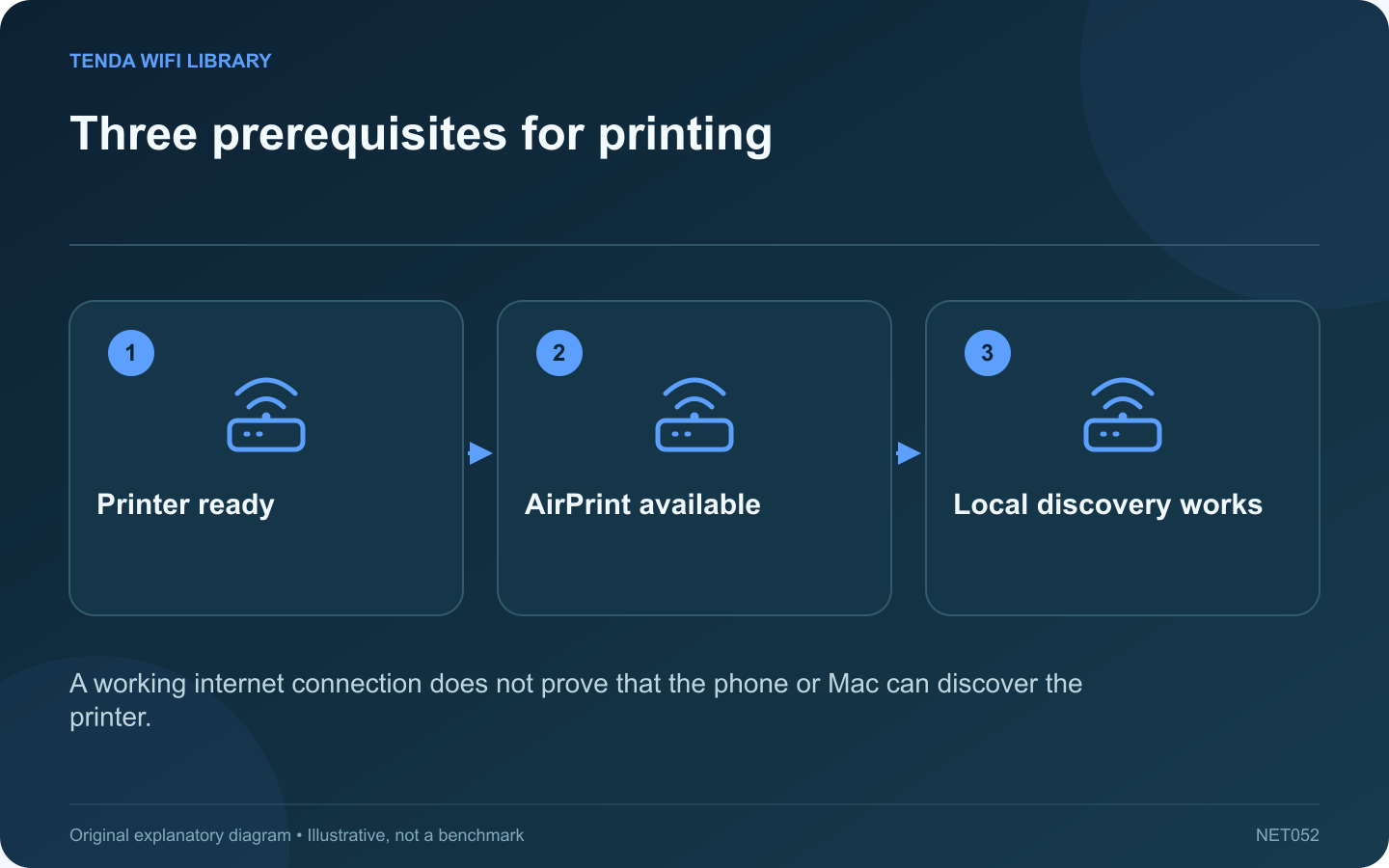
An empty AirPrint list can result from a printer that is not ready, a model that lacks the required support or a local discovery problem. Start by checking those conditions separately. A strong Wi-Fi indicator on the phone does not resolve them automatically.
Check the printer itself
Confirm that it is powered on, has finished starting and shows no blocking error. Check paper and supplies for the intended test. HP’s AirPrint guidance begins with readiness and connection checks because a printer can be unavailable for reasons unrelated to the wireless signal.
Verify AirPrint support
Use the printer’s exact model documentation. A device supporting some form of wireless printing does not necessarily expose the same service. Apply supported firmware updates when the manufacturer identifies them as necessary for compatibility.
Confirm the local network
Apple’s printing guidance calls for the AirPrint printer and Mac to be on the same network. Inspect whether a phone is on guest Wi-Fi while the printer is on the main network. Separate isolated segments can provide internet access without permitting discovery between devices.
Distinguish a saved queue from discovery
A Mac’s previously installed printer may remain listed even when current discovery fails. Test whether the actual print job reaches the intended device. A queue name alone is not proof of a live network service.
Use a small verification job
- Choose a simple one-page document.
- Select the correct printer.
- Check the queue’s status message.
- Confirm the physical page appears.
If the device remains absent, inspect the manufacturer’s AirPrint and Bonjour settings with the network administrator. Avoid disabling all guest isolation or removing every printer as a blanket repair. Preserve the useful distinction between a ready printer, an advertised service and a completed job so the next action addresses the stage that is actually failing.
Sources and editorial notes
Sources checked 8–9 October 2026. Independent guidance and original illustrations; product comparisons use published specifications rather than hands-on benchmarks. Check the exact model, revision and regional documentation before changing settings.