Explore the guide library · Network adapter comparisons
Distinguish PCIe/USB and CNVio3 modules before planning an internal Wi-Fi 7 upgrade.
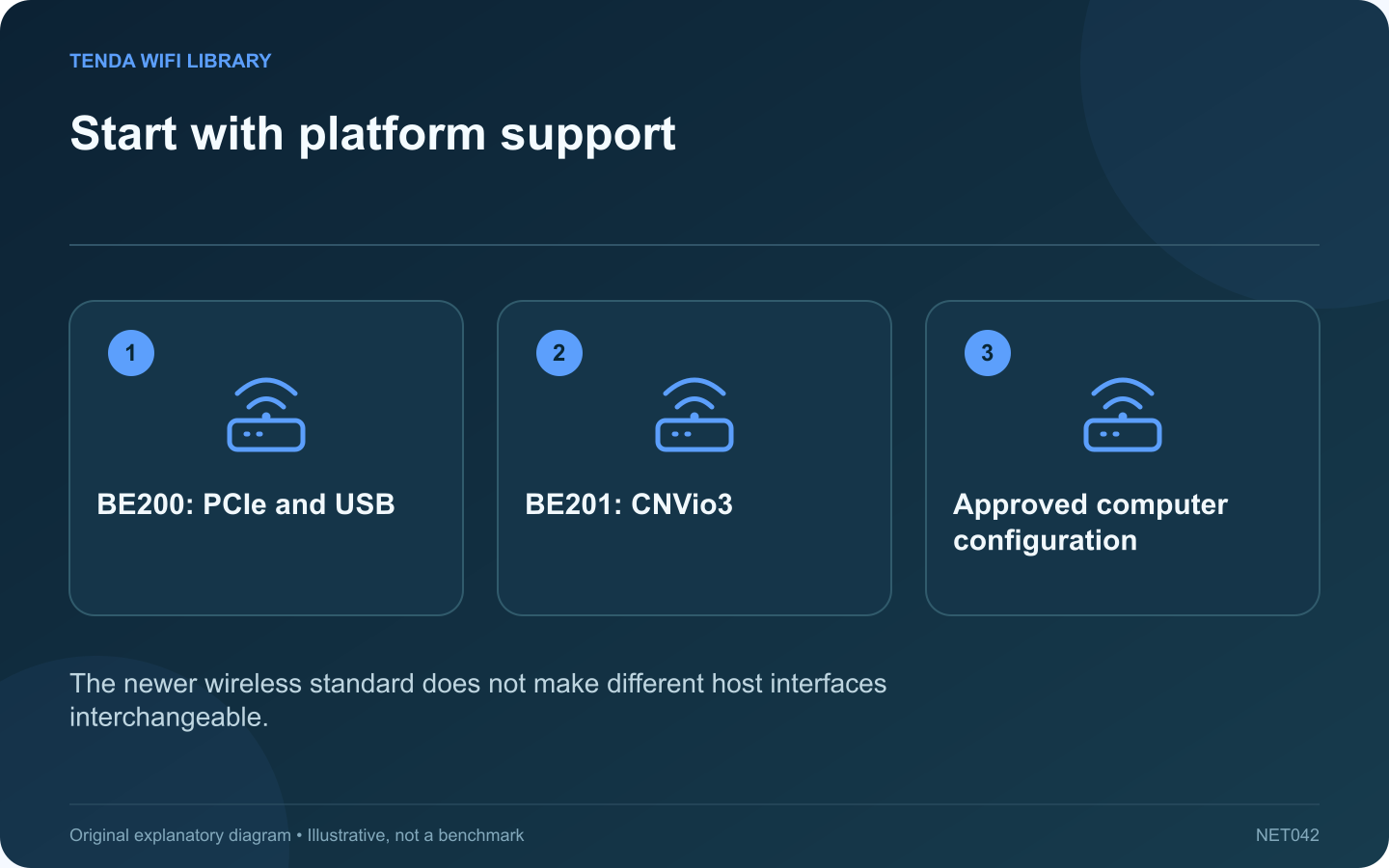
The BE200 and BE201 belong to Intel’s Wi-Fi 7 family, but their similar names conceal an important host-interface difference. A successful upgrade begins with the computer manufacturer’s supported configuration, not the largest wireless rate printed in a listing.
Read the interface specification
| Item | BE200 | BE201 |
|---|---|---|
| System interface | M.2 PCIe and USB | M.2 CNVio3 |
| Listed bands | 2.4, 5 and 6 GHz | 2.4, 5 and 6 GHz |
| Advertised maximum | Up to 5.8 Gbps under specified radio conditions | Up to 5.8 Gbps under specified radio conditions |
Verify the whole platform
Check the exact laptop or motherboard service information, socket interface, antenna arrangement and supported firmware. Do not infer compatibility from the presence of an M.2 connector alone. Different uses of that connector can require different electrical support.
Account for software requirements
A supported driver and operating-system build determine which wireless features are usable. Microsoft’s Wi-Fi guidance identifies Windows requirements for newer capabilities. A driver installing successfully is not evidence that every Wi-Fi 7 function is active.
Define the upgrade’s benefit
Identify whether the goal is access to a suitable 6 GHz network, faster local transfers or improved performance with a specific router. An internet connection already limited elsewhere may show little improvement after a client-module change.
Choose a supported purchase route
Prefer a manufacturer-approved replacement or a documented external alternative when internal compatibility is uncertain. Include installation effort and recovery options in the cost, especially when the existing radio provides your only internet access.
The quoted radio maximum is a specification, not a measured download promise. Region, router capabilities, channel availability and the actual environment matter. Retain the original supported configuration until the replacement has passed ordinary connection, restart, sleep and application checks on the exact computer.
Sources and editorial notes
Sources checked 8–9 October 2026. Independent guidance and original illustrations; product comparisons use published specifications rather than hands-on benchmarks. Check the exact model, revision and regional documentation before changing settings.
- Intel: BE200 specifications
- Intel: BE201 specifications
- Microsoft: Wi-Fi capabilities and Windows requirements