Explore the guide library · Network adapter comparisons
Compare the standard ROG USB-BE92 with the USB-AX56 by bands, software support and placement needs.
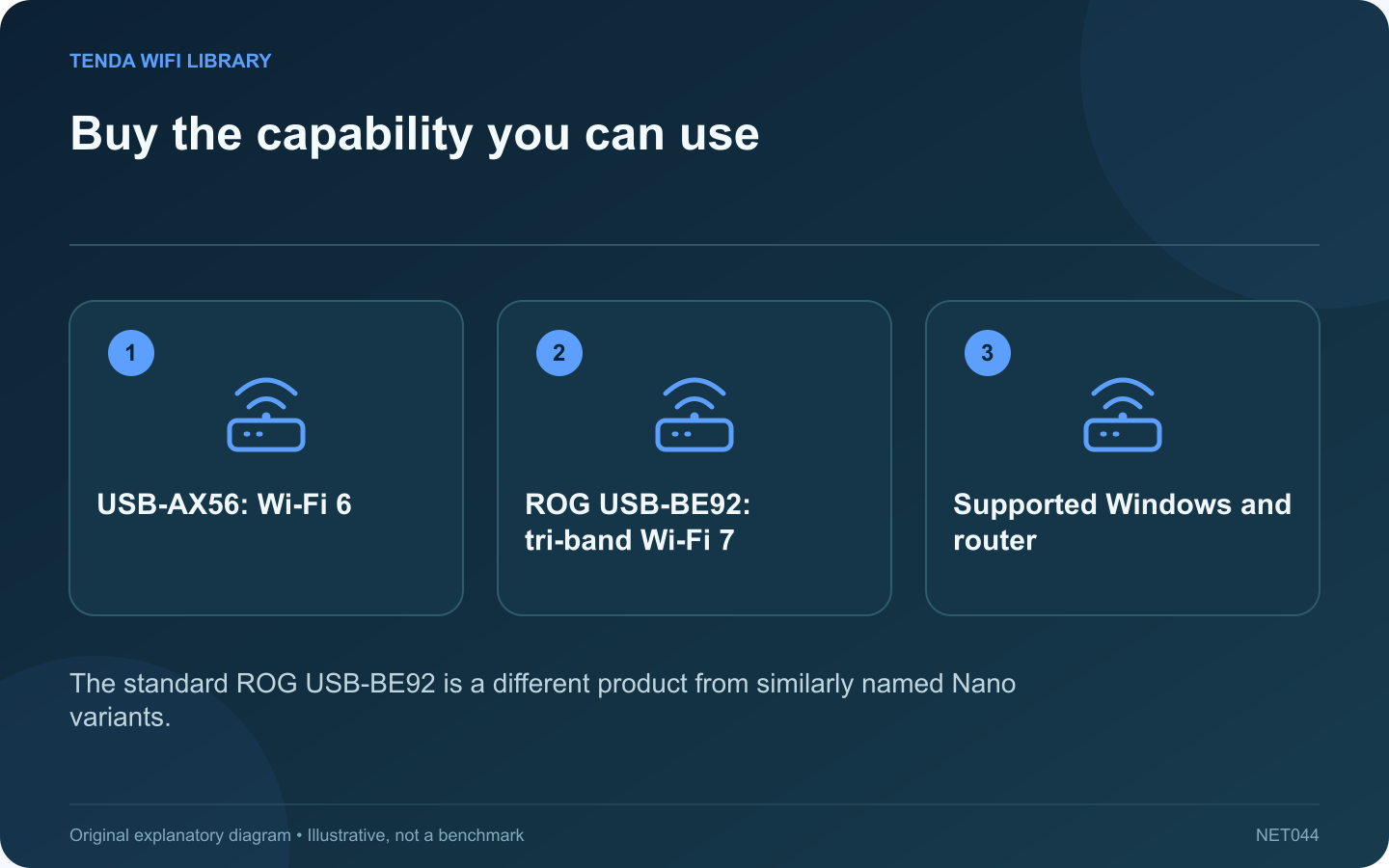
ASUS offers USB wireless adapters with very different capabilities despite similar naming. This comparison concerns the standard ROG USB-BE92 and USB-AX56. Check the complete model name when shopping because a Nano variant can have a different interface and physical design.
Compare the relevant specifications
| Feature | USB-AX56 | ROG USB-BE92 |
|---|---|---|
| Wireless generation | Wi-Fi 6 | Wi-Fi 7 |
| Listed bands | 2.4 and 5 GHz | 2.4, 5 and 6 GHz |
| USB interface | USB 3.2 Gen 1 | USB 3.0 |
| Antenna design | Two external antennas | Two internal antennas |
Start with the existing network
If the router and intended task use only 2.4 or 5 GHz, the AX56 may provide the needed capability. If the goal specifically requires a compatible 6 GHz or Wi-Fi 7 connection, the BE92 belongs on the shortlist.
Check the software conditions
ASUS lists Windows support and notes that full Wi-Fi 7 functionality requires an appropriate Windows 11 platform version. Confirm the current driver for the exact product and region. Do not assume support for macOS or Linux from the fact that the adapter uses USB.
Evaluate the physical arrangement
Measure neighboring port clearance and consider where the adapter will sit relative to the computer chassis. The antenna count alone does not prove which model will perform better at your desk. Test the supported placement with the actual router and workload.
Make a proportionate upgrade
Keep the current adapter if it already meets the task reliably. Spend more when the newer band’s availability or a supported feature addresses an identified limitation.
This comparison uses published specifications rather than measured benchmarks. Neither product’s wireless class guarantees internet speed. Include local warranty, return conditions and driver support in the decision so a specification advantage does not become an unsupported accessory.
Sources and editorial notes
Sources checked 8–9 October 2026. Independent guidance and original illustrations; product comparisons use published specifications rather than hands-on benchmarks. Check the exact model, revision and regional documentation before changing settings.