Explore the guide library · Wi-Fi 7 client help
Verify the complete supported setup before assuming that a Wi-Fi 7 USB adapter is defective.
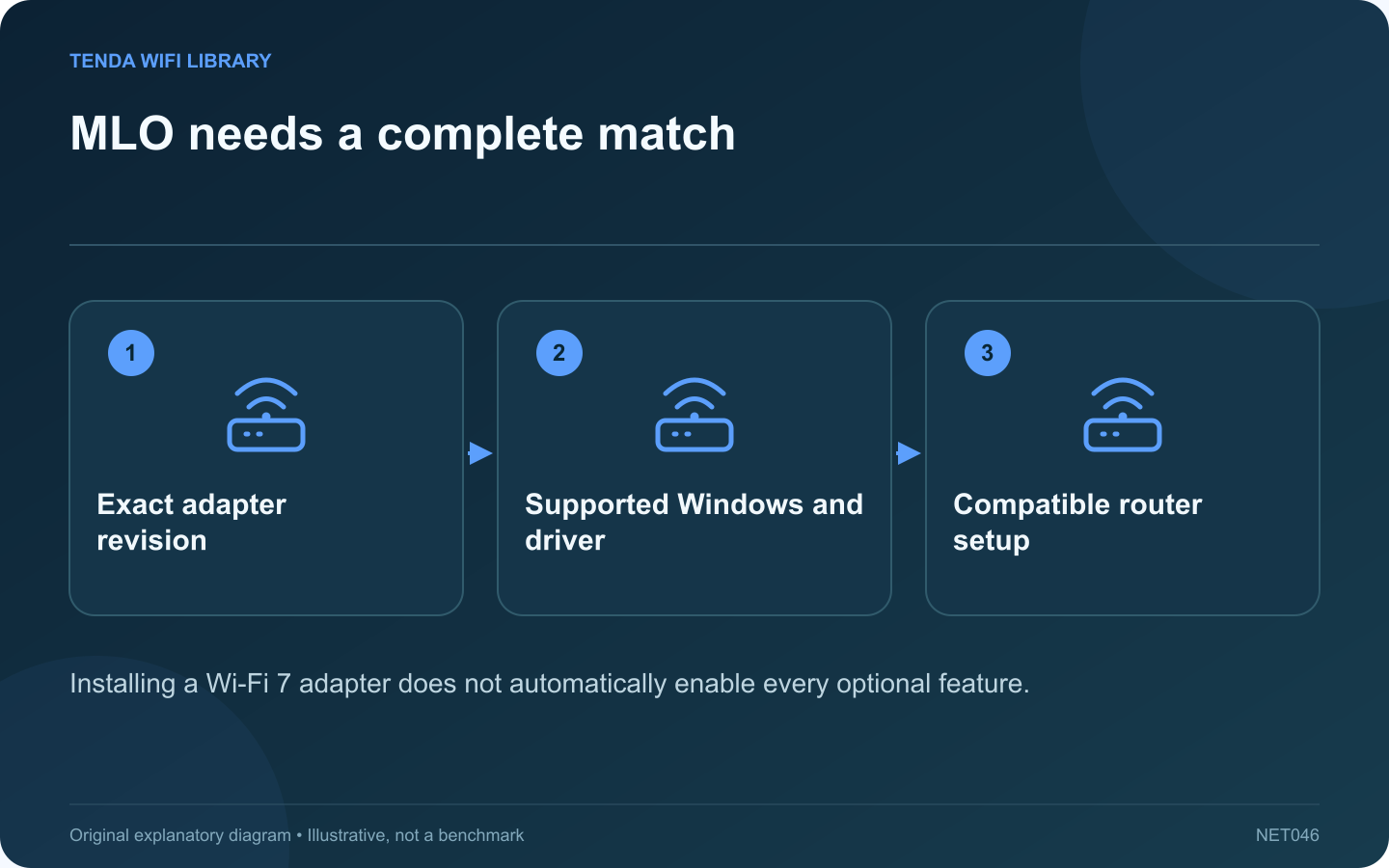
The Archer TBE400UH can provide an ordinary wireless connection while a newer capability such as Multi-Link Operation is unavailable. A working adapter and an active MLO connection are different milestones. Check the exact support conditions before replacing the hardware.
Identify the revision you own
Read the product label and use TP-Link’s corresponding regional support page. Hardware-version availability differs by region. Do not install a package chosen only because its filename contains a similar model number.
Compare the installed driver
The cited TBE400UH support page includes driver notes describing MLO support and a Windows 11 24H2-or-later requirement. Check the current stable release for your revision. An older package bundled with the adapter may not represent the feature support described by a later release.
Verify the router side
The router must support and expose the corresponding function under a compatible configuration. Record its model, firmware and network settings. A newer Wi-Fi label alone does not establish that the specific client and router combination uses the expected mode.
Avoid a speed-test shortcut
A higher download result is not proof that MLO became active. Compare the connection information exposed by the supported operating system or vendor tools, and then test the actual application. Internet service limits can conceal changes in the local wireless link.
Build a useful support record
- Adapter model and hardware revision.
- Windows version and build.
- Installed driver version.
- Router model and firmware.
- Observed connection mode and reproducible symptom.
Keep serial numbers and private network details out of public screenshots. Use beta software only when there is a deliberate test reason and a recovery plan; a stable supported package is the normal starting point. If the combination remains unsupported, retain a reliable ordinary connection while seeking vendor guidance rather than changing unrelated router security settings.
Sources and editorial notes
Sources checked 8–9 October 2026. Independent guidance and original illustrations; product comparisons use published specifications rather than hands-on benchmarks. Check the exact model, revision and regional documentation before changing settings.
- TP-Link: Archer TBE400UH revision-specific drivers and MLO requirements
- TP-Link: Archer TBE400UH specifications