Explore the guide library · Gaming connection help
Compare network timing with the visible freeze and test a sustainable streaming rate.
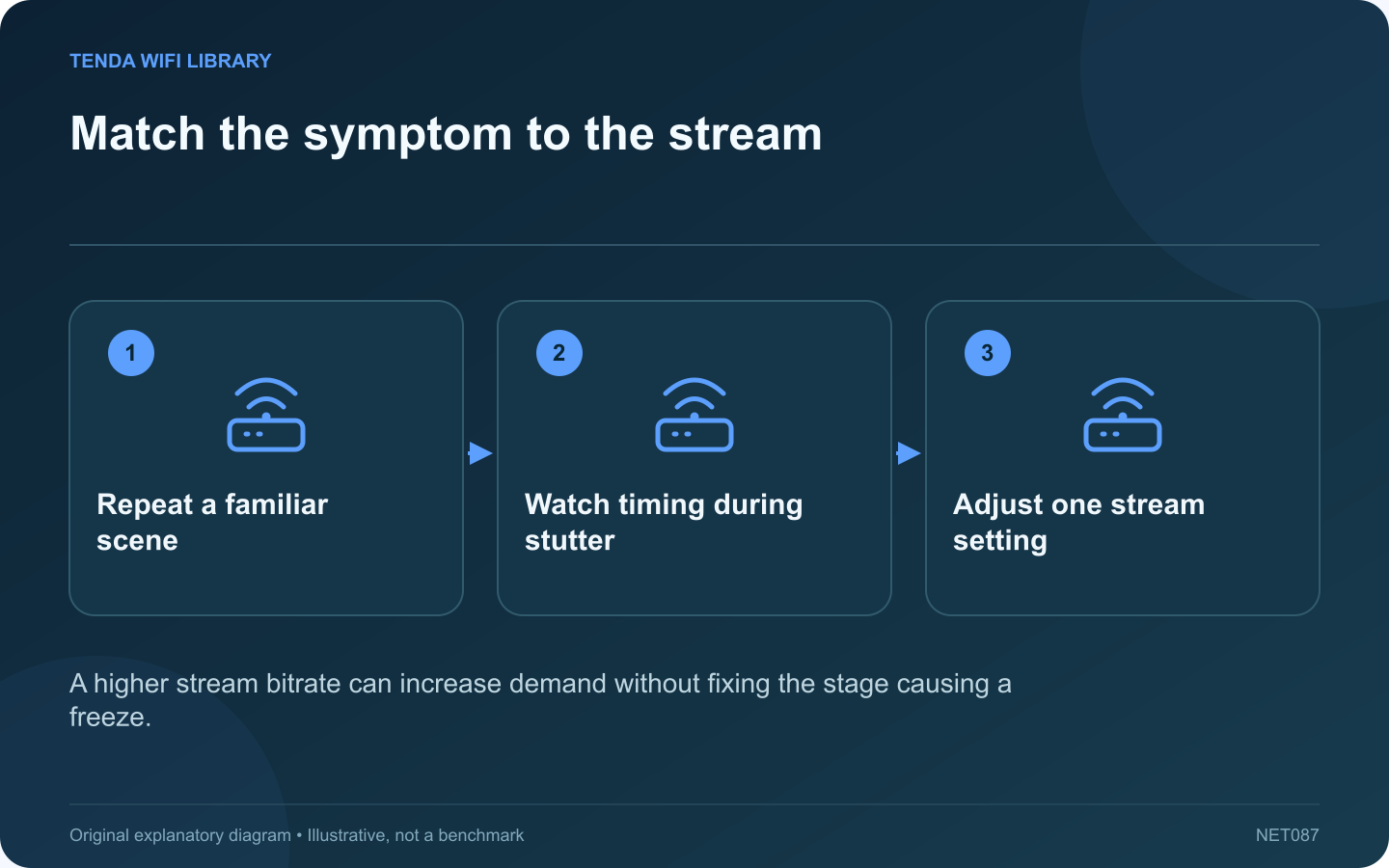
Increasing Steam Link’s bandwidth limit can sharpen a stream when the path has spare capacity, but it can make an unstable connection work harder. First determine whether the freeze coincides with a network-timing problem or another stage of the streaming process.
Use a repeatable scene
Choose a familiar game section with predictable movement. Keep resolution, frame rate and host graphics settings unchanged during the first comparison. Testing a quiet menu and then a complex action scene creates a misleading before-and-after result.
Open the supported performance overlay
Valve documents the streaming performance overlay as a way to investigate network variation. Use the controls available in your current client version; labels and shortcuts can differ from older Steam Link hardware instructions. Record the timing of the symptom rather than relying on a single average.
Examine the physical path
If both the gaming PC and streaming client use Wi-Fi, the video crosses wireless links at both ends. A temporary wired connection for one end can test whether that arrangement is contributing to the problem. Keep the other end unchanged so the result remains interpretable.
Adjust demand gradually
- Note the original streaming settings.
- Choose a lower supported bandwidth or quality setting.
- Repeat the same scene.
- Increase cautiously only while the stream remains stable.
Do not change game rendering quality and streaming bandwidth simultaneously; that would obscure whether encoding load or network demand improved.
Judge the whole session
Try several minutes of normal play, including the busy household period when the issue usually appears. A setting that survives a short quiet test may still fail alongside a large upload.
If network timing stays steady while stutter remains, investigate host rendering, encoding and client decoding next. Keep required security tools active and use vendor troubleshooting for conflicts. The aim is stable control and readable motion, not the largest bandwidth value that the settings panel accepts.
Sources and editorial notes
Sources checked 8–9 October 2026. Independent guidance and original illustrations; product comparisons use published specifications rather than hands-on benchmarks. Check the exact model, revision and regional documentation before changing settings.