Explore the guide library · Gaming connection help
Locate the computer running the game before deciding whether to improve the home LAN or the internet path.
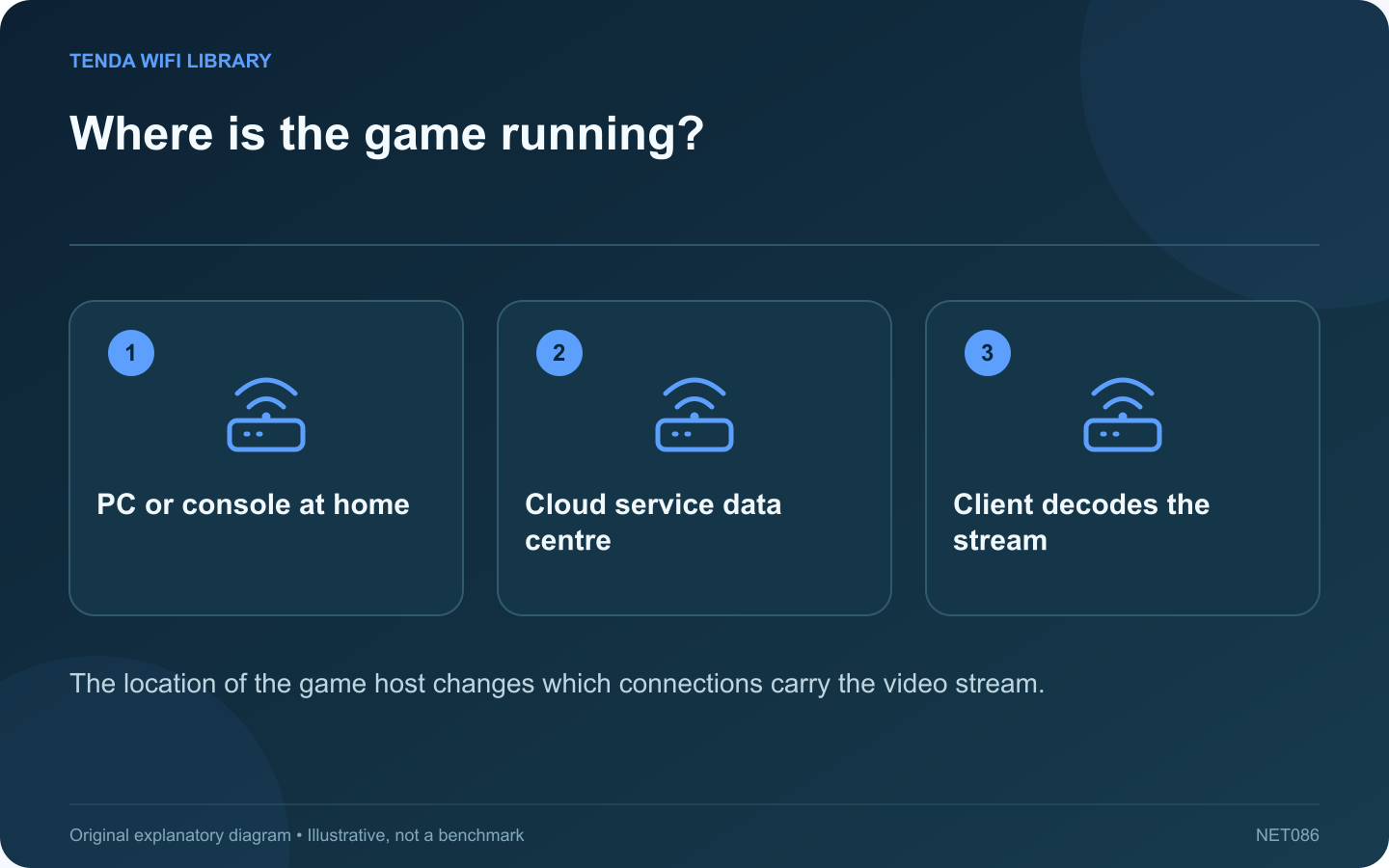
Game streaming can describe a PC sending video across your home, a console reached while travelling, or a cloud service rendering the game elsewhere. These arrangements may look similar on a handheld screen but depend on different network paths.
Locate the game host
| Arrangement | Path to examine first |
|---|---|
| Local PC to a client at home | Host and client connections through the LAN |
| Home console reached remotely | Home upload, remote download and the route between them |
| Cloud gaming service | Client connection to the service’s data centre |
Do not infer too much from one speed test
A fast internet download does not measure the wireless path between a home PC and a television. Equally, a smooth local stream does not prove that the provider’s route to a cloud-gaming region has suitable latency.
Check the host as well as the client
The host must render and encode the game, while the client must decode and display it. A slow stage in either device can resemble network delay. Use the service’s diagnostic overlay where available and compare the timing of its warnings with visible stutter.
Choose a useful first comparison
For local streaming, test a wired host connection while leaving the client setup unchanged. For cloud gaming, use the service’s own connection test and supported region. For access to a home console while away, verify a working session before travel and document both ends’ connectivity.
Improve the relevant segment
A faster internet plan will not repair an overloaded local wireless hop. A new home extender will not fix a cloud service outage. Keep these distinctions in the purchase decision.
After a change, replay the same scene at the same streaming settings and compare responsiveness as well as image quality. Retain the arrangement that consistently supports the chosen service, rather than assuming one impressive download result proves every form of game streaming will work well.
Sources and editorial notes
Sources checked 8–9 October 2026. Independent guidance and original illustrations; product comparisons use published specifications rather than hands-on benchmarks. Check the exact model, revision and regional documentation before changing settings.
- Valve: Steam Link performance overlay and network diagnosis
- NVIDIA: GeForce NOW platform and network requirements
- PlayStation: Remote Play connection troubleshooting