Explore the guide library · Android network help
Compare the app, service and connection before applying a phone-wide network reset.
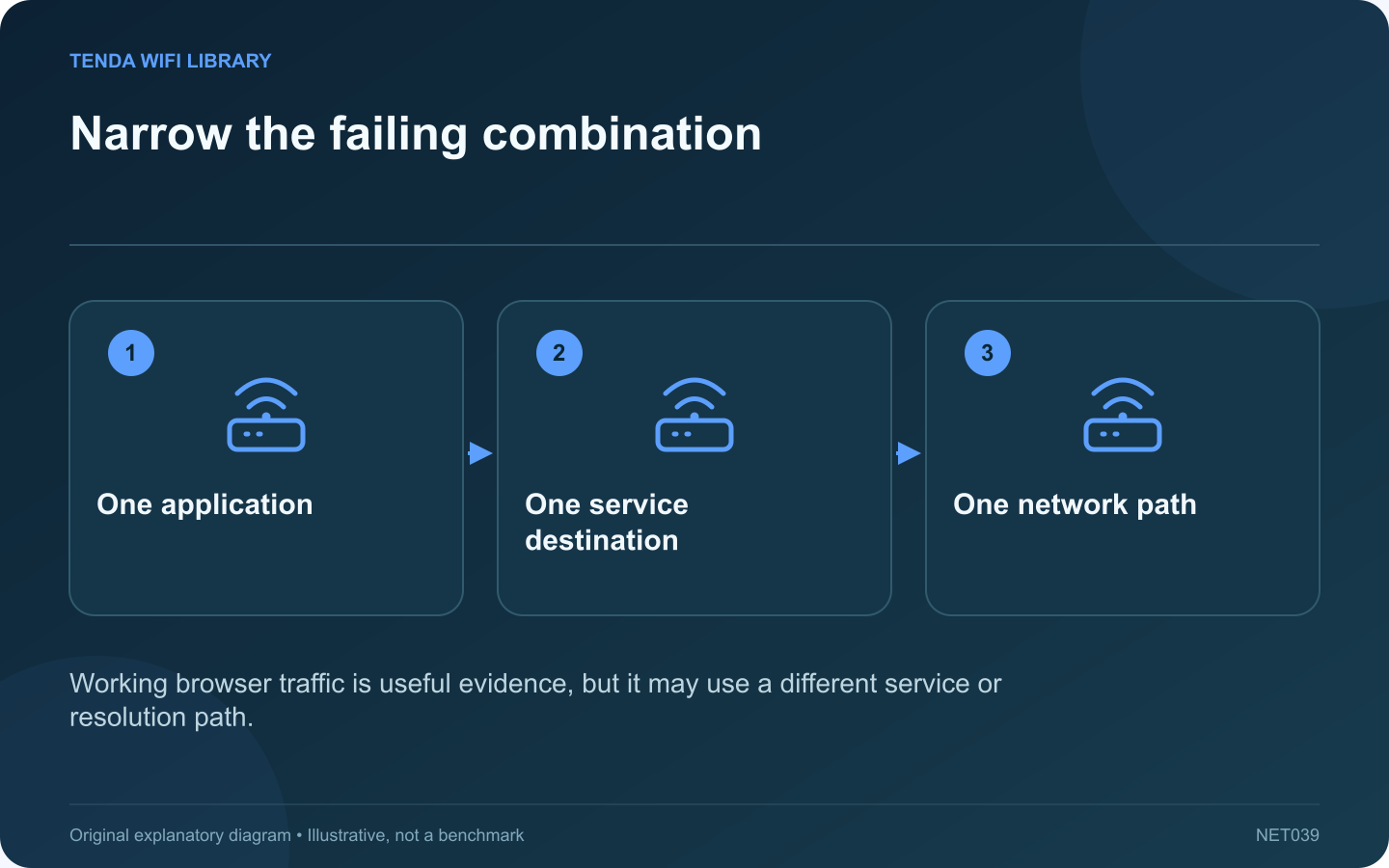
If only one Android app stops loading while ordinary websites work, the router is carrying at least some traffic successfully. Begin with the failing app and service combination. A whole-network reset can remove useful settings without explaining why this particular task failed.
Record the precise symptom
Distinguish a connection timeout from a sign-in failure, content restriction or service error. Check the application’s official status or support information when available. An account problem can look like a network problem if the app uses a vague loading screen.
Make a controlled path comparison
Google recommends comparing Wi-Fi and mobile data when diagnosing Android internet problems. Use a small task that fits your data plan. Keep the same account, app version and requested action so the network path is the main changed condition.
Interpret the comparison
- The app fails on both paths: investigate the app, account or remote service.
- The app fails only on home Wi-Fi: inspect network-specific filtering, DNS or reachability.
- Many apps fail on Wi-Fi: broaden the investigation to the shared connection.
Check relevant settings selectively
Review any manually chosen Private DNS service, approved VPN or app-specific data restriction. Keep managed controls intact and ask the administrator about policy-related failures. Avoid disabling every protective feature simply because the application works on a different network.
Preserve useful app data
Before clearing storage or reinstalling, check what local data and sign-in state would be lost. Use the developer’s supported troubleshooting order and retain any required recovery information privately.
After a justified change, repeat the same failing action and confirm ordinary browsing still works. Record the version and time for support if the fault persists. A useful diagnosis identifies the narrow combination that fails; it does not treat a spinning app indicator as sufficient evidence that the whole router needs replacement.
Sources and editorial notes
Sources checked 8–9 October 2026. Independent guidance and original illustrations; product comparisons use published specifications rather than hands-on benchmarks. Check the exact model, revision and regional documentation before changing settings.