Explore the guide library · Android network help
Match the address used on the home network with the router’s assigned profile before concluding that a schedule failed.
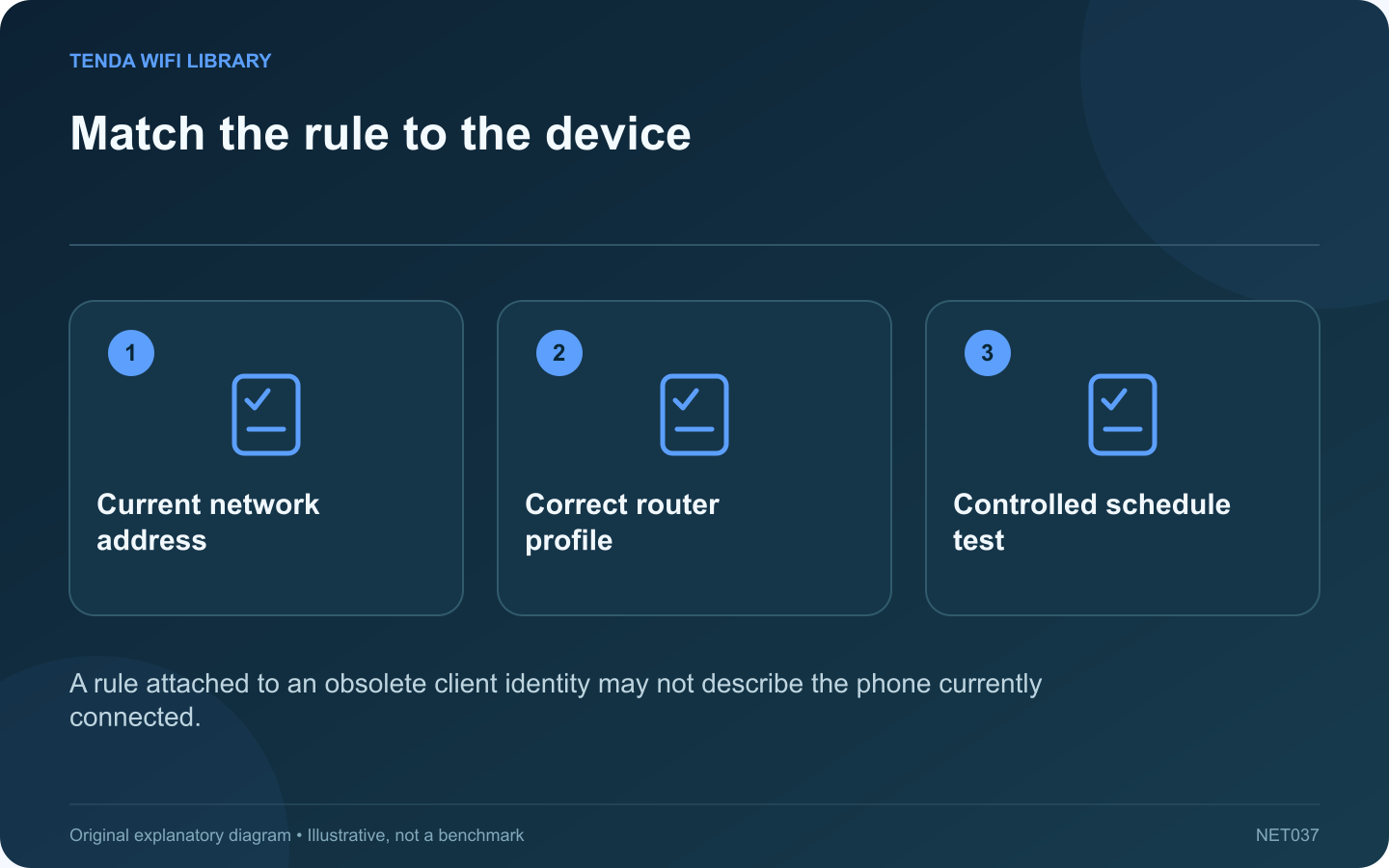
A router schedule can appear ineffective when it is attached to a stale device entry. On a Pixel phone, the address used for a particular Wi-Fi network may be a randomized address rather than the hardware address shown elsewhere in device information.
Inspect the connected network
Google documents finding the randomized MAC address in the current network’s settings. Compare that value privately with the router’s active client record. Do not rely only on a generic label such as Android or an old device name.
Review the assigned profile
Check that the intended rule applies to the current device entry and the correct local time. Inspect whether the router distinguishes online and historical clients. A disconnected historical record can remain visible without representing the phone’s present connection.
Test the rule transparently
For a device you administer, agree on a short test window and confirm which network it uses. Mobile data or another permitted Wi-Fi connection follows a different path from the home router, so it will not necessarily be governed by that router’s schedule.
Keep the scope clear
- Match the current network identity with the intended household profile.
- Confirm the schedule’s time zone and day.
- Check whether the device is using the controlled connection.
- Use supported family-management tools for requirements beyond the router.
Preserve privacy where supported
Google’s guidance notes both hardware and randomized addresses when discussing parental-control setup. Follow the router vendor’s supported approach to identifying the device rather than disabling address privacy throughout the household.
Document why the rule exists and review it when the phone’s network profile changes. A network schedule is one control with a defined scope, not proof that every possible connection or application is restricted. A successful test should demonstrate the intended behavior on the intended network without treating unrelated client records as the same device.
Sources and editorial notes
Sources checked 8–9 October 2026. Independent guidance and original illustrations; product comparisons use published specifications rather than hands-on benchmarks. Check the exact model, revision and regional documentation before changing settings.