Explore the guide library · Browser and DNS help
Use a narrow, informed site-data check when the connection works but one browser session behaves incorrectly.
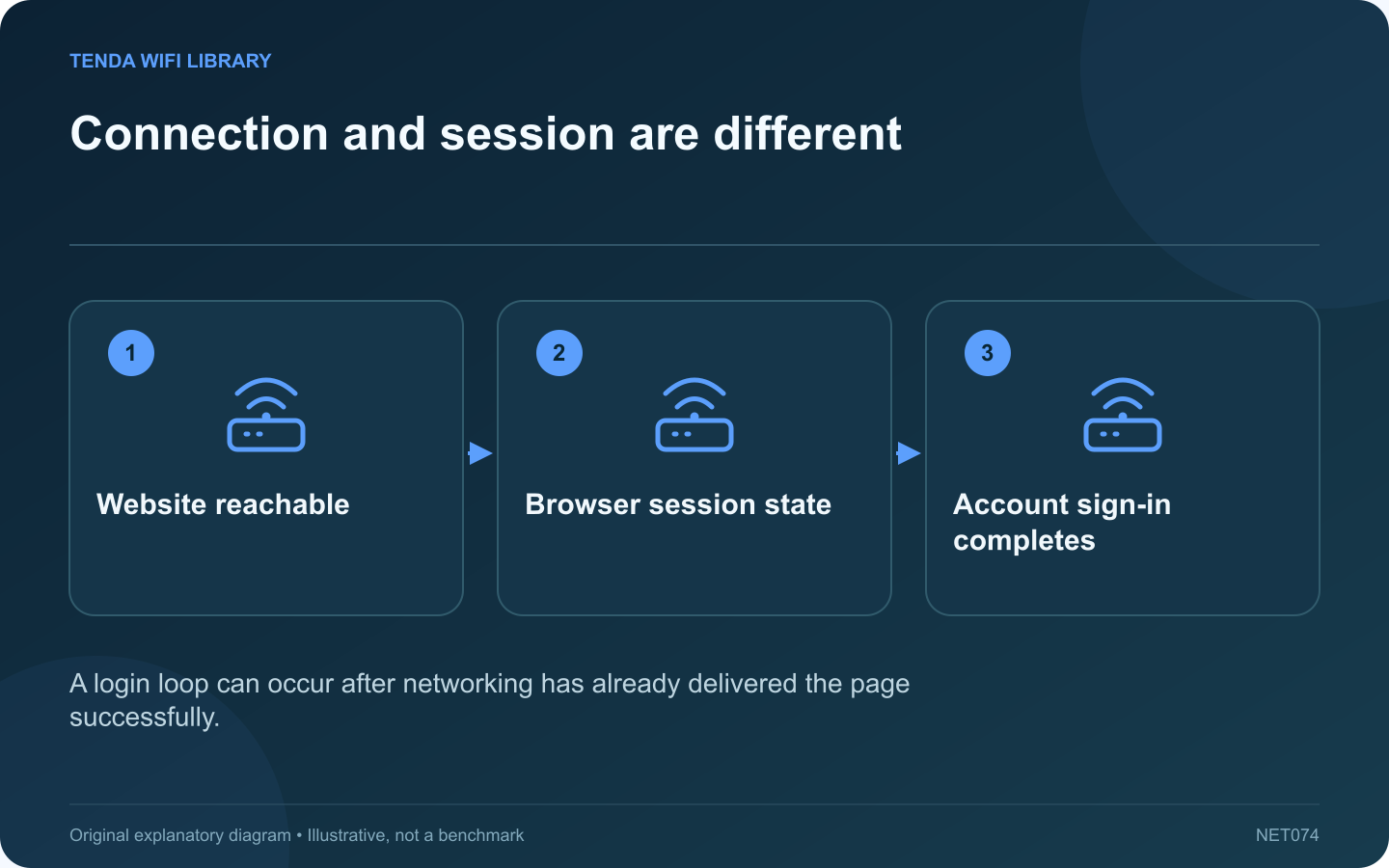
A website that loads its sign-in page repeatedly may have a browser-session or account problem rather than a Wi-Fi failure. If unrelated sites work, begin with the affected site’s behavior and preserve useful browser data while investigating.
Record the loop
Note the exact stage where the page returns to sign-in and whether an error message appears. Check the service’s official support information. A rejected account, required verification or service outage cannot be repaired by changing the router’s channel.
Compare a supported browser context
Use another normal supported browser or a fresh permitted session to see whether the symptom follows the account or the existing browser state. Private browsing can change cookie behavior, so a difference there is a clue rather than proof of one specific cause.
Review site-specific data
Google documents deleting cookies and data for a particular website. This is narrower than clearing every site’s data. Understand that deleting the affected data can sign you out and remove stored site preferences or local state.
Prepare before clearing
- Save unfinished work on the site.
- Confirm you have the intended sign-in and recovery method.
- Identify the correct site in browser settings.
- Avoid deleting unrelated saved information.
Retest the original workflow
After a justified site-specific cleanup, return through the official address and complete normal authentication. Keep browser protections and managed policy in place. Do not broadly allow tracking cookies for every site simply because one sign-in flow needs investigation.
If the loop persists across clean supported sessions, contact the service with the error and timing. Keep account identifiers and screenshots private. The key distinction is that successful page delivery already provides evidence of connectivity; repeatedly restarting Wi-Fi can interrupt other work while leaving the actual session or account issue unchanged.
Sources and editorial notes
Sources checked 8–9 October 2026. Independent guidance and original illustrations; product comparisons use published specifications rather than hands-on benchmarks. Check the exact model, revision and regional documentation before changing settings.