Explore the guide library · Streaming device connections
Check the network’s intended isolation and current casting workflow before resetting the receiver.
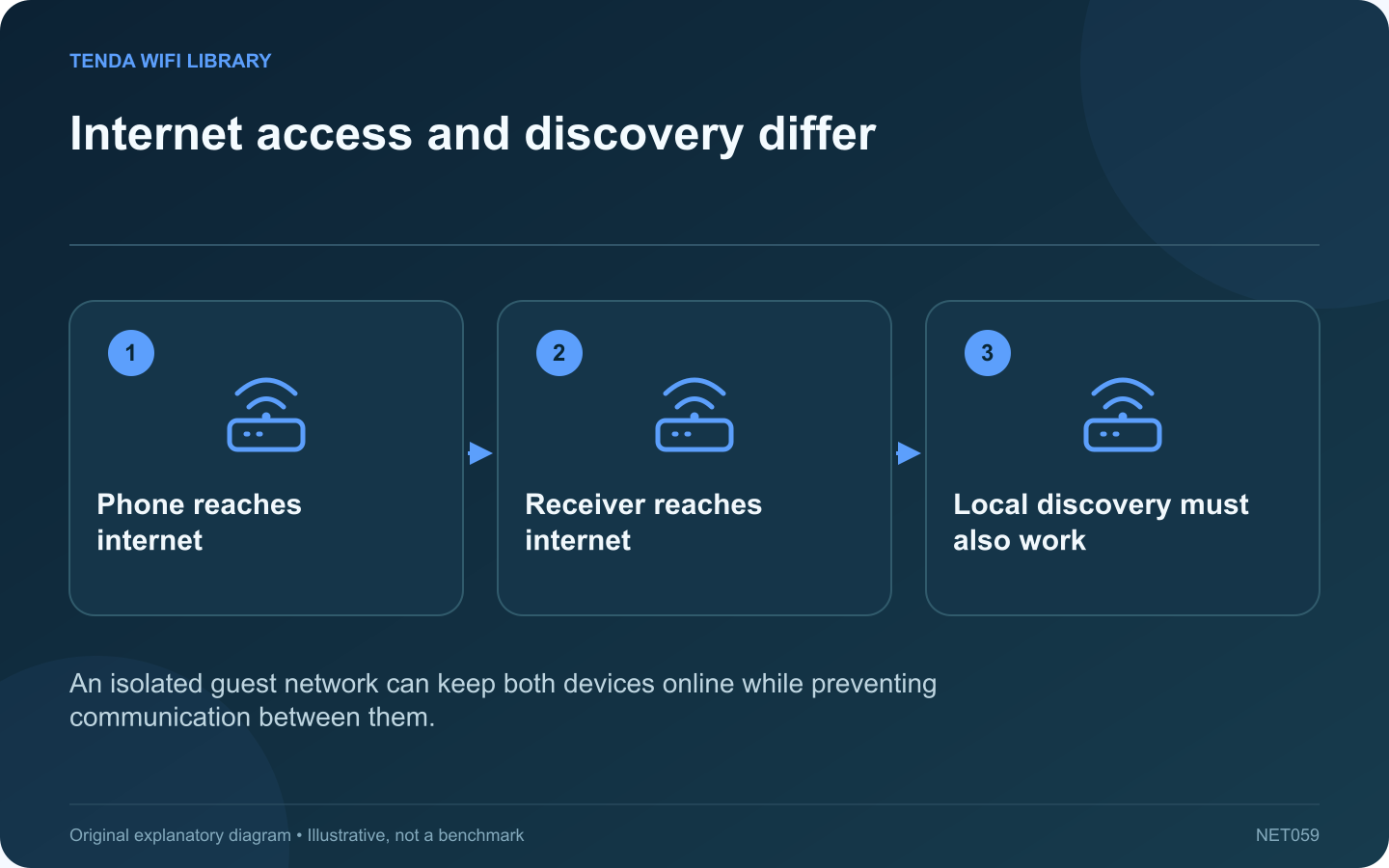
A phone and streaming receiver can both reach the internet yet remain unable to discover each other. Guest networks often isolate clients or separate them from household devices. That policy can be useful for visitors while being unsuitable for a particular casting workflow.
Identify the actual network arrangement
Check the phone’s Wi-Fi name and the receiver’s configured network. Similar names do not guarantee that both devices share a permitted local path. An extender can also have settings that affect communication between its clients.
Review the supported requirements
Google’s streaming-device guidance identifies AP or client isolation as a possible setup obstacle. It also notes that captive-portal networks, common in hotels, are not supported by the documented ordinary setup workflow.
Choose an appropriate trusted segment
On a network you administer, place the intended devices on a secure segment that permits the required local communication. Avoid removing isolation from every guest merely to make one receiver visible. A router with explicit shared-device controls may offer a more limited arrangement; use its documentation.
Do not rely on obsolete guest instructions
Google states that the older Chromecast guest mode is no longer supported. A tutorial based on entering its guest PIN may therefore describe a workflow that is unavailable now.
Verify discovery and playback
- Confirm the receiver is ready.
- Check the setup app’s required local permissions.
- Discover the intended receiver.
- Start a small playback session.
If the network belongs to a hotel, school or employer, ask its administrator for a supported arrangement rather than attempting to bypass its controls. Preserve the distinction between a device being online and being locally reachable. That distinction can explain a failed casting list without requiring a factory reset, a new router or a weaker network for everyone else.
Sources and editorial notes
Sources checked 8–9 October 2026. Independent guidance and original illustrations; product comparisons use published specifications rather than hands-on benchmarks. Check the exact model, revision and regional documentation before changing settings.
- Google: streaming-device discovery troubleshooting
- Google: streaming-device network compatibility
- Google: discontinued Chromecast guest mode