Explore the guide library · Travel connection help
The hotspot radio and the internet connection feeding it are separate parts of the setup.
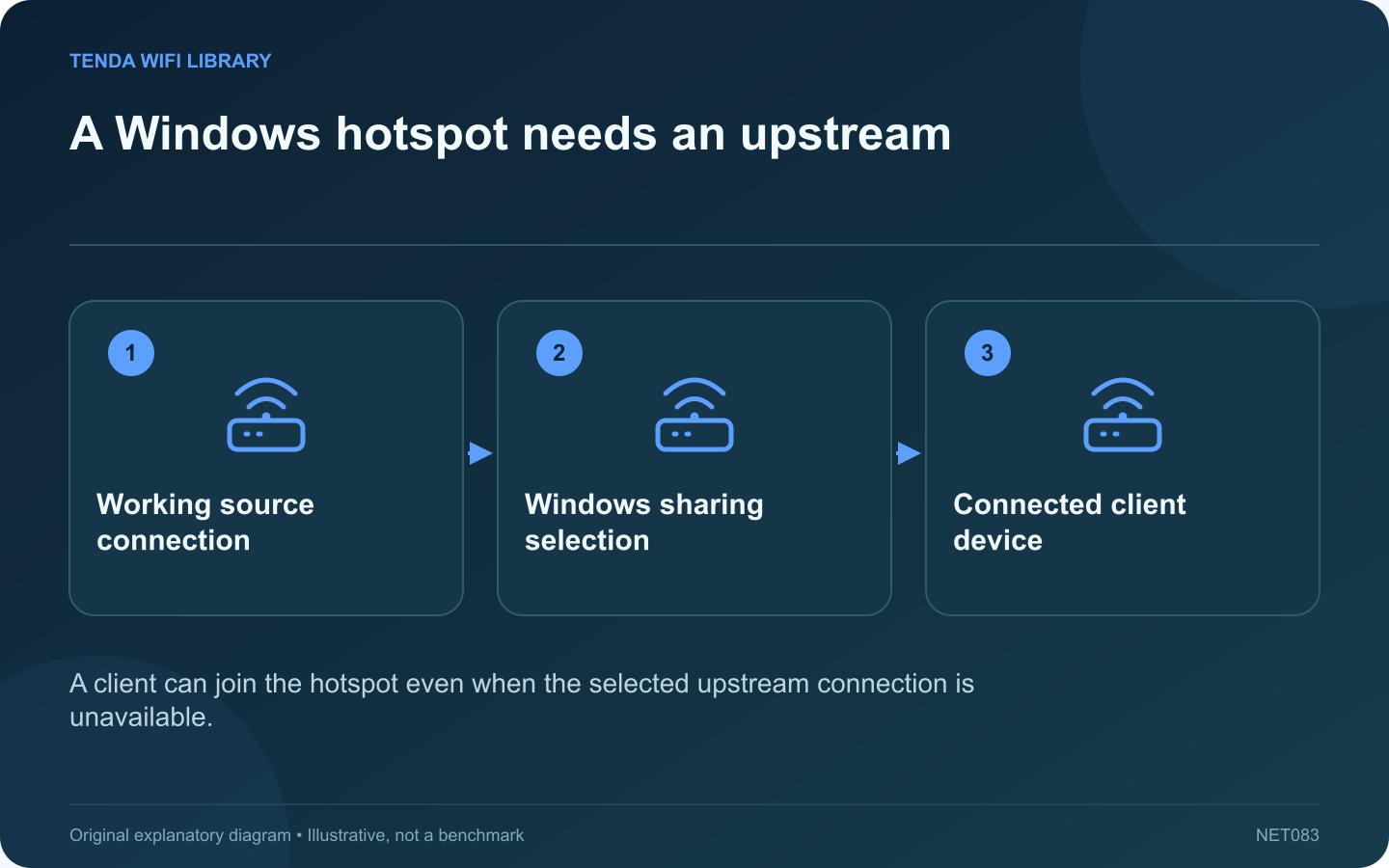
A phone can successfully join a Windows Mobile hotspot while still lacking internet access. That proves the phone reached the laptop’s hotspot, but the laptop must also have a working connection selected for sharing.
Check internet access on the laptop
Open an ordinary public page and the service you intend to use. If Windows itself has no internet, fix that source connection first. A public network may require a legitimate sign-in flow before it allows ordinary traffic.
Inspect the selected source
Microsoft’s Mobile hotspot settings include a choice for the internet connection to share. Confirm that it matches the currently working connection, especially after moving from Ethernet to Wi-Fi or disconnecting a USB cellular device.
Review the sharing arrangement
Check the hotspot name, password and supported band in its properties. Use a strong password and share it only with the intended devices. Keep the laptop awake and powered appropriately for the session; it is acting as part of the network path.
Compare one client at a time
- Connect one known device to the hotspot.
- Confirm it appears in the connected-device count.
- Test a normal website.
- Then test the application that originally failed.
If browsing works but one work application does not, investigate that application’s policy or VPN requirements rather than rebuilding the entire hotspot.
Respect the upstream network
Only share a connection when its owner and service terms permit it. A managed workplace or venue may restrict connection sharing. Do not bypass those controls or assume a laptop hotspot grants permission to redistribute access.
When using cellular data, all attached clients can contribute to consumption. Stop optional large downloads and check the provider’s usage meter. Turn the hotspot off after the temporary task is complete. If this arrangement is needed every day, evaluate a supported router or access point whose power, coverage and administration are designed for that role.
Sources and editorial notes
Sources checked 8–9 October 2026. Independent guidance and original illustrations; product comparisons use published specifications rather than hands-on benchmarks. Check the exact model, revision and regional documentation before changing settings.