Explore the guide library · Local device networking
Separate a file-sharing feature from switch link aggregation before adding a second network interface.
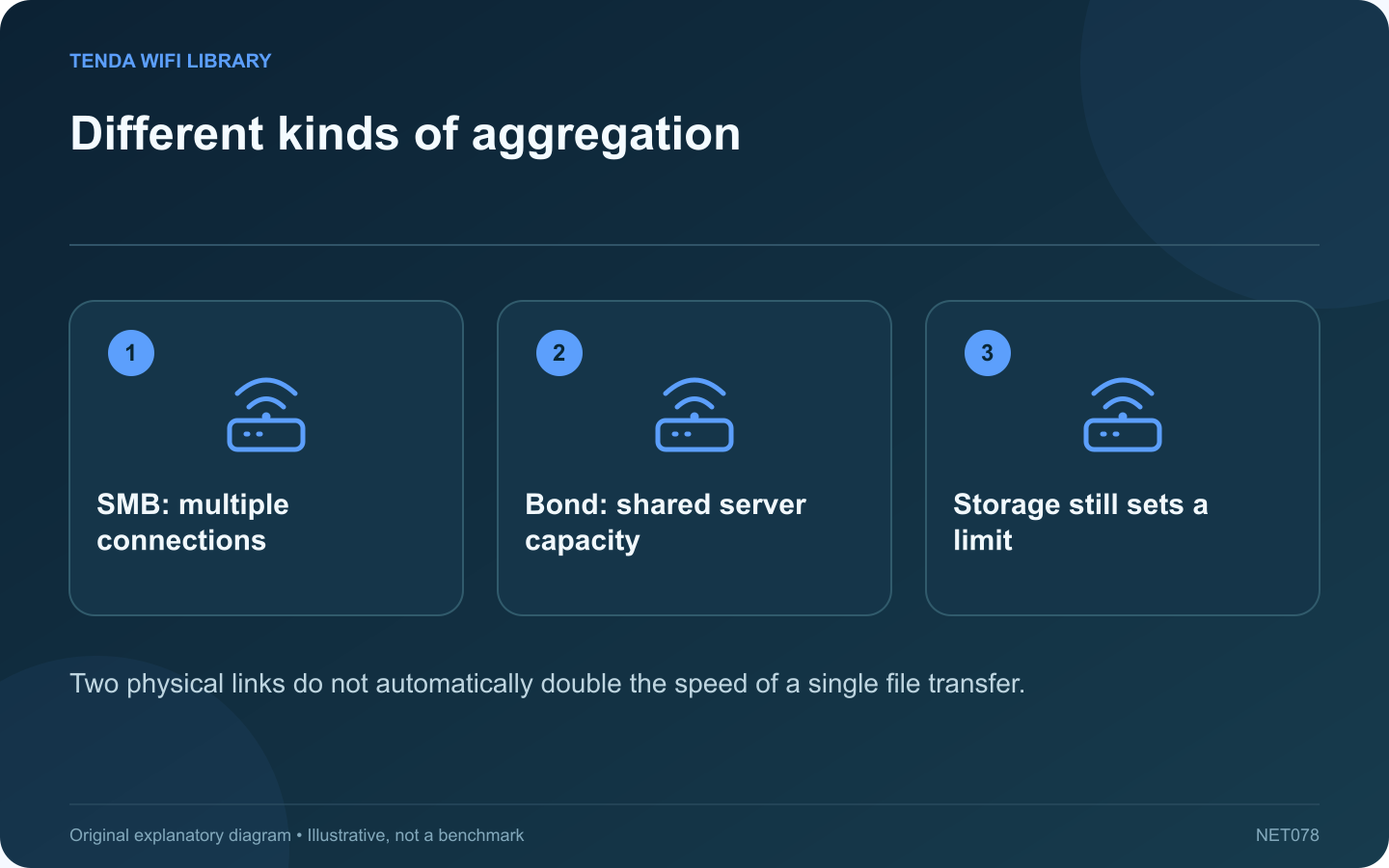
Two Ethernet cables connected to a NAS can mean several different configurations. Link aggregation usually helps distribute traffic across links, while SMB Multichannel lets a supported SMB session use multiple connections. They are not interchangeable buttons for doubling a laptop’s file-copy speed.
State the target workload
Do you want one laptop to copy faster, or several family members to access the NAS simultaneously? That distinction determines which feature deserves investigation. An aggregate server-capacity improvement can be useful even if one individual transfer stays near the speed of a single link.
Check both ends
Synology documents operating-system, DSM and adapter requirements for SMB Multichannel. Review the exact current requirements for your NAS and client. Mixing a slow wireless connection with a faster wired interface does not establish that their advertised rates will simply add together.
Understand the single-adapter case
Receive-side scaling can spread processing work when supported. It does not turn one physical Gigabit port into a two-gigabit wire. Distinguish reduced CPU pressure from additional physical bandwidth when reading a performance claim.
Make a small test plan
- Measure a normal SMB copy with the existing arrangement.
- Verify that the selected feature is supported at both ends.
- Apply the documented configuration during a maintenance window.
- Confirm multiple connections are actually in use.
- Repeat the same transfer and inspect storage load.
Avoid accidental topology changes
Do not connect redundant switch cables or create a bond without understanding the required switch configuration. Preserve the NAS management path and a documented way to undo the change.
The successful result is a repeatable improvement for the intended workload. A second adapter that remains unused, a saturated disk or an unsupported operating-system combination will not be rescued by another cable. Verify the active SMB behavior before expanding the installation to additional computers.
Sources and editorial notes
Sources checked 8–9 October 2026. Independent guidance and original illustrations; product comparisons use published specifications rather than hands-on benchmarks. Check the exact model, revision and regional documentation before changing settings.