Explore the guide library · Performance testing
Measure responsiveness during ordinary traffic instead of judging the network only while it is quiet.
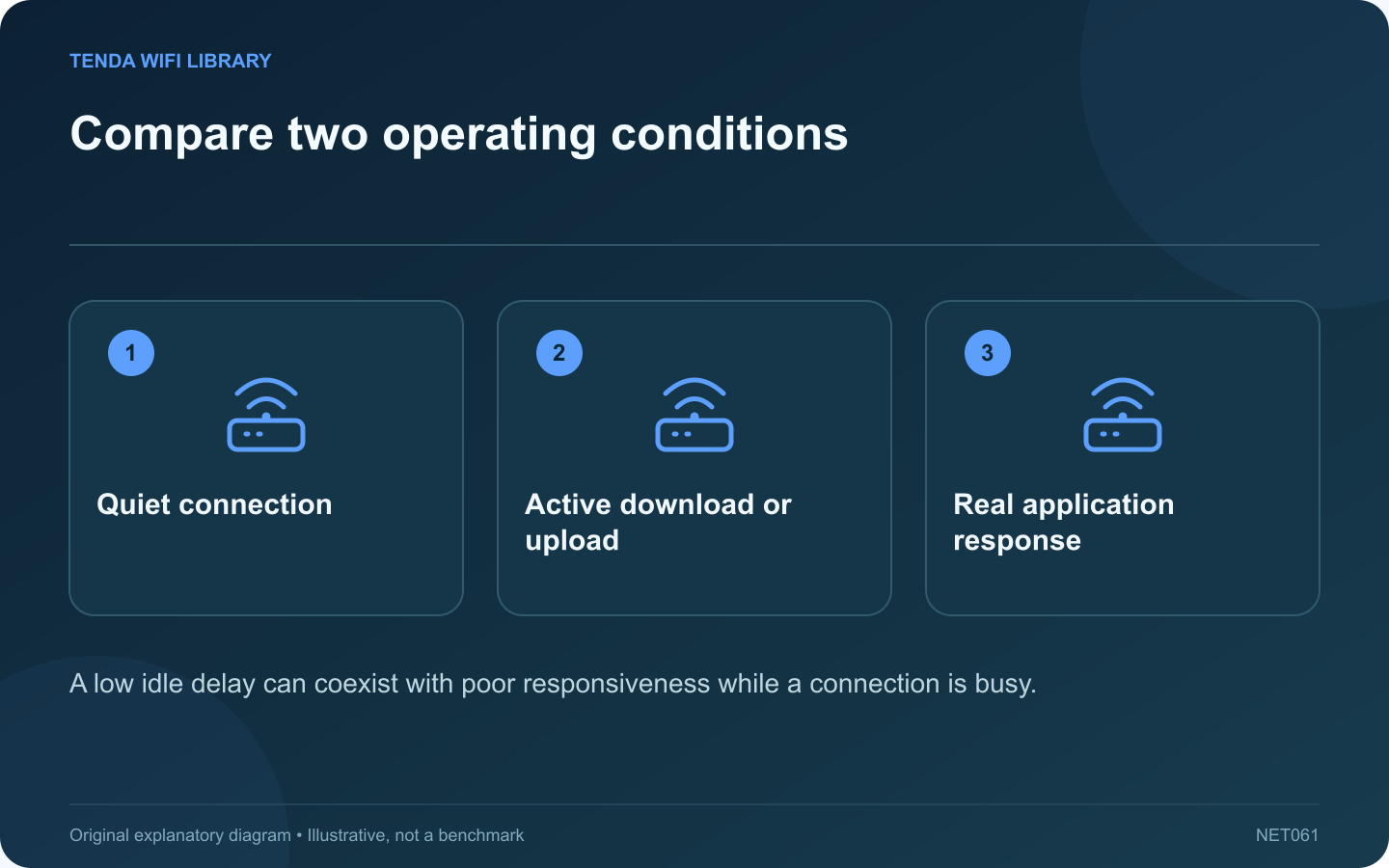
A home connection can produce a low ping when idle and still feel unresponsive during a download. The useful question is how delay changes under load. This helps explain why a faster headline download rate does not always translate into a smoother call or game.
Record the quiet baseline
Use a consistent test method and destination when the household connection is relatively quiet. Record latency and the current connection type. A wireless result beside the router should not be compared directly with a later result from a distant bedroom.
Measure a busy condition
Cloudflare distinguishes unloaded latency from latency measured during upload or download activity. Use a tool that reports these separately, or observe the application’s own diagnostics during a controlled transfer you own. Run the test outside an important meeting.
Keep the comparison repeatable
- Use the same device and network path.
- Record whether upload or download activity is present.
- Note any competing household traffic.
- Repeat a few times at the same location.
- Compare the range rather than choosing one favorable number.
Locate the likely contention
If a wired comparison shows the same delay increase, inspect the shared upstream path and traffic management. If the increase is mainly wireless, investigate local airtime and placement as well. These are clues for further testing, not proof of a single faulty component.
Choose a proportionate correction
Schedule optional bulk transfers, use supported application rate controls or evaluate the router’s documented queue-management features when appropriate. Change one factor and repeat the original workload.
Do not assume that buying a higher wireless class will fix queues beyond the access point. A useful outcome is better responsiveness while the household performs its normal mix of tasks. Record both throughput and delay so an apparent speed improvement does not hide a worse experience for time-sensitive applications.
Sources and editorial notes
Sources checked 8–9 October 2026. Independent guidance and original illustrations; product comparisons use published specifications rather than hands-on benchmarks. Check the exact model, revision and regional documentation before changing settings.