Explore the guide library · Performance testing
Understand why a fast negotiated radio link does not promise the same rate in a download or speed test.
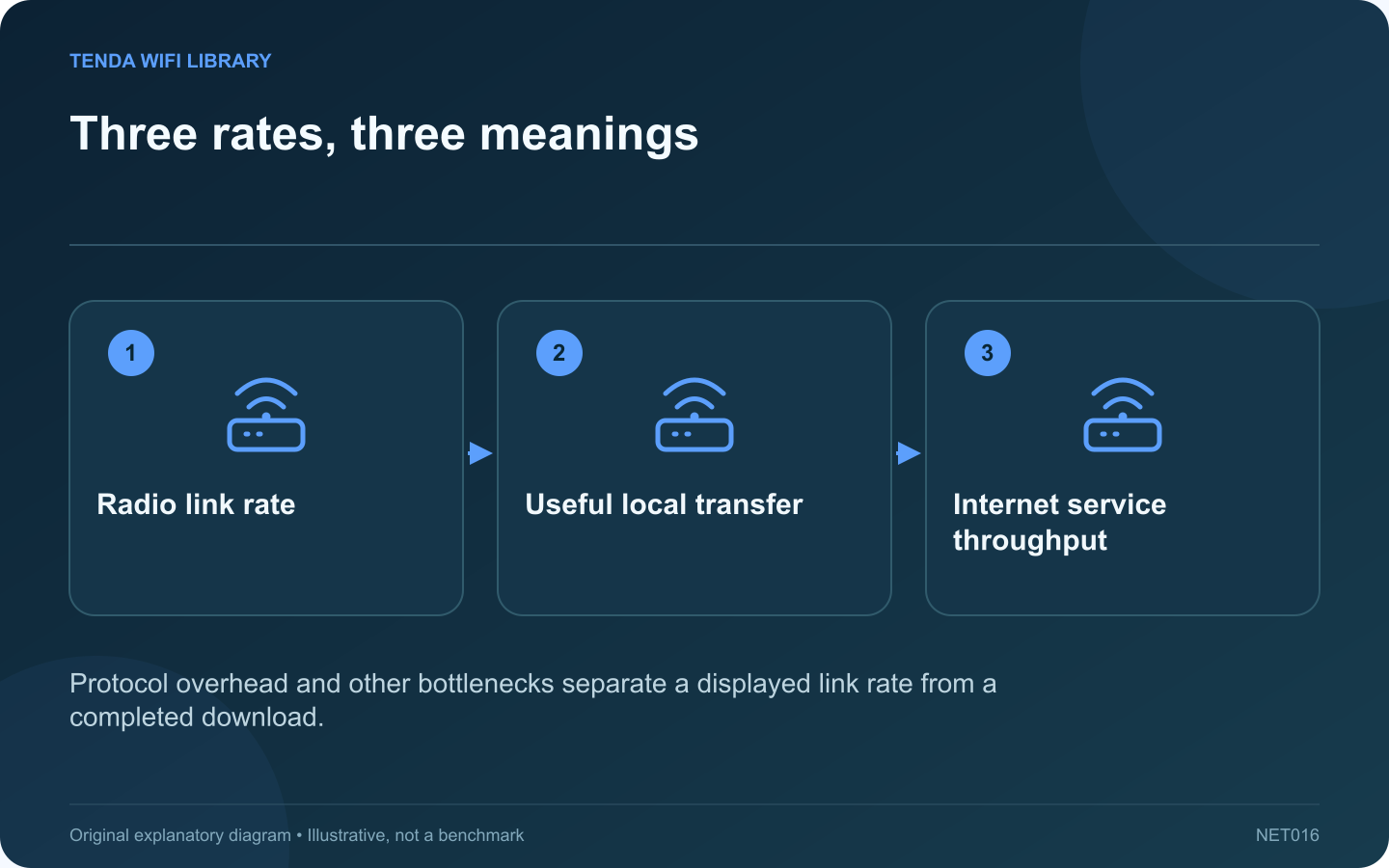
Windows may display a wireless link rate much higher than the result from a speed test. These figures describe different things. The first concerns the radio connection; the second measures useful traffic across a longer path that includes additional equipment and services.
Record the connection details
Use Windows network properties or the documented netsh wlan show interfaces command to inspect the active connection. Note the band, receive and transmit rates when available, adapter model and test location. These values can change as radio conditions change.
Define the task being measured
A transfer to your own wired storage device mainly tests the local path and storage system. An internet speed test also depends on your provider, test server and route. A game download can be limited by its distribution service, disk writes or decompression even when the network has spare capacity.
Control the comparison
- Use the same computer and location.
- Pause unrelated transfers you control.
- Keep the destination and test method consistent.
- Record several observations rather than the best result alone.
- Note whether the computer is using battery power, a dock or an approved VPN.
Find the narrowest plausible limit
If both wired and wireless internet tests reach the same ceiling, inspect the shared service path. If local wireless transfers are poor while wired transfers are strong, investigate the radio connection and client. Neither observation requires buying a faster internet plan immediately.
Use units carefully
Network rates commonly use bits per second, while download applications may report bytes per second. Eight bits make one byte before accounting for overhead. Compare matching units before deciding that a transfer is unexpectedly slow.
A useful upgrade decision begins with the task that misses its target. A larger advertised Wi-Fi number is relevant only if the wireless connection is the component preventing that task from performing acceptably.
Sources and editorial notes
Sources checked 8–9 October 2026. Independent guidance and original illustrations; product comparisons use published specifications rather than hands-on benchmarks. Check the exact model, revision and regional documentation before changing settings.