Explore the guide library · Performance testing
Compare two computers you control on the local network and keep the test service private.
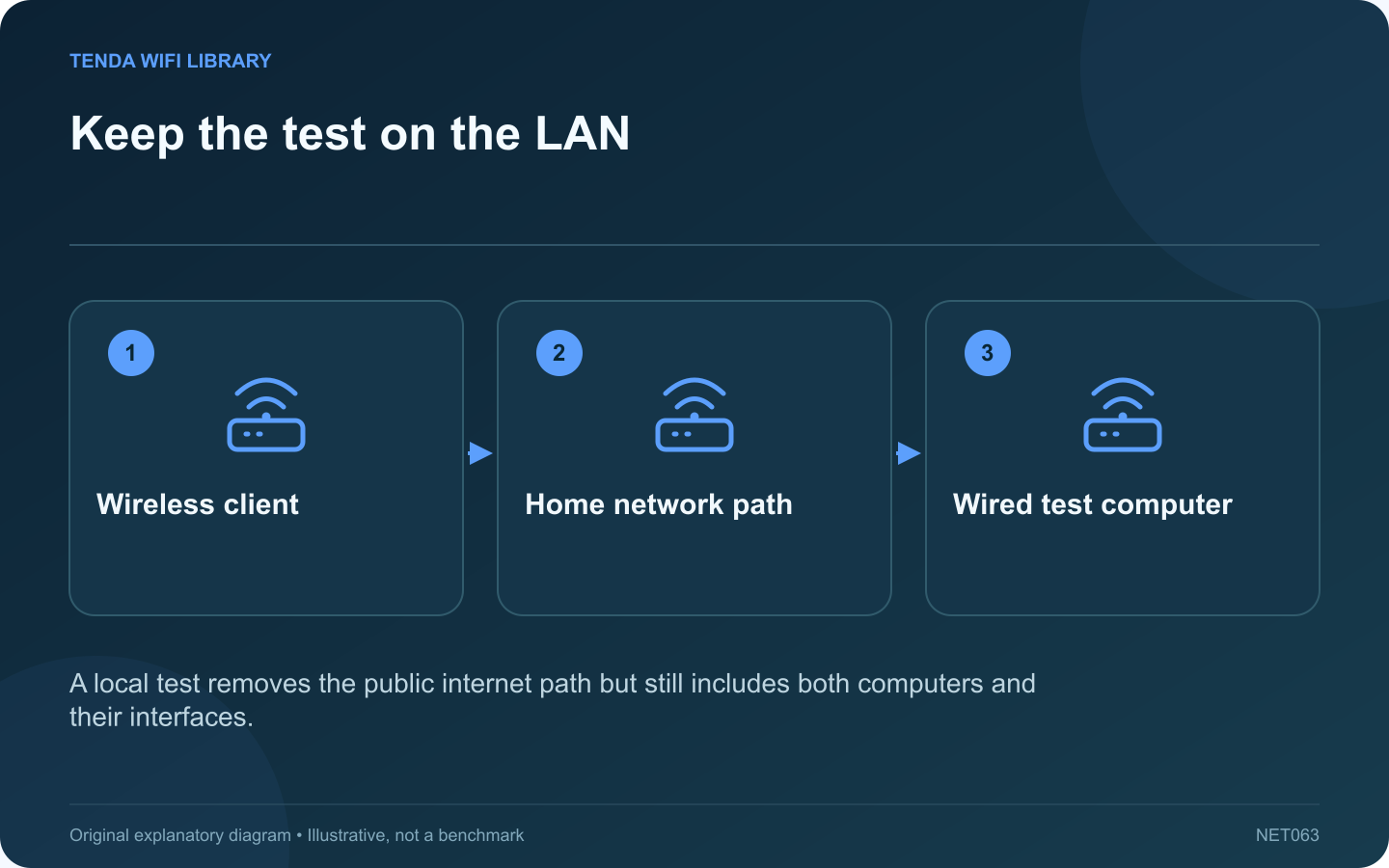
An internet speed test combines your local network with provider and remote-server conditions. A local iperf3 test can examine the path between two computers you control. It is useful when deciding whether Wi-Fi itself limits a transfer.
Prepare a controlled pair
Use a supported iperf3 installation from a trusted package source on both computers. Connect the test server through a suitable wired path when the goal is to isolate the other computer’s wireless connection. Record the interface rates and software versions.
Run a short private test
ESnet documents starting the server with iperf3 -s. On the client, use iperf3 -c SERVER_IP -t 10, replacing SERVER_IP with the test computer’s actual local address. Permit only the necessary local access through the supported firewall configuration.
Keep the boundaries clear
- Use only devices and networks you are authorized to test.
- Do not forward the test port through the internet router.
- Avoid running capacity tests during important household calls.
- Stop the server when testing is complete.
Compare locations carefully
Repeat the same test from the normal work location and a practical position closer to the access point. Keep the server, test duration and connection settings stable. A consistent difference is more useful than a single maximum result.
Interpret the limit
The result still depends on both computers, their interfaces and the local path. It is not a pure radio benchmark and does not predict every application’s performance. A slow server interface can cap the test before the wireless client reaches its potential.
Use the measurement alongside the original task, such as a local file transfer. If local performance is strong but internet performance is weak, investigate the upstream path separately. Preserve a short test record so later adapter or router changes can be compared against the same controlled conditions.
Sources and editorial notes
Sources checked 8–9 October 2026. Independent guidance and original illustrations; product comparisons use published specifications rather than hands-on benchmarks. Check the exact model, revision and regional documentation before changing settings.