Explore the guide library · Mobile data and hotspots
Help an older client join a supported iPhone hotspot while understanding the effect on band and security options.
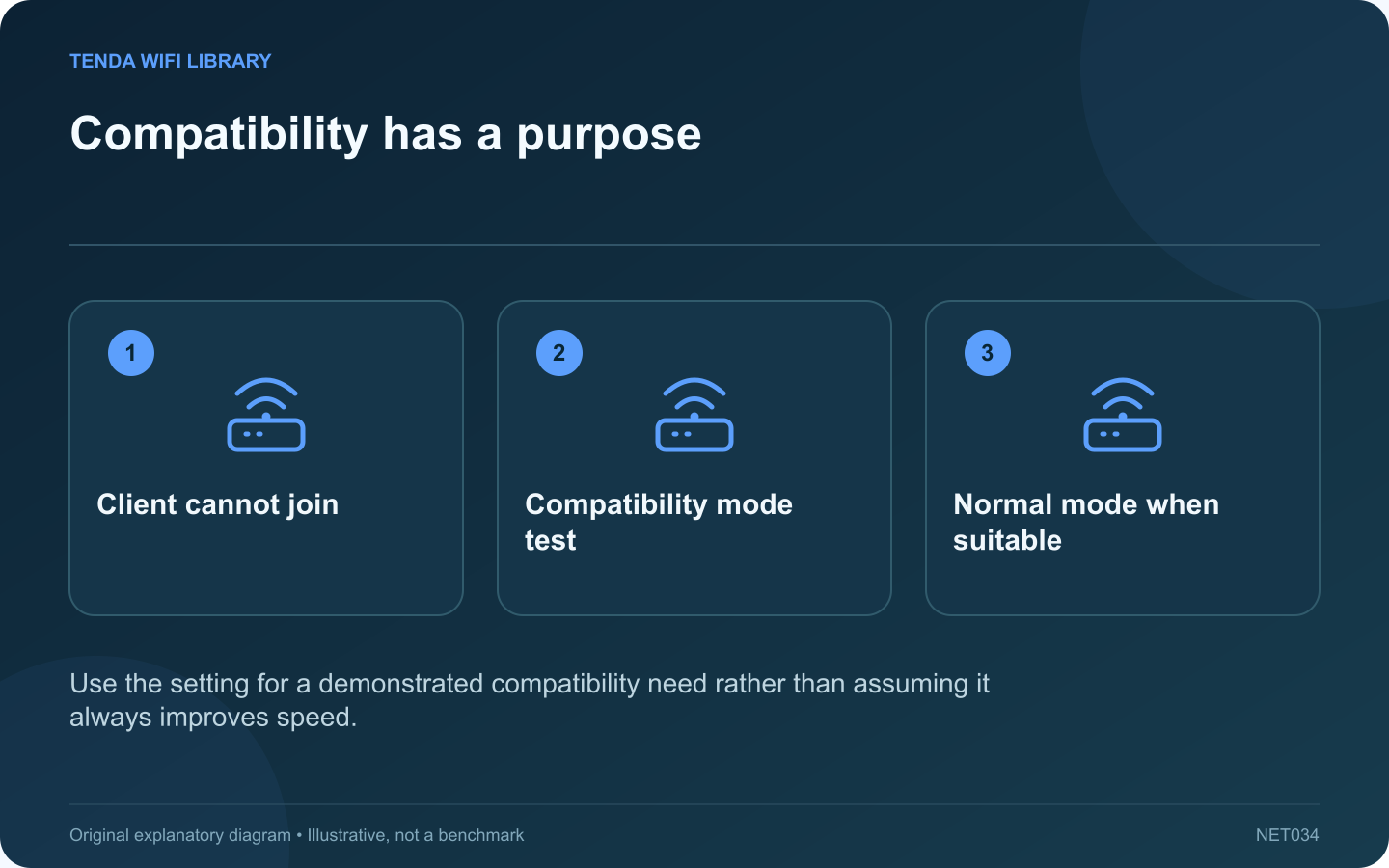
Maximize Compatibility can help certain devices connect to a supported iPhone Personal Hotspot. Its purpose is broader compatibility, not maximum performance. Before enabling it, identify whether the problem is discovering the hotspot, joining it or reaching the internet afterward.
Confirm the basic hotspot state
Check that the carrier plan supports tethering, mobile data works on the phone and the intended hotspot is available to the client. Use the current network name and password displayed by the phone. An outdated saved password needs a different correction from band incompatibility.
Understand the documented change
Apple’s platform-security guidance explains that compatibility mode restricts supported hotspot operation to 2.4 GHz and uses WPA2 Personal. Apple also warns that performance and security characteristics may be reduced compared with normal operation.
Make a narrow comparison
- Try the client with the ordinary supported hotspot settings.
- If it cannot join, enable Maximize Compatibility where the option is available.
- Reconnect the same client using the correct credentials.
- Test a small ordinary internet task.
Read the outcome carefully
If joining succeeds only in compatibility mode, investigate the client’s supported bands and security capabilities. If it joins in both modes but internet access fails in both, examine mobile service and tethering entitlement rather than repeatedly changing wireless settings.
Keep the temporary network controlled
Use a strong hotspot password and share it only with intended users. Turn the hotspot off when finished and inspect connected-device or usage information through the supported interface.
Do not leave compatibility mode enabled solely because its name sounds safer or faster. Retain it when the connected equipment requires it, and return to the normal supported mode when that need ends. For long work sessions, also account for the phone’s power, temperature and data allowance rather than treating it as an unlimited replacement for a fixed broadband connection.
Sources and editorial notes
Sources checked 8–9 October 2026. Independent guidance and original illustrations; product comparisons use published specifications rather than hands-on benchmarks. Check the exact model, revision and regional documentation before changing settings.