Independent router help & how-tosHelping you find your connection.
The guide library

Windows Nearby sharing vs Google Quick Share: choose by the receiving device

Explore the guide library · Local device networking

Similar names hide different platform requirements; choose the transfer tool that supports both endpoints.
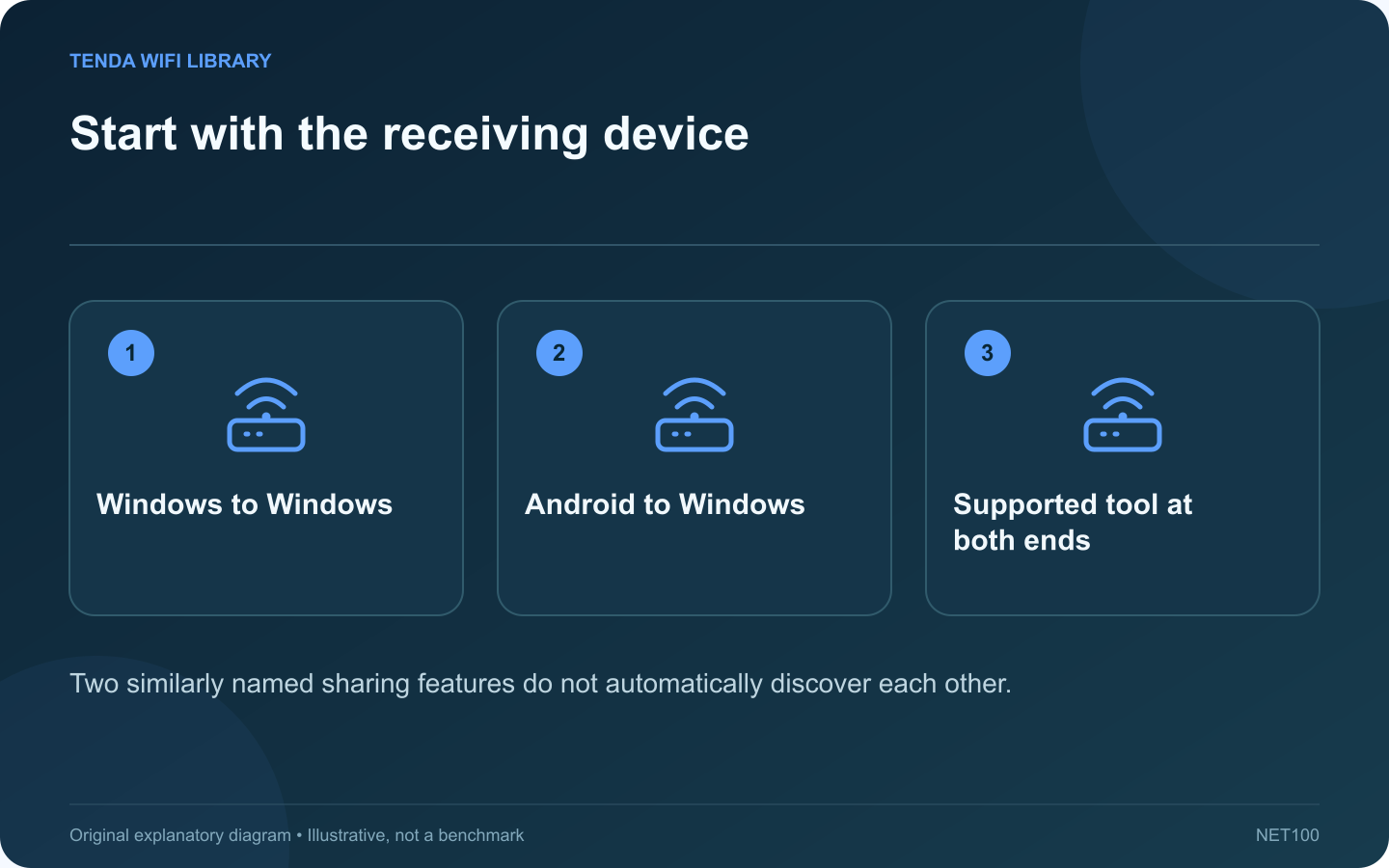
Start with the receiving device: Windows to Windows; Android to Windows; Supported tool at both ends
Two similarly named sharing features do not automatically discover each other.

Windows Nearby sharing and Google Quick Share are different transfer features. Turning on one does not guarantee that a device using the other will appear. Start with the sending and receiving platforms before troubleshooting discovery.

Choose the matching tool

Transfer Feature to investigate
Supported Windows PC to Windows PC Windows Nearby sharing
Android phone to supported Windows PC Google Quick Share or the appropriate Samsung version
Another platform combination A method explicitly supported by both devices

Check each feature’s requirements

Microsoft documents Nearby sharing over Bluetooth or Wi-Fi between supported Windows devices. Google publishes separate app, platform and connectivity requirements for Quick Share. Consult the relevant guide rather than mixing setup steps from the two products.

Confirm the receiver’s visibility

Both ends must be ready for the intended workflow. Check whether sharing is limited to your own devices or allows a nearby recipient. A restrictive visibility setting can be correct for daily use even when it prevents an ad hoc transfer to someone else.

Test a small non-sensitive file

Choose one harmless image and verify the device name before sending. Watch for the receiver’s approval prompt and confirm the saved file opens. This tests the complete workflow without exposing an important document during setup.

Separate discovery from performance

If the receiver never appears, inspect supported software, radio state and visibility. If it appears but the transfer is slow, investigate the connection used by that feature. A successful browser download does not establish that nearby device discovery is permitted on the current network.

Restore a narrower sharing setting after a temporary exchange and follow managed-network policies. For repeated transfers between fixed computers, a properly configured shared folder or another approved workflow may be more convenient. The important choice is a method supported by both endpoints, with a clear recipient and a verified completed transfer.

Sources and editorial notes

Sources checked 8–9 October 2026. Independent guidance and original illustrations; product comparisons use published specifications rather than hands-on benchmarks. Check the exact model, revision and regional documentation before changing settings.

Related guides

300 FAQs across our guide libraries

Quick answers

100 practical questions from Tenda WiFi Library.

Browse all 100 FAQs
Should I use Windows Nearby sharing or Google Quick Share?

Windows Nearby sharing and Google Quick Share are different transfer features. Turning on one does not guarantee that a device using the other will appear. Start with the sending and receiving platforms before troubleshooting discovery. Microsoft documents Nearby sharing over Bluetooth or Wi-Fi between supported Windows devices. Google publishes separate app, platform and connectivity requirements for Quick Share. Consult the relevant guide rather than mixing setup steps from the two products.

Read the full guide and sources
What should I check when Quick Share cannot find my Windows PC?

When an Android phone cannot find a Windows computer in Quick Share, the first problem is discovery. Changing the router's channel or purchasing a faster adapter is premature until the two devices can identify each other. Google provides Quick Share for supported Windows computers and directs Samsung PC owners to Samsung's version in Microsoft Store. Check the current requirements for your processor and Windows version. Use the official download route rather than an unrelated file-sharing utility with a similar name.

Read the full guide and sources
Is SMB Multichannel the same as link aggregation?

Two Ethernet cables connected to a NAS can mean several different configurations. Link aggregation usually helps distribute traffic across links, while SMB Multichannel lets a supported SMB session use multiple connections. They are not interchangeable buttons for doubling a laptop's file-copy speed. Do you want one laptop to copy faster, or several family members to access the NAS simultaneously? That distinction determines which feature deserves investigation. An aggregate server-capacity improvement can be useful even if one individual transfer stays near the speed of a single link.

Read the full guide and sources
Does working AirDrop prove that internet access is working?

A successful AirDrop transfer can be reassuring when a Mac or iPhone has network trouble. However, it does not establish that the home router's internet connection is working. Nearby sharing and a web request are different tasks with different requirements. Apple's guidance calls for Wi-Fi and Bluetooth to be enabled on nearby participating devices, along with suitable receiving settings. Confirm the intended recipient and use a harmless test file. Do not broaden receiving availability indefinitely just to diagnose another network problem.

Read the full guide and sources
Independent. Practical. Clear.

Tenda WiFi Library is an independent information website. We are not affiliated with or endorsed by Tenda. Product names belong to their respective owners.