Explore the guide library · Gaming connections
Separate PC rendering, local wireless delivery and internet services when diagnosing a headset stream.
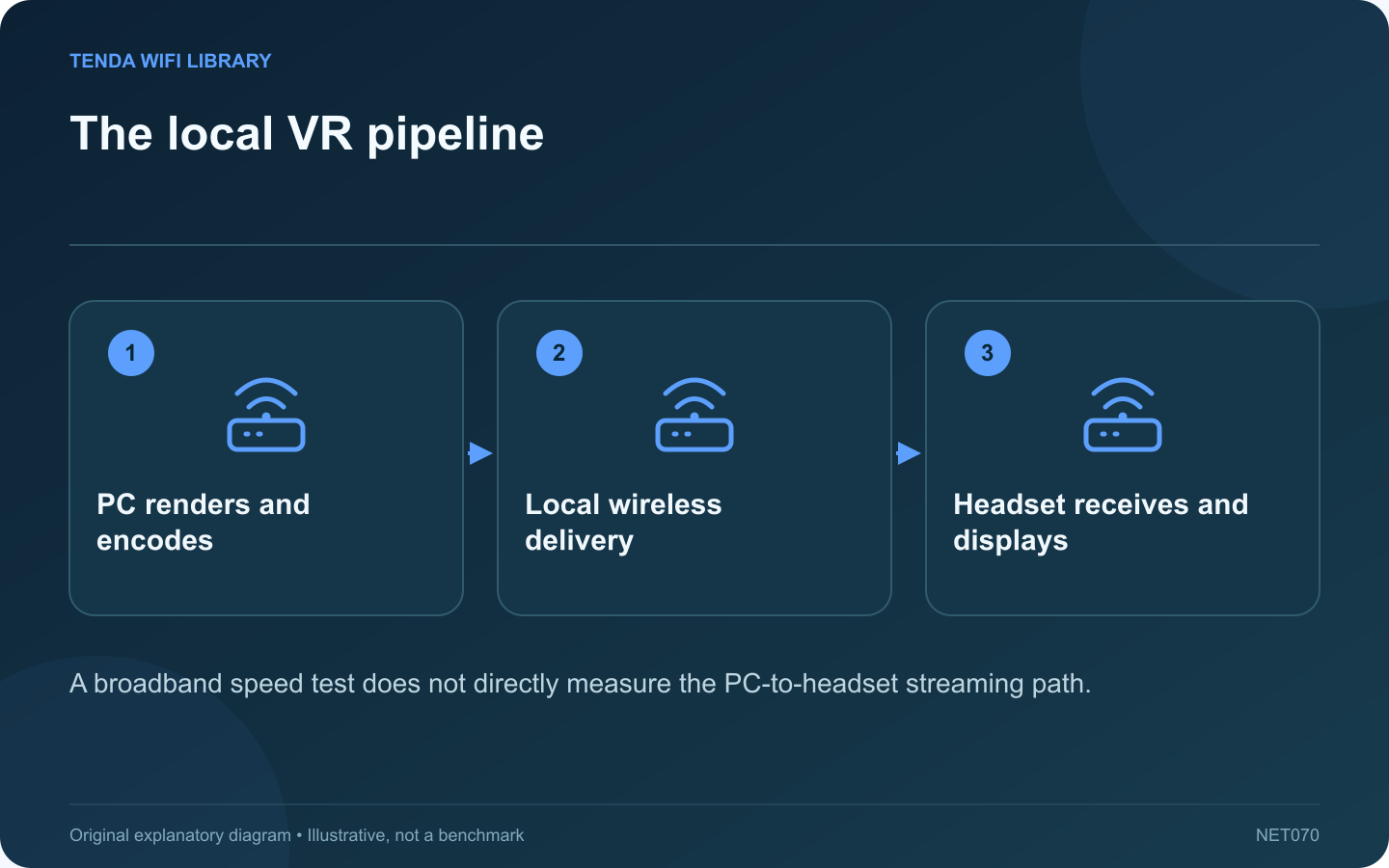
A fast internet plan does not automatically produce a smooth wireless PC VR session. When a supported system streams rendered content from a local PC to a headset, the local network and both devices are central parts of the experience.
Identify the active mode
Confirm that you are using a supported local PC streaming mode rather than a standalone headset application or a remote cloud service. Meta’s Air Link technical material describes wireless delivery of PC VR content and the effect of late frames. These are distinct from simply downloading a game.
Separate rendering from transport
Record whether the PC struggles with the same application under a supported alternative connection. If rendering is already overloaded, improving Wi-Fi cannot create missing GPU capacity. If the PC is stable but wireless delivery changes by location, examine the local path.
Map every local link
- PC connection to the router or access point.
- Any intermediate switch or wireless backhaul.
- Headset connection in the actual play area.
- Other traffic sharing the relevant wireless resources.
Test one practical change
Follow the current headset vendor’s setup guidance for the exact model and software. Compare a suitable wired PC connection or a better access-point position while keeping the application settings stable. Avoid introducing several bitrate and rendering changes at once.
Judge consistency, not just a peak rate
Real-time frames need timely delivery. A short high-throughput result can coexist with interruptions that are noticeable in a headset. Use supported diagnostics and the actual experience together.
Keep the play area clear and stop if the session becomes uncomfortable. This guide explains the diagnostic path rather than recommending old experimental settings from historical technical articles. Check current vendor requirements before purchasing a dedicated access point. The useful upgrade is the component that improves the identified local bottleneck while preserving a safe, stable everyday setup.
Sources and editorial notes
Sources checked 8–9 October 2026. Independent guidance and original illustrations; product comparisons use published specifications rather than hands-on benchmarks. Check the exact model, revision and regional documentation before changing settings.