Explore the guide library · Wired connection help
A sleeping computer and a fully shut-down computer can leave the network adapter in different states.
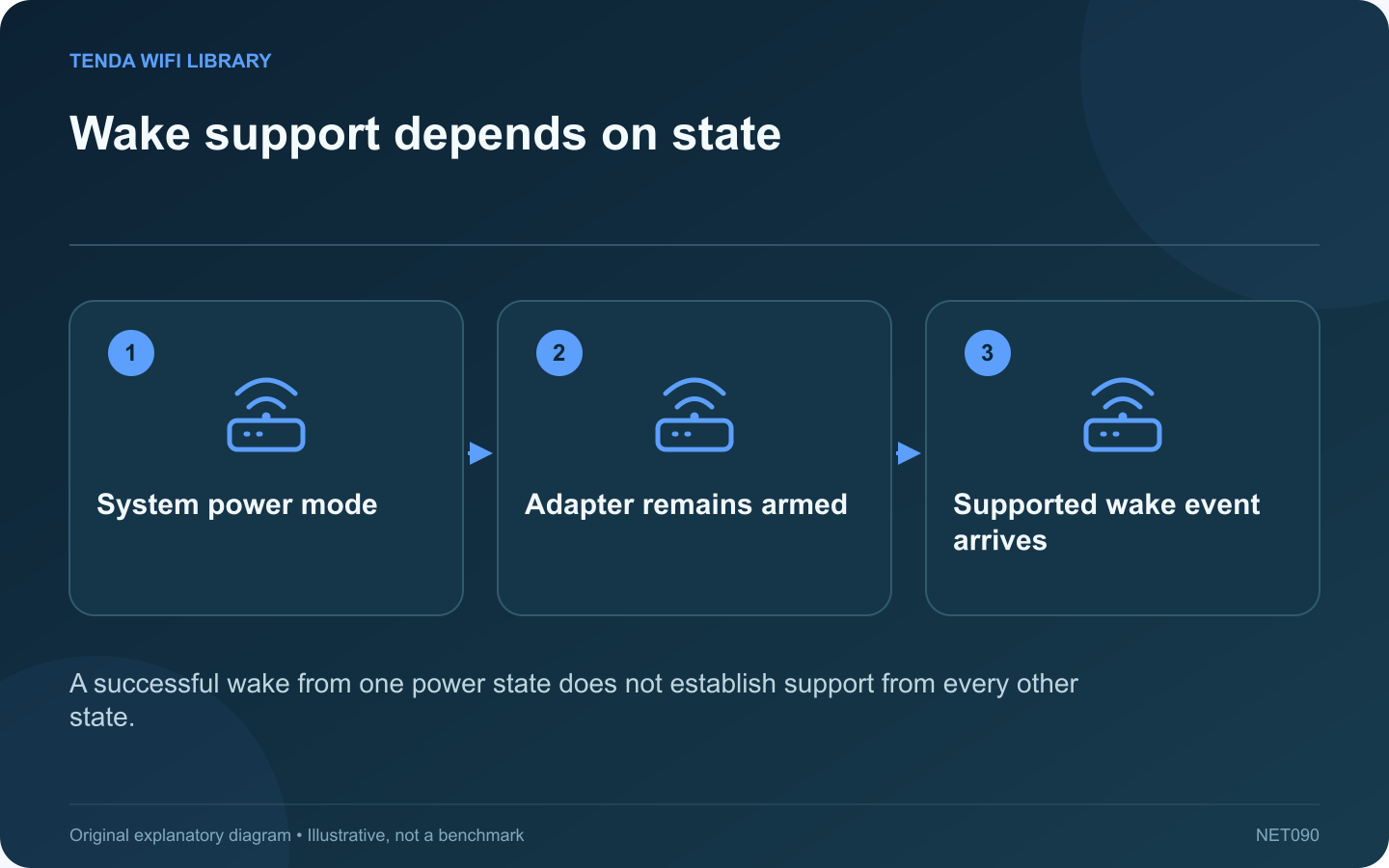
Wake on LAN can work from sleep and fail after shutdown without the router being faulty. The computer’s firmware, operating system and adapter must support waking from the particular power state being tested.
Name the state precisely
Record whether the computer entered sleep, hibernation, a normal shutdown or another manufacturer-defined standby mode. A dark screen is not enough to distinguish them. Microsoft documents different system power states and their Wake on LAN behavior.
Check the computer manufacturer’s guidance
Use instructions for the exact desktop, motherboard or laptop. Supported behavior can differ between built-in Ethernet and a USB docking adapter. The adapter must retain the necessary power and wake capability while the rest of the system is inactive.
Keep modern standby separate
Microsoft cautions against enabling legacy S3 Wake on LAN settings on Modern Standby systems. Do not copy an older desktop procedure into a current laptop’s power configuration without verifying that it applies.
Run a local test first
- Verify ordinary connectivity while the target is awake.
- Enter a documented supported low-power state.
- Send the supported wake request from your own LAN.
- Record whether the system wakes and becomes usable.
Testing across the internet introduces routing and access-control questions that can conceal a basic endpoint limitation. Establish the local behavior before investigating any remote-access arrangement.
Keep the purpose narrow
Use wake features only for devices you administer and follow the owner’s power-management policy. Avoid broad inbound port exposure merely to make a remote wake utility function.
If sleep wake works but shutdown wake is unsupported, use a documented supported state or another manufacturer-supported management option. Repeatedly replacing Ethernet cables will not create a firmware capability the system lacks. Save the working combination of power state, adapter and connection so future troubleshooting starts from a known supported arrangement rather than an ambiguous “computer off” description.
Sources and editorial notes
Sources checked 8–9 October 2026. Independent guidance and original illustrations; product comparisons use published specifications rather than hands-on benchmarks. Check the exact model, revision and regional documentation before changing settings.