Independent router help & how-tosHelping you find your connection.
The guide library

Phone vs laptop Wi-Fi speed: make the comparison fair

Explore the guide library · Connection performance tests

Control location and test conditions, then account for differences in bands, antennas and platform support.
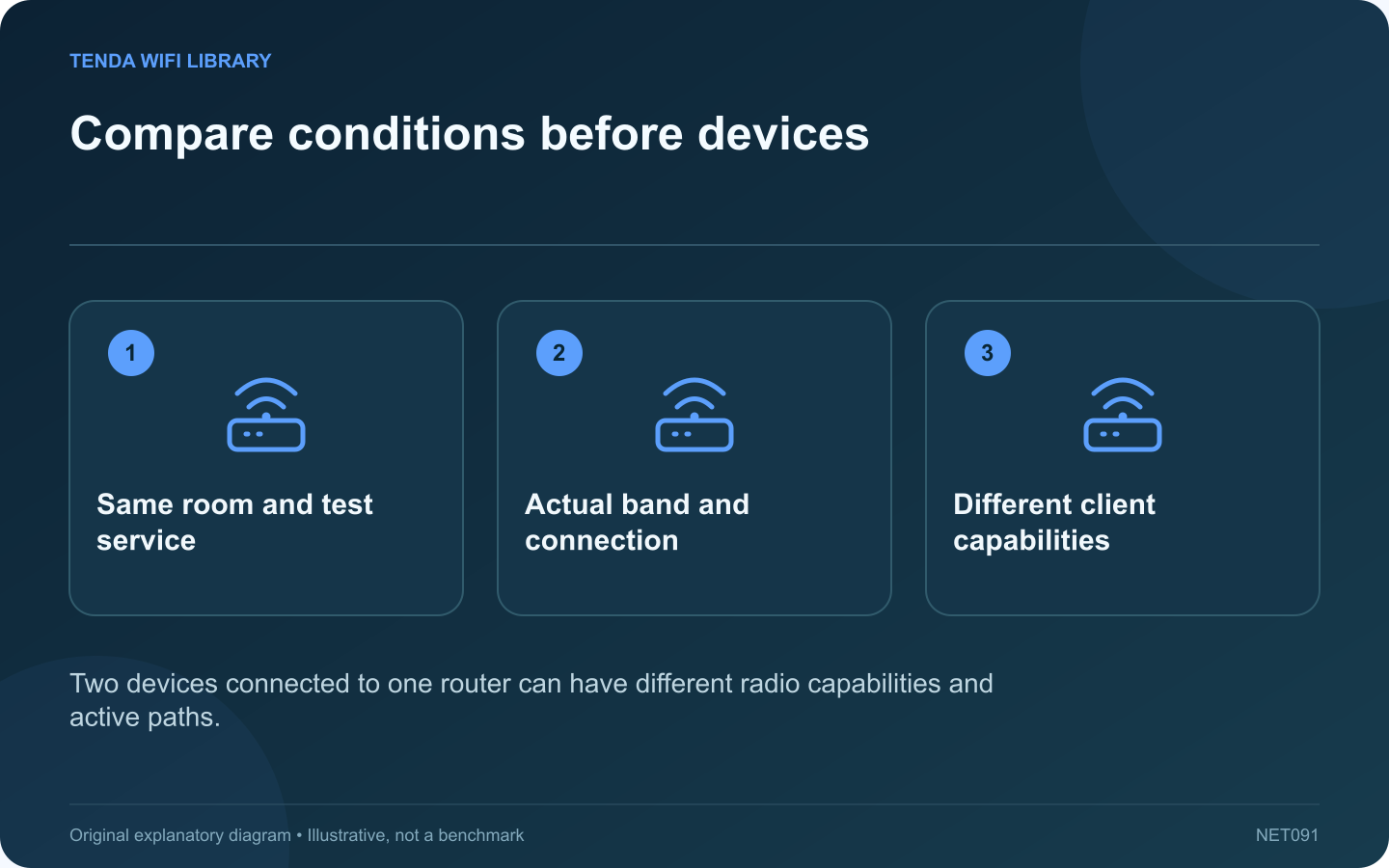
Compare conditions before devices: Same room and test service; Actual band and connection; Different client capabilities
Two devices connected to one router can have different radio capabilities and active paths.

A phone outperforming a laptop on the same Wi-Fi does not prove that the laptop is broken. Different radios, antennas, supported bands and software can produce different results. Start by making the test conditions comparable.

Control the location

Place the devices near the same position and test them one after the other, not simultaneously. Keep the laptop lid in its usual working position. A phone beside the router and a laptop behind a metal desk are not measuring the same wireless conditions.

Verify the active path

Check the network name and band where the device exposes them. Confirm that the phone is not silently using cellular data for the test. A router may steer clients to different bands even when they share one network name.

Use comparable test methods

Select the same service and destination where possible. Record whether one device uses an app and the other a browser, because the implementations can differ. Repeat the sequence to see whether the gap is stable or simply reflects changing congestion.

Inspect client capabilities

  • Supported Wi-Fi generation and regional bands.
  • Operating-system and driver requirements.
  • Negotiated connection information.
  • Any VPN or managed filtering in the path.

Microsoft and Apple document platform requirements for newer Wi-Fi features. A router upgrade cannot enable a band that the client hardware or operating system does not support.

Relate the result to a task

Try the activity that matters: a call, a large transfer or a stream. A peak download difference may have little practical effect if both devices comfortably handle that task.

If the laptop performs poorly even close to the router under controlled conditions, investigate its driver, antenna arrangement and supported configuration. If the difference appears only in one room, investigate that room’s radio path first. Preserve the observations so a hardware purchase addresses the identified limit rather than a comparison with unequal conditions.

Sources and editorial notes

Sources checked 8–9 October 2026. Independent guidance and original illustrations; product comparisons use published specifications rather than hands-on benchmarks. Check the exact model, revision and regional documentation before changing settings.

Related guides

300 FAQs across our guide libraries

Quick answers

100 practical questions from Tenda WiFi Library.

Browse all 100 FAQs
How do I fairly compare phone and laptop Wi-Fi speeds?

A phone outperforming a laptop on the same Wi-Fi does not prove that the laptop is broken. Different radios, antennas, supported bands and software can produce different results. Start by making the test conditions comparable. Place the devices near the same position and test them one after the other, not simultaneously. Keep the laptop lid in its usual working position. A phone beside the router and a laptop behind a metal desk are not measuring the same wireless conditions.

Read the full guide and sources
How do I make a fair VPN speed comparison?

A VPN speed comparison becomes difficult to interpret when the laptop moves rooms, the test server changes and a different protocol is selected at the same time. Build a small controlled comparison so the result answers one question. On a work device, use only the organization's approved VPN configuration. Do not disconnect a required tunnel or bypass its traffic policy for a benchmark. On a personal service, compare options that meet your privacy and location requirements.

Read the full guide and sources
Why do two internet speed-test services disagree?

Two speed-test services can report different throughput or latency within a few minutes. Each result describes a measurement to a particular endpoint using a particular method. Neither is a universal score for every destination on the internet. Note the test service and server location when displayed. One endpoint may be close to your provider, while another uses a different route. Cloudflare's documentation, for example, describes measurements to its own network edge rather than to every application you might use.

Read the full guide and sources
Why can uploads remain slow when downloads are fast?

A connection can download quickly while taking much longer to upload a video or backup. The service may provide different capacities in each direction, and ongoing uploads can consume the smaller allowance before you start a test. Look up the upload speed included with the current plan. Do not infer it from the advertised download headline. Record the units and any provider guidance on expected performance so the target is based on the actual service.

Read the full guide and sources
Independent. Practical. Clear.

Tenda WiFi Library is an independent information website. We are not affiliated with or endorsed by Tenda. Product names belong to their respective owners.