Explore the guide library · Connection performance tests
Convert bits and bytes, then separate network transfer from installation and disk activity.
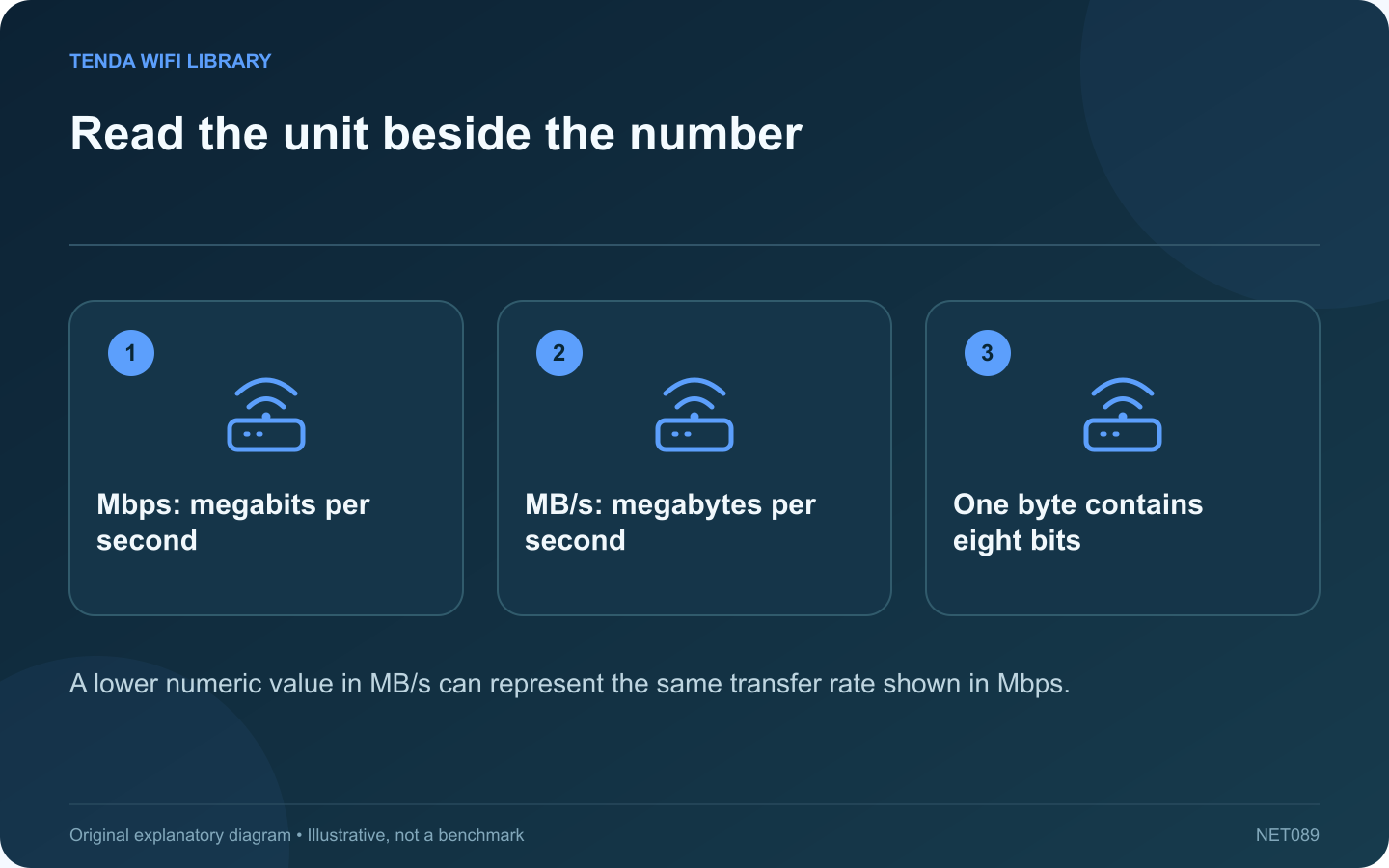
A game client reporting 50 MB/s is not necessarily underperforming on a 400 Mbps connection. The first number counts megabytes per second and the second counts megabits. One byte contains eight bits, so the units must be aligned before judging the result.
Use a simple conversion
Multiply a decimal MB/s value by eight to express it in Mbps. For example, 25 MB/s corresponds to 200 Mbps, while 100 MB/s corresponds to 800 Mbps. These are unit conversions, not predictions of what a particular connection will achieve.
Read the display setting
Check whether the current game client is displaying bits or bytes. Valve’s documentation discusses download-rate units and limits. A remembered setting or an old screenshot is less reliable than the label beside the number now visible.
Allow for other stages
Downloading a game can include decompression, verification and writing data to storage. A pause in network traffic while the disk remains busy is different from a lost Wi-Fi connection. Watch both indicators before changing network settings.
Compare an appropriate baseline
- The internet plan describes the external service.
- The adapter’s link rate describes a local connection.
- The download client reports its current transfer.
- The installation timer includes work beyond transmission.
Those values measure different things. They are not expected to match exactly even after converting the units.
Check configured limits
A download bandwidth cap or scheduled restriction may deliberately hold the client below the connection’s capacity. Review the existing setting and keep it if it protects other household activity.
If performance is still unexpectedly low after the unit check, compare the same client at another time and inspect its selected content region using official guidance. Avoid repeatedly reinstalling drivers to solve an arithmetic misunderstanding. Keep the rate, unit, disk activity and time together in your notes so the next diagnostic step addresses the actual limiting stage.
Sources and editorial notes
Sources checked 8–9 October 2026. Independent guidance and original illustrations; product comparisons use published specifications rather than hands-on benchmarks. Check the exact model, revision and regional documentation before changing settings.