Explore the guide library · Connection performance tests
A test measures a particular route and method, so compare like with like before judging the broadband connection.
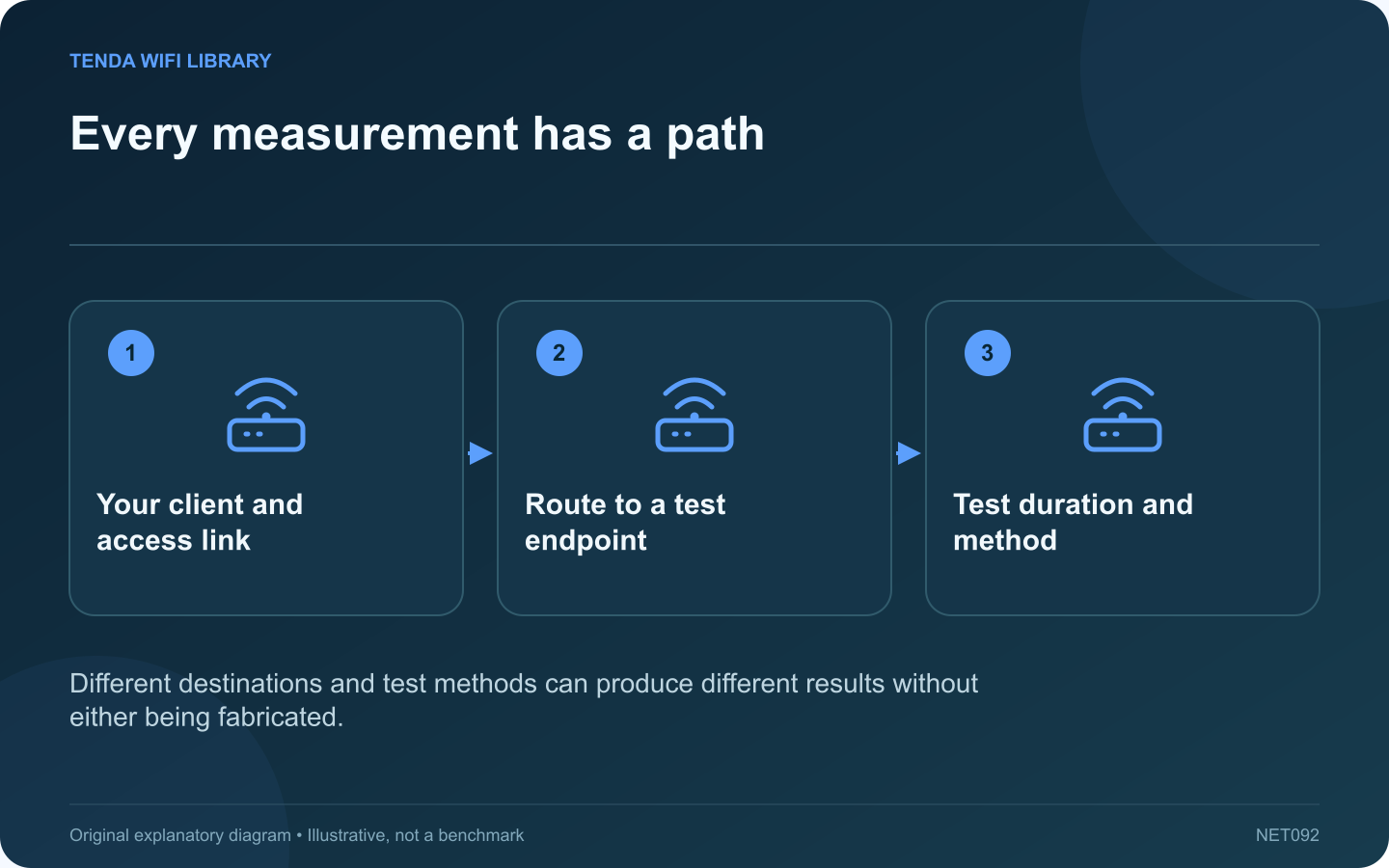
Two speed-test services can report different throughput or latency within a few minutes. Each result describes a measurement to a particular endpoint using a particular method. Neither is a universal score for every destination on the internet.
Record the destination
Note the test service and server location when displayed. One endpoint may be close to your provider, while another uses a different route. Cloudflare’s documentation, for example, describes measurements to its own network edge rather than to every application you might use.
Keep the client consistent
Use the same computer and connection for an initial comparison. Avoid switching between a wired desktop and a wireless phone while trying to evaluate the test services. Background uploads, updates and another household test can change the available capacity.
Read the measurement labels
Download throughput, upload throughput, unloaded latency and latency under load answer different questions. A service emphasizing one of those measurements may appear better or worse simply because the displayed headline represents a different part of the experience.
Repeat a small sequence
- Run service A under normal quiet conditions.
- Run service B on the same device.
- Repeat A once to check for a changing baseline.
- Record times, units and endpoint details.
Do not run continuous tests on a limited data plan. Testing itself consumes data and can disturb other users.
Investigate the relevant application
If only a video service or work tool performs badly, use its diagnostics as well. A local network test can help isolate the LAN, but it cannot validate a distant service’s capacity.
Look for repeatable patterns across comparable runs instead of selecting the highest result as the truth. When contacting a provider, include the test method and conditions. That gives the result a defined scope and helps distinguish a local bottleneck, a route-specific issue and ordinary variation between measurement systems.
Sources and editorial notes
Sources checked 8–9 October 2026. Independent guidance and original illustrations; product comparisons use published specifications rather than hands-on benchmarks. Check the exact model, revision and regional documentation before changing settings.
- Cloudflare: throughput, loaded latency and jitter definitions
- Cloudflare: application-oriented internet quality metrics
- ESnet: iperf3 command reference