Explore the guide library · Connection performance tests
Keep the client, location and test destination consistent when comparing approved VPN servers or protocols.
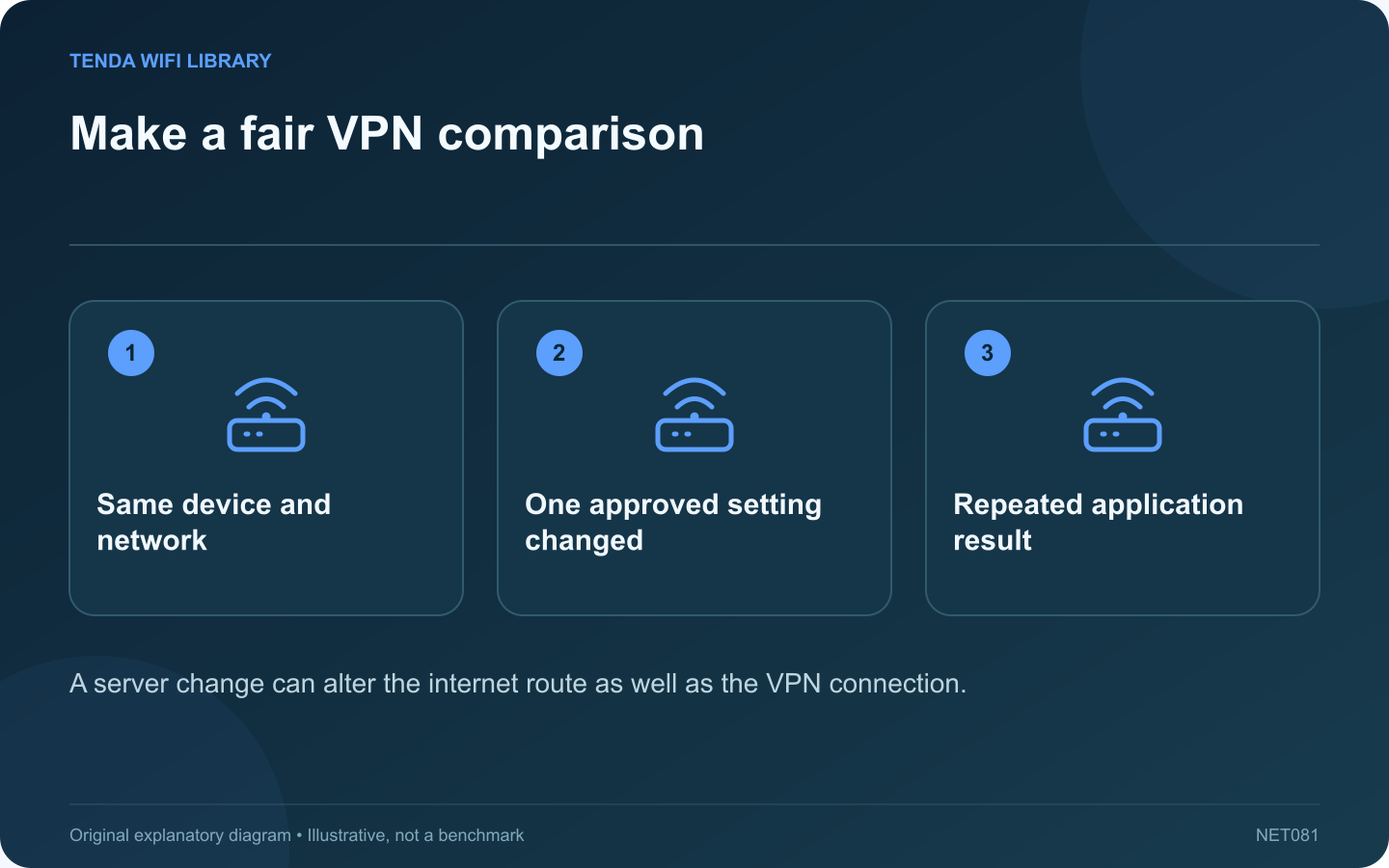
A VPN speed comparison becomes difficult to interpret when the laptop moves rooms, the test server changes and a different protocol is selected at the same time. Build a small controlled comparison so the result answers one question.
Define the permitted choices
On a work device, use only the organization’s approved VPN configuration. Do not disconnect a required tunnel or bypass its traffic policy for a benchmark. On a personal service, compare options that meet your privacy and location requirements.
Hold the local setup constant
Use one computer, the same connection and the same physical location. Pause optional large transfers with their owners’ agreement. Record whether the laptop is on battery or external power. These details help explain a result that otherwise looks like a VPN problem.
Change one setting
Compare two permitted servers while retaining the same protocol, or compare supported protocols on the same server location. Provider documentation explains that servers and protocols can behave differently, but it does not establish a universal fastest choice for your route.
Record more than download speed
- Upload throughput for file submission or calls.
- Latency to the destination you use.
- Whether the connection stays established.
- The actual task’s completion time.
Use a fixed test destination where the tool allows it. A VPN can change which automatic test server is selected, making two displayed results less comparable.
Repeat before deciding
Run a short sequence such as A, B, then A again. If the first option changes substantially on its second run, background conditions may be influencing the comparison. Avoid declaring a winner from one unusually good result.
Keep the setting that reliably meets the task and security requirements. If all permitted choices perform poorly, give the provider the server identifiers, times and test method. Do not include account secrets or browsing history. A reproducible comparison is more useful than a screenshot of a single low number.
Sources and editorial notes
Sources checked 8–9 October 2026. Independent guidance and original illustrations; product comparisons use published specifications rather than hands-on benchmarks. Check the exact model, revision and regional documentation before changing settings.
- Proton VPN: connection, server and protocol troubleshooting
- Cloudflare: throughput, loaded latency and jitter definitions