Independent router help & how-tosHelping you find your connection.
The guide library

Why two speed-test sites give different results on the same connection

Explore the guide library · Connection performance tests

A test measures a particular route and method, so compare like with like before judging the broadband connection.
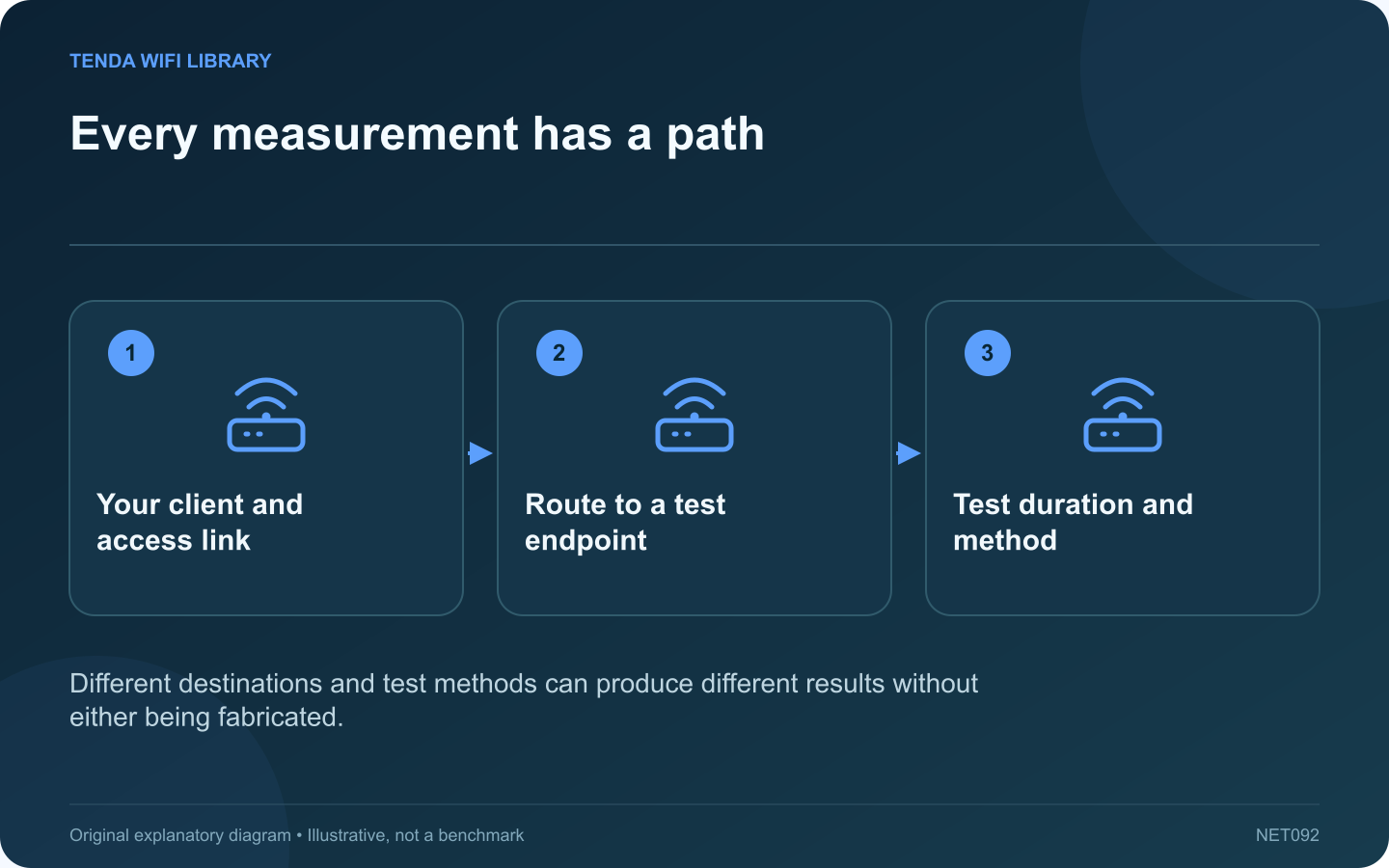
Every measurement has a path: Your client and access link; Route to a test endpoint; Test duration and method
Different destinations and test methods can produce different results without either being fabricated.

Two speed-test services can report different throughput or latency within a few minutes. Each result describes a measurement to a particular endpoint using a particular method. Neither is a universal score for every destination on the internet.

Record the destination

Note the test service and server location when displayed. One endpoint may be close to your provider, while another uses a different route. Cloudflare’s documentation, for example, describes measurements to its own network edge rather than to every application you might use.

Keep the client consistent

Use the same computer and connection for an initial comparison. Avoid switching between a wired desktop and a wireless phone while trying to evaluate the test services. Background uploads, updates and another household test can change the available capacity.

Read the measurement labels

Download throughput, upload throughput, unloaded latency and latency under load answer different questions. A service emphasizing one of those measurements may appear better or worse simply because the displayed headline represents a different part of the experience.

Repeat a small sequence

  1. Run service A under normal quiet conditions.
  2. Run service B on the same device.
  3. Repeat A once to check for a changing baseline.
  4. Record times, units and endpoint details.

Do not run continuous tests on a limited data plan. Testing itself consumes data and can disturb other users.

Investigate the relevant application

If only a video service or work tool performs badly, use its diagnostics as well. A local network test can help isolate the LAN, but it cannot validate a distant service’s capacity.

Look for repeatable patterns across comparable runs instead of selecting the highest result as the truth. When contacting a provider, include the test method and conditions. That gives the result a defined scope and helps distinguish a local bottleneck, a route-specific issue and ordinary variation between measurement systems.

Sources and editorial notes

Sources checked 8–9 October 2026. Independent guidance and original illustrations; product comparisons use published specifications rather than hands-on benchmarks. Check the exact model, revision and regional documentation before changing settings.

Related guides

300 FAQs across our guide libraries

Quick answers

100 practical questions from Tenda WiFi Library.

Browse all 100 FAQs
Why do two internet speed-test services disagree?

Two speed-test services can report different throughput or latency within a few minutes. Each result describes a measurement to a particular endpoint using a particular method. Neither is a universal score for every destination on the internet. Note the test service and server location when displayed. One endpoint may be close to your provider, while another uses a different route. Cloudflare's documentation, for example, describes measurements to its own network edge rather than to every application you might use.

Read the full guide and sources
How do I fairly compare phone and laptop Wi-Fi speeds?

A phone outperforming a laptop on the same Wi-Fi does not prove that the laptop is broken. Different radios, antennas, supported bands and software can produce different results. Start by making the test conditions comparable. Place the devices near the same position and test them one after the other, not simultaneously. Keep the laptop lid in its usual working position. A phone beside the router and a laptop behind a metal desk are not measuring the same wireless conditions.

Read the full guide and sources
How do I make a fair VPN speed comparison?

A VPN speed comparison becomes difficult to interpret when the laptop moves rooms, the test server changes and a different protocol is selected at the same time. Build a small controlled comparison so the result answers one question. On a work device, use only the organization's approved VPN configuration. Do not disconnect a required tunnel or bypass its traffic policy for a benchmark. On a personal service, compare options that meet your privacy and location requirements.

Read the full guide and sources
Why can uploads remain slow when downloads are fast?

A connection can download quickly while taking much longer to upload a video or backup. The service may provide different capacities in each direction, and ongoing uploads can consume the smaller allowance before you start a test. Look up the upload speed included with the current plan. Do not infer it from the advertised download headline. Record the units and any provider guidance on expected performance so the target is based on the actual service.

Read the full guide and sources
Independent. Practical. Clear.

Tenda WiFi Library is an independent information website. We are not affiliated with or endorsed by Tenda. Product names belong to their respective owners.