Independent router help & how-tosHelping you find your connection.
The guide library

A short server name fails but its full name works: inspect DNS suffixes

Explore the guide library · Browser and DNS help

An internal name may depend on the network’s suffix-search configuration, especially when moving between home and work.
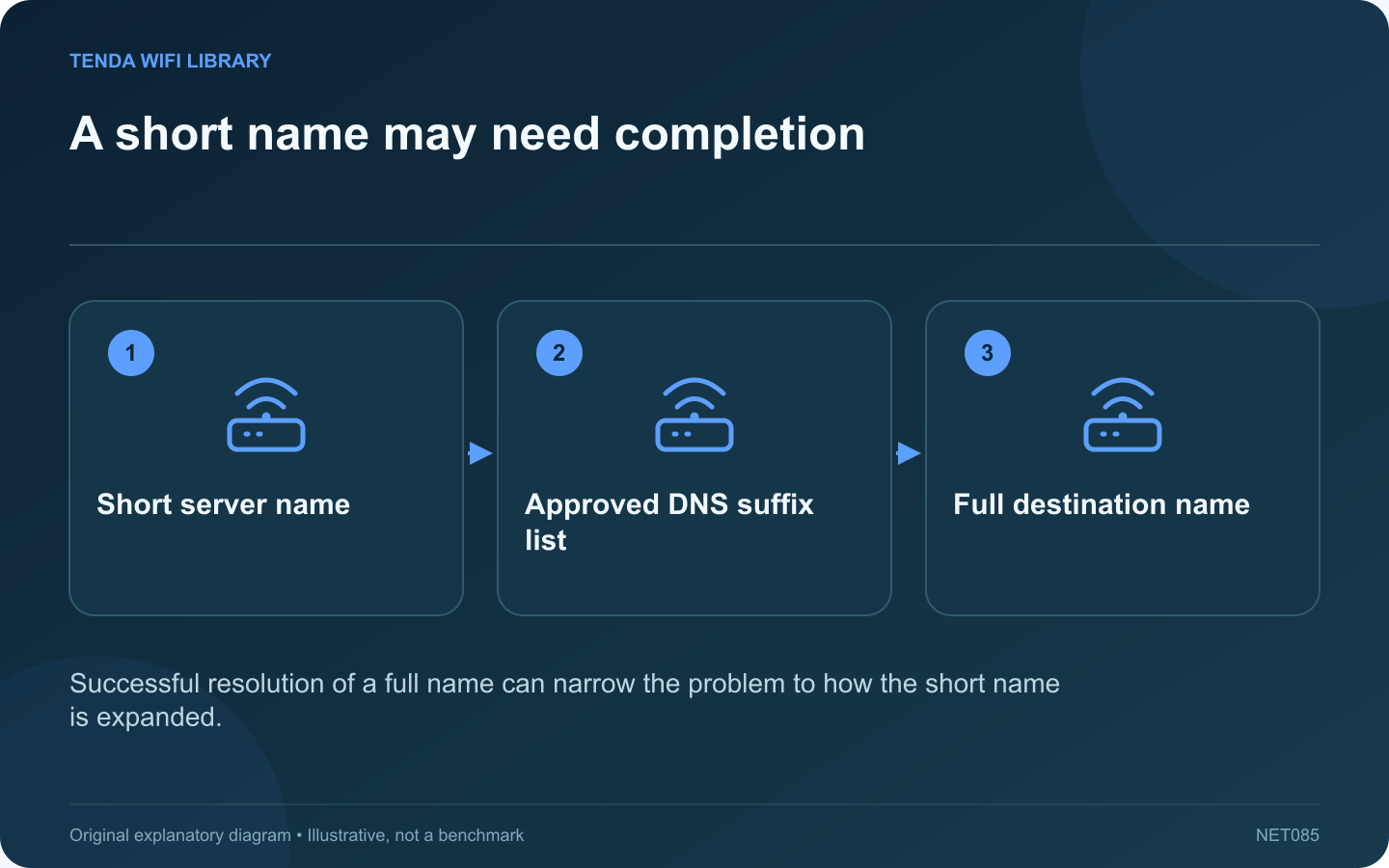
A short name may need completion: Short server name; Approved DNS suffix list; Full destination name
Successful resolution of a full name can narrow the problem to how the short name is expanded.

An internal server may open when you use its full domain name but fail when you enter only its short name. That pattern suggests a name-completion issue worth investigating before changing the router’s DNS provider.

Confirm the official full name

Obtain the intended name from the service owner or administrator. Do not guess internal domains or enter work credentials into a similarly named public site. Keep the comparison limited to a resource you are authorized to access.

Compare the same destination

Test the short name and the approved full name under the same VPN and network conditions. Record the exact error and response time. A browser search result is not equivalent to successful DNS resolution of the intended server.

Inspect the suffix information

Windows can append configured DNS suffixes when resolving a short name. Microsoft documents that an unsuitable or lengthy suffix-search list can introduce failures or delay. Review the connection’s reported configuration without immediately editing it.

Identify who supplies the setting

  • The organization’s device policy.
  • A VPN profile for internal resources.
  • The network’s assigned connection settings.
  • A previous manual configuration.

The correct remedy depends on that owner. Replacing internal DNS with a public resolver may make ordinary websites work while breaking the work resource further.

Escalate with a precise comparison

Give the administrator the short-name result, full-name result, active connection and time of the test. Review diagnostic output before sharing it so unrelated internal names and device identifiers are not exposed publicly.

If a supported configuration change is made, repeat both names and the actual application login. Do not rely indefinitely on a manually edited hosts file to conceal a managed DNS problem. A working full name can be a useful temporary access method when the service owner approves it, but the underlying suffix configuration should still be corrected through the intended management path.

Sources and editorial notes

Sources checked 8–9 October 2026. Independent guidance and original illustrations; product comparisons use published specifications rather than hands-on benchmarks. Check the exact model, revision and regional documentation before changing settings.

Related guides

300 FAQs across our guide libraries

Quick answers

100 practical questions from Tenda WiFi Library.

Browse all 100 FAQs
Why might a server’s full name work when its short name fails?

An internal server may open when you use its full domain name but fail when you enter only its short name. That pattern suggests a name-completion issue worth investigating before changing the router's DNS provider. Obtain the intended name from the service owner or administrator. Do not guess internal domains or enter work credentials into a similarly named public site. Keep the comparison limited to a resource you are authorized to access.

Read the full guide and sources
Why might Chrome DNS fail while Windows DNS succeeds?

A successful Windows name lookup and a failed Chrome page load can both be accurate observations. Chrome's Secure DNS configuration may select a different resolver path. Inspect that difference before assuming the router is returning inconsistent answers. Compare the exact name entered in Chrome with the name used in the diagnostic lookup. Redirected login services and subdomains can introduce additional names. A successful lookup for the main site does not prove that every dependent service resolves correctly.

Read the full guide and sources
Could an incorrect Mac clock cause website certificate errors?

If several secure websites suddenly report certificate problems on one Mac, inspect its date and time before changing router settings. Certificate validity depends partly on time. A substantially incorrect clock can make otherwise valid certificates appear outside their allowed period. Note the browser's exact message and whether the failure affects one site or many unrelated sites. Compare another device using the same network. Avoid entering credentials or payment details into a page while its identity cannot be verified.

Read the full guide and sources
Why can Firefox Max Protection stop DNS fallback?

Firefox can stop a page from loading when its selected secure DNS resolver is unavailable. Under Max Protection, that behavior can be intentional. It is different from the Wi-Fi adapter failing to connect or the entire household losing internet access. Record whether Firefox reports a resolver connection problem or a missing address for the requested name. Check the exact hostname. Do not interpret every browser warning as a password or router signal issue.

Read the full guide and sources
Independent. Practical. Clear.

Tenda WiFi Library is an independent information website. We are not affiliated with or endorsed by Tenda. Product names belong to their respective owners.