Independent router help & how-tosHelping you find your connection.
The guide library

Teams Call health: why its send limit is not your broadband plan speed

Explore the guide library · Video call quality

Interpret Teams’ network and media statistics in the context of the active call.
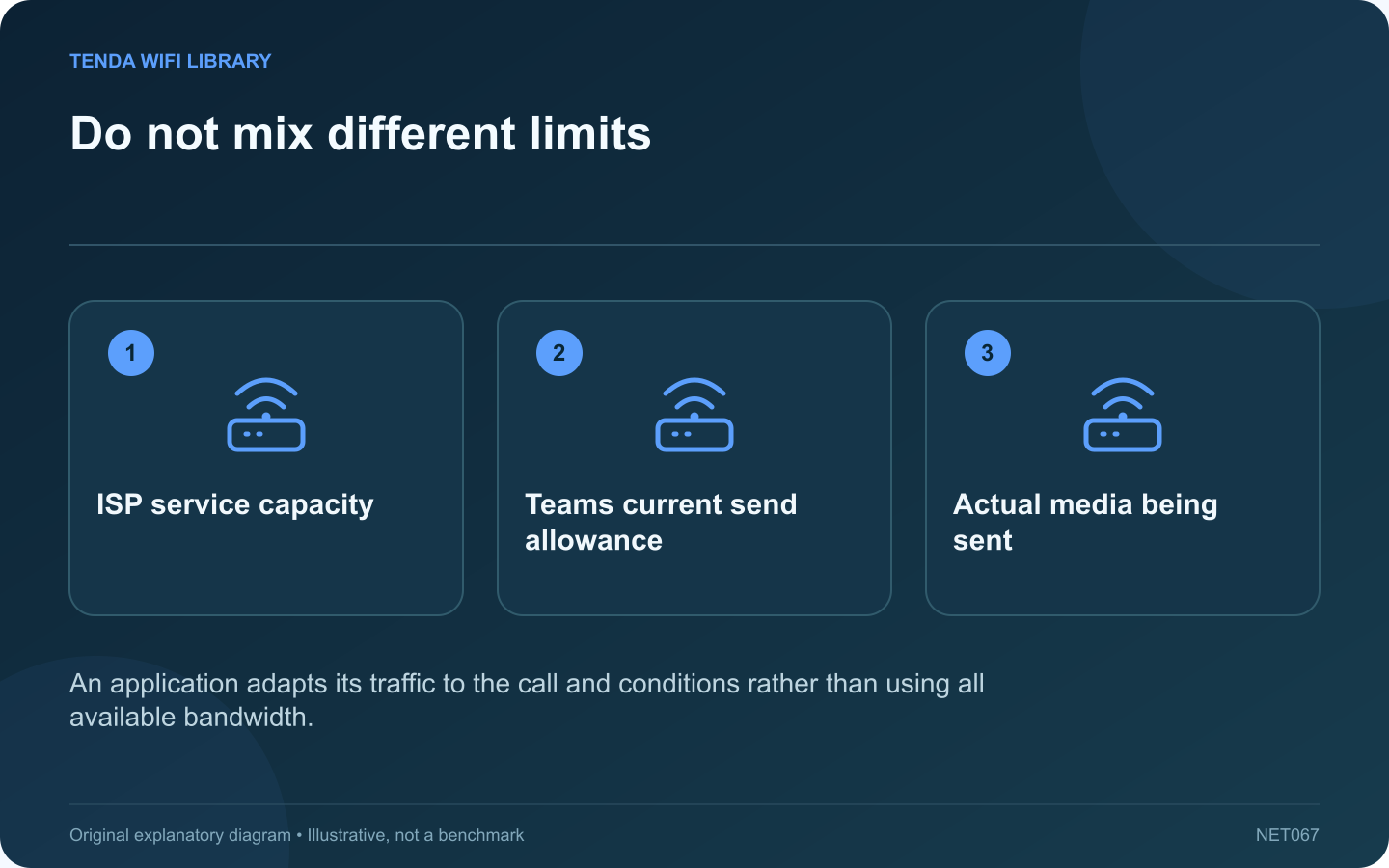
Do not mix different limits: ISP service capacity; Teams current send allowance; Actual media being sent
An application adapts its traffic to the call and conditions rather than using all available bandwidth.

Teams Call health can show a send or receive limit much lower than the speed advertised by your internet provider. That does not mean the router has reduced the entire connection to that value. The statistic belongs to Teams’ current media behavior and conditions.

Open the relevant view

Microsoft documents Call health under the meeting’s More actions and Settings controls. It presents network, audio, video and screen-sharing information. Inspect it during the problem so the observation corresponds to the affected activity.

Distinguish application limits

Microsoft explicitly distinguishes Teams send and receive limits from the ISP’s speed limit. The application can adapt to current conditions and the type of content. A low value during a simple audio exchange is not directly comparable with a multi-stream download test.

Record the useful combination

  • The exact symptom and incident time.
  • Roundtrip behavior and received loss.
  • Which media stream is affected.
  • Whether the local camera, microphone or screen share is active.
  • Whether other household traffic changed at the same time.

Compare like conditions

Use a noncritical test call for a wired-versus-wireless comparison. Keep the same device and media activity. Comparing an audio-only call with a later high-resolution screen share introduces several differences at once.

Escalate with context

If problems persist on a managed device, provide the administrator with the relevant call-health excerpt and connection conditions. Do not disable the approved VPN or security software without its guidance. Device workload and peripherals can also affect perceived quality.

After a correction, confirm the actual conversation and sharing task are usable. Avoid chasing the largest possible application bitrate when the call is already clear. The purpose of Call health is to explain the current experience and narrow a problem, not to replace a separate measurement of the broadband service’s available capacity.

Sources and editorial notes

Sources checked 8–9 October 2026. Independent guidance and original illustrations; product comparisons use published specifications rather than hands-on benchmarks. Check the exact model, revision and regional documentation before changing settings.

Related guides

300 FAQs across our guide libraries

Quick answers

100 practical questions from Tenda WiFi Library.

Browse all 100 FAQs
Is a Teams Call health send limit my internet plan speed?

Teams Call health can show a send or receive limit much lower than the speed advertised by your internet provider. That does not mean the router has reduced the entire connection to that value. The statistic belongs to Teams' current media behavior and conditions. Microsoft documents Call health under the meeting's More actions and Settings controls. It presents network, audio, video and screen-sharing information. Inspect it during the problem so the observation corresponds to the affected activity.

Read the full guide and sources
What can Zoom Web App statistics tell me about a choppy call?

A generic speed test after a Zoom meeting may look healthy even when participants experienced broken audio or frozen video. The Zoom Web App's supported statistics view can provide information closer to the actual meeting traffic. Ask whether others hear your audio breaking up or whether you hear theirs breaking up. Note whether video and screen sharing behave the same way. This separates outgoing, incoming and media-specific symptoms before anyone changes the router.

Read the full guide and sources
When does a laptop benefit from 2.5G rather than Gigabit Ethernet?

A laptop's Gigabit Ethernet connection may already handle video calls, browsing and a modest internet plan comfortably. Moving to 2.5G is most compelling when a frequent transfer actually runs into the existing wired link's capacity. Choose a real job such as copying a video project to a NAS. Record its size and elapsed time with the existing adapter. Keep the same files and destination for the comparison. A synthetic speed result matters less than whether the daily task finishes sooner.

Read the full guide and sources
Why can wireless PC VR stutter despite fast broadband?

A fast internet plan does not automatically produce a smooth wireless PC VR session. When a supported system streams rendered content from a local PC to a headset, the local network and both devices are central parts of the experience. Confirm that you are using a supported local PC streaming mode rather than a standalone headset application or a remote cloud service. Meta's Air Link technical material describes wireless delivery of PC VR content and the effect of late frames. These are distinct from simply downloading a game.

Read the full guide and sources
Independent. Practical. Clear.

Tenda WiFi Library is an independent information website. We are not affiliated with or endorsed by Tenda. Product names belong to their respective owners.