Explore the guide library · Video call quality
Record the affected media stream and timing instead of relying on a speed test taken after the meeting.
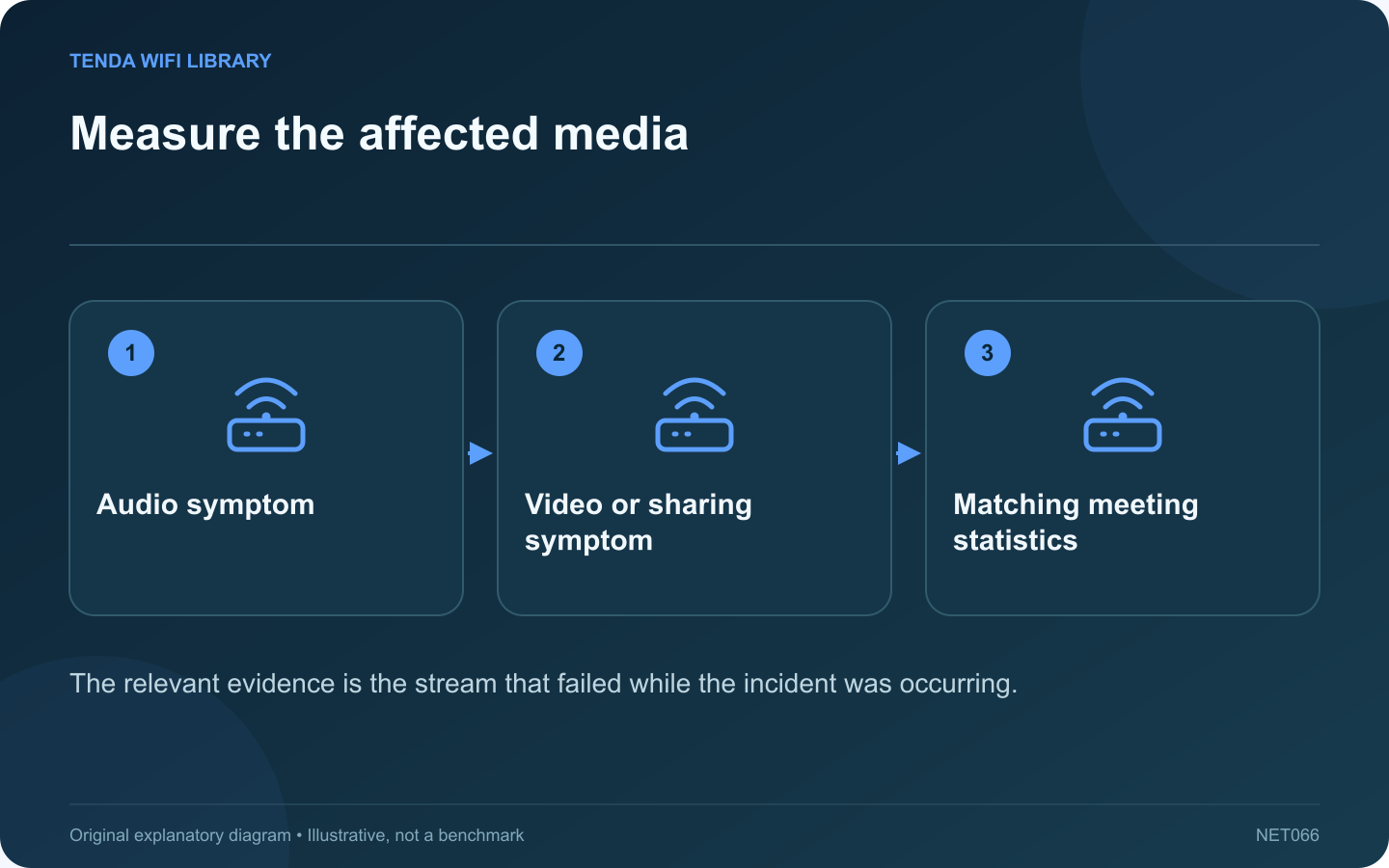
A generic speed test after a Zoom meeting may look healthy even when participants experienced broken audio or frozen video. The Zoom Web App’s supported statistics view can provide information closer to the actual meeting traffic.
Describe who notices the problem
Ask whether others hear your audio breaking up or whether you hear theirs breaking up. Note whether video and screen sharing behave the same way. This separates outgoing, incoming and media-specific symptoms before anyone changes the router.
Open the supported statistics view
Zoom documents a Statistics section in the Web App settings with measures including latency, packet loss and jitter. Use the controls available in the current application and record the affected period. Interface details can vary with the version and meeting environment.
Collect context alongside numbers
- Connection type and room.
- Whether a large upload or download was running.
- Whether the computer was heavily loaded.
- Whether every participant or only one person was affected.
- Whether the symptom stopped when a specific activity ended.
Make one controlled comparison
In a test meeting, compare the normal wireless path with an available supported wired path, or pause an optional transfer you control. Keep the same computer and application so the result has a clear interpretation. Avoid disrupting an important live meeting to run a capacity test.
Read the limits of the evidence
A statistic describes a particular observed stream and period. It does not automatically identify the failing router, provider or participant. Pair the measurement with the symptom and comparison rather than assigning blame from one brief spike.
Share only a reviewed screenshot or relevant figures through the appropriate support channel. Meeting names, participant details and shared content may be private. After a justified correction, verify the same media activity again. A smooth audio conversation is a more meaningful success measure than merely increasing the highest download number.
Sources and editorial notes
Sources checked 8–9 October 2026. Independent guidance and original illustrations; product comparisons use published specifications rather than hands-on benchmarks. Check the exact model, revision and regional documentation before changing settings.