Independent router help & how-tosHelping you find your connection.
The guide library

Compare IPv4 and IPv6 on Windows without disabling a protocol as a shortcut

Explore the guide library · Windows diagnostic tools

Use protocol-specific observations to investigate a partial connectivity problem while preserving the intended network configuration.
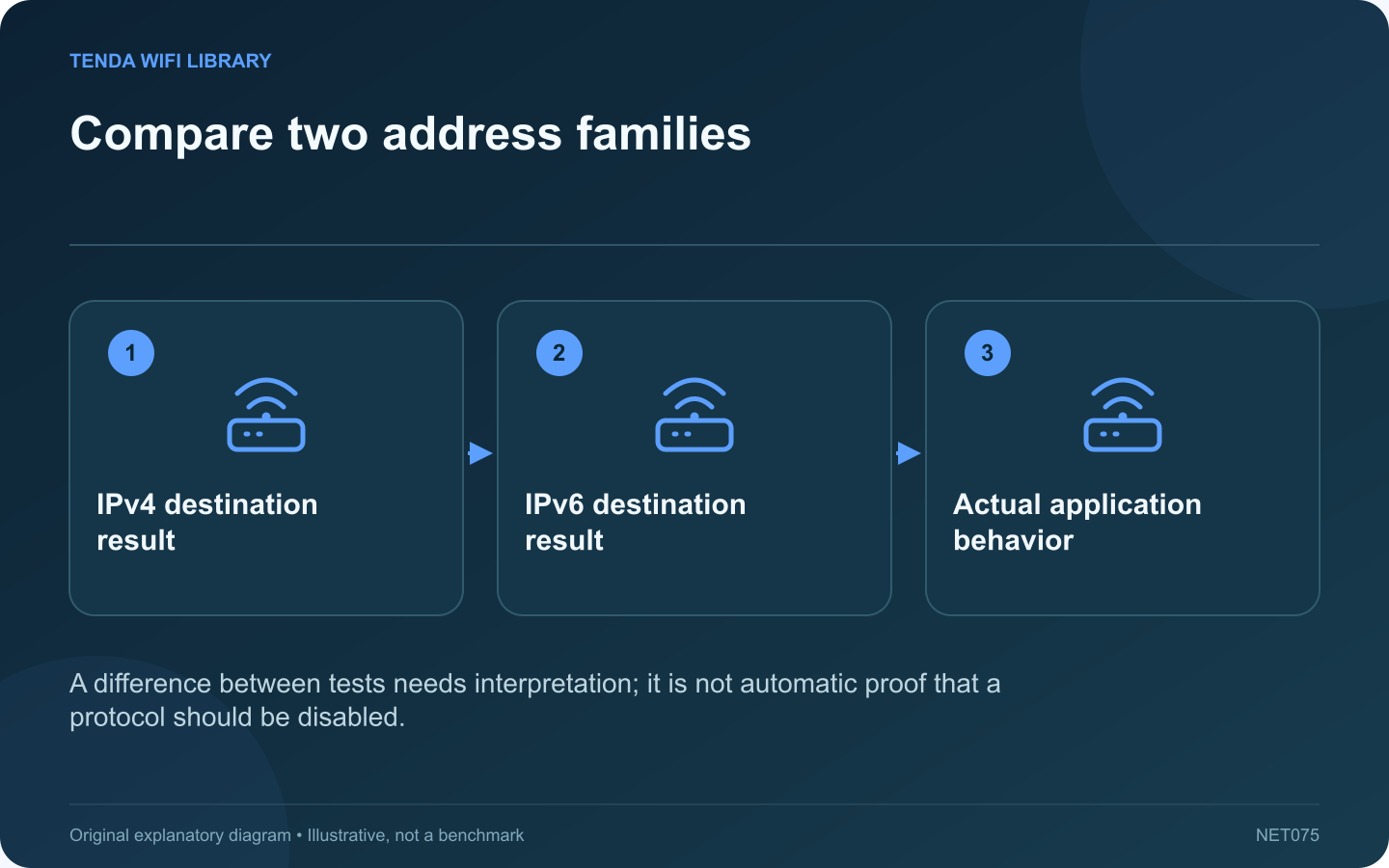
Compare two address families: IPv4 destination result; IPv6 destination result; Actual application behavior
A difference between tests needs interpretation; it is not automatic proof that a protocol should be disabled.

Some connectivity problems affect one address family more than another. Windows tools can collect IPv4 and IPv6 observations separately. Use that evidence to locate a problem rather than disabling IPv6 permanently because one generic guide recommends it.

Choose a suitable destination

Use a public service relevant to the failure and confirm that it publishes the address records needed for the comparison. A service with no IPv6 address cannot serve as a fair test of your IPv6 internet path.

Inspect name information

A targeted lookup for A and AAAA records can show the available IPv4 and IPv6 addresses. Different answers may be normal for a distributed service. Keep the exact hostname constant when comparing the next stage.

Collect limited reachability tests

Microsoft documents /4 and /6 options for ping and route tracing. Use the appropriate option with the intended hostname. Remember that some destinations do not answer diagnostic probes even while their web service works.

Record the complete pattern

  • Which address records are available.
  • Which protocol-specific tests receive replies.
  • Whether another device shows the same pattern.
  • Whether the actual application fails at the same time.

Escalate the relevant path

If the difference is consistent across clients, provide the router administrator or provider with the timing and reviewed diagnostic results. If it affects only one computer, inspect its supported adapter and policy configuration.

A failed probe is not enough to justify a permanent protocol change. Likewise, a successful ping does not validate TLS, authentication or application data transfer. Preserve the intended dual-stack setup while identifying the failing stage. After an authorized correction, repeat the same comparison and the original task so the result demonstrates restored usability rather than merely a different fallback path chosen by the application.

Sources and editorial notes

Sources checked 8–9 October 2026. Independent guidance and original illustrations; product comparisons use published specifications rather than hands-on benchmarks. Check the exact model, revision and regional documentation before changing settings.

Related guides

300 FAQs across our guide libraries

Quick answers

100 practical questions from Tenda WiFi Library.

Browse all 100 FAQs
How can I compare IPv4 and IPv6 without disabling either?

Some connectivity problems affect one address family more than another. Windows tools can collect IPv4 and IPv6 observations separately. Use that evidence to locate a problem rather than disabling IPv6 permanently because one generic guide recommends it. Use a public service relevant to the failure and confirm that it publishes the address records needed for the comparison. A service with no IPv6 address cannot serve as a fair test of your IPv6 internet path.

Read the full guide and sources
When is flushing the Windows DNS cache useful?

A DNS cache stores recently learned name information. Clearing it can help when Windows retains an obsolete answer after a legitimate service change. It is less useful when the actual failure is weak Wi-Fi, an unplugged cable or an unavailable website. Write down the affected hostname and whether other destinations work. Compare another device on the same network. If every application fails and the computer has no usable network address, resolve that earlier connection problem before treating DNS as the cause.

Read the full guide and sources
How do I identify the correct adapter in ipconfig?

The output of ipconfig can contain several adapters, even on a laptop with one visible network connection. Find the section for the interface you are actually using before interpreting an address or default gateway. Decide whether the test uses Wi-Fi, built-in Ethernet or a USB dock. Note whether an approved VPN is active. A virtual adapter can be relevant to the application without being the physical link to the home router.

Read the full guide and sources
Which address in nslookup belongs to the DNS server?

An nslookup result contains information about both the DNS service and the destination name. Mixing those roles can lead to an unnecessary router reset or an incorrect conclusion about where a website is hosted. Open Command Prompt and enter nslookup HOSTNAME , replacing HOSTNAME with the public destination you are investigating. Avoid adding a full web path or a protocol prefix. DNS looks up names; it does not retrieve the article or sign in to the application.

Read the full guide and sources
Independent. Practical. Clear.

Tenda WiFi Library is an independent information website. We are not affiliated with or endorsed by Tenda. Product names belong to their respective owners.