Explore the guide library · Windows diagnostic tools
Use a targeted port test to separate basic TCP reachability from application login or protocol errors.
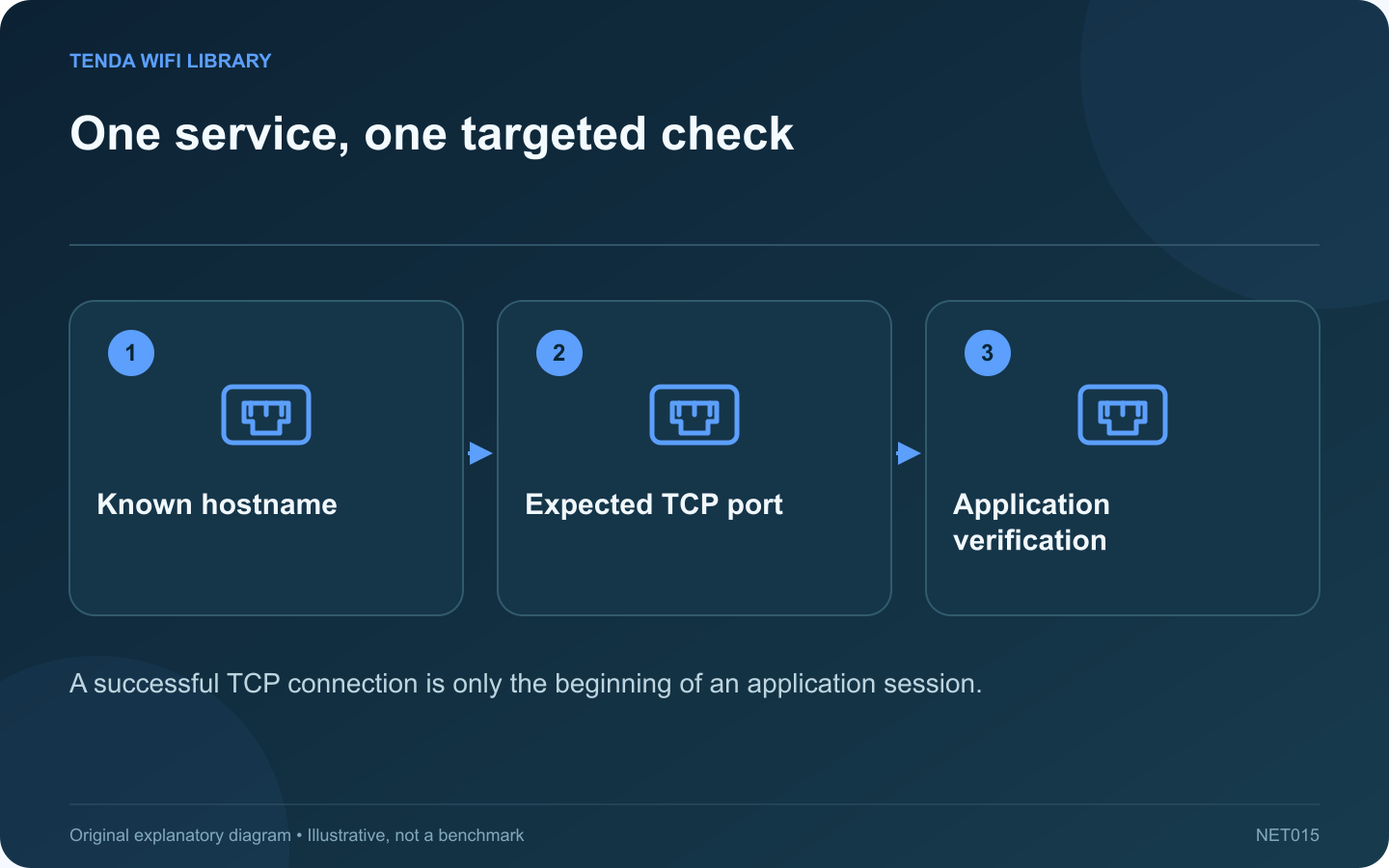
If a known service will not open, PowerShell can test whether your computer establishes a TCP connection to its expected port. This is useful for an authorized home server or a public service you normally use. It is not a reason to probe unrelated devices or large port ranges.
Obtain the real service details
Use the hostname and port documented by the service owner. A web interface, file share and media application may use different protocols. Guessing a port from another product can produce a technically accurate result that answers the wrong question.
Run a single targeted test
For a documented HTTPS endpoint, use Test-NetConnection -ComputerName HOSTNAME -Port 443 -InformationLevel Detailed, replacing HOSTNAME appropriately. Microsoft documents the command’s TCP test and diagnostic output. Use a different port only when it is the service’s actual documented TCP port.
Interpret the success field
TcpTestSucceeded indicates whether that TCP connection test succeeded. A true result does not validate the website’s certificate, confirm your password or prove the application is healthy. A false result can reflect a stopped service, filtering, routing or an incorrect destination.
Use the result to choose a next step
- TCP succeeds but the browser reports a certificate error: investigate the certificate or hostname.
- TCP succeeds but sign-in fails: examine the account or application response.
- TCP fails only from one permitted client: compare its route and policy.
- TCP fails from every intended client: inspect the server and network path.
Keep the test’s boundaries clear
This TCP test does not establish that a UDP-based game or voice stream can work. Do not open router ports or disable a firewall solely to turn the result green.
Record the destination, port, time and actual application symptom. Retest after a specific authorized repair so that the evidence describes the service the user needs, rather than only a successful diagnostic command.
Sources and editorial notes
Sources checked 8–9 October 2026. Independent guidance and original illustrations; product comparisons use published specifications rather than hands-on benchmarks. Check the exact model, revision and regional documentation before changing settings.