Explore the guide library · Mobile and data planning
A computer’s estimate and a household or cellular account total may count different devices and periods.
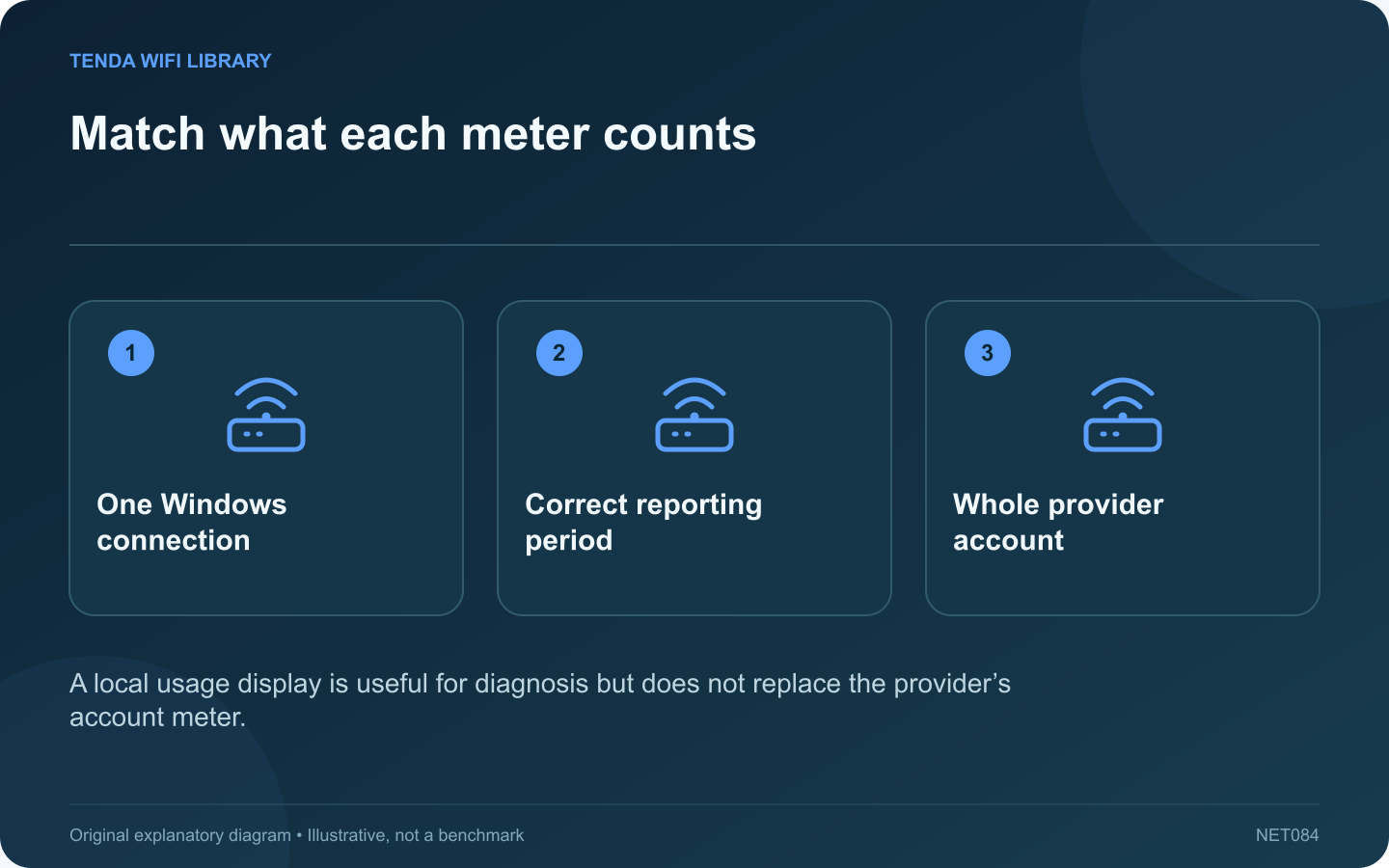
A Windows data-usage total may differ from the number shown by your internet provider. Before assuming either is wrong, check whether they cover the same connection, devices and reporting period.
Choose the right connection
A laptop may use home Wi-Fi, Ethernet and a phone hotspot during one month. Open Windows’ network data-usage controls and inspect the intended connection. Comparing a home wireless total with a cellular account total mixes different traffic paths.
Align the dates
Write down the start and end of the provider’s reporting period and the period shown by Windows. A rolling window and a billing-cycle window can produce different totals even when both observations are reasonable. Keep the unit labels visible when recording values.
Account for other devices
The provider may count the household’s televisions, consoles, phones and backups together. Windows normally describes activity attributable to the computer and selected connection. A laptop hotspot also introduces traffic from connected clients that needs consideration when interpreting the arrangement.
Use local controls purposefully
Microsoft documents data-limit notifications and metered-connection settings. They can help you notice consumption and reduce some background activity. Do not treat a warning threshold as a guaranteed provider-side cutoff or assume every application will stop transferring at that point.
Investigate a large unexpected change
- Review recently installed games and system updates.
- Check cloud backup and synchronization activity.
- Ask other household users about large transfers.
- Compare daily provider totals where available.
Avoid resetting the local counter before saving the evidence you need. If the difference remains unexplained, contact the provider with the relevant dates and totals through its private support channel.
The useful outcome is understanding which activity consumed the allowance and which meter governs the service. Keep essential security updates planned for a suitable connection instead of indefinitely pausing them simply to make a local number smaller.
Sources and editorial notes
Sources checked 8–9 October 2026. Independent guidance and original illustrations; product comparisons use published specifications rather than hands-on benchmarks. Check the exact model, revision and regional documentation before changing settings.