Explore the guide library · Mobile and data planning
Inspect update-sharing activity and its permitted sources before assuming unexplained traffic is a router fault.
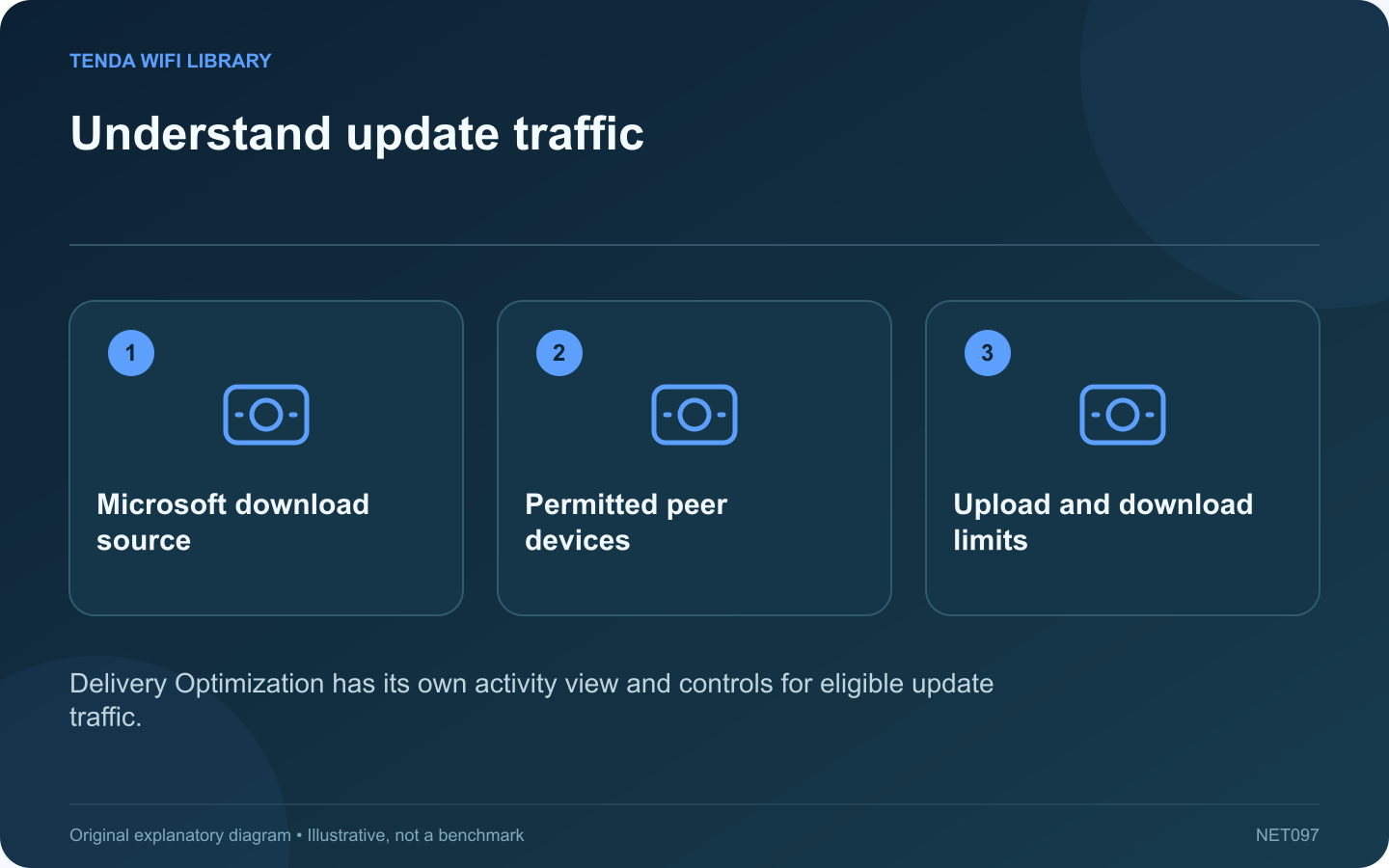
Windows can obtain parts of supported updates from other devices and share update data with peers, depending on its Delivery Optimization configuration. If the computer is using bandwidth while no browser download is open, inspect this activity before blaming the router.
Open the activity view
In current Windows settings, Delivery Optimization is under Windows Update’s advanced options. Its Activity monitor separates download sources and upload activity. Read the reporting period so a monthly total is not mistaken for traffic happening at that instant.
Review the allowed peers
Microsoft distinguishes devices on the local network from devices on the internet and local network. Check which choice is active. On a managed computer, an administrator may control the setting; preserve that policy and ask for help if it conflicts with the available connection.
Relate sharing to the household
Several Windows computers downloading similar updates may benefit from local sharing. A single laptop on a limited hotspot has a different constraint. Decide based on the actual devices and connection rather than assuming one configuration is best everywhere.
Use the correct limits
Delivery Optimization provides bandwidth and upload controls for eligible activity. Microsoft notes that these limits do not necessarily govern downloads you manually initiate. Do not assume one slider limits every browser, game client and update action on the computer.
Verify the effect
- Record the original setting and activity total.
- Apply an authorized adjustment suited to the connection.
- Observe activity during the next update cycle.
- Confirm required updates still complete.
Turning off peer sharing is different from disabling Windows updates. Keep security maintenance scheduled and allow enough time for downloads if bandwidth is restricted.
If traffic continues after the relevant update activity finishes, inspect other applications rather than repeatedly changing Delivery Optimization. The useful result is identifying the responsible transfer and controlling it through the feature that owns it, while keeping the computer maintained and other household tasks responsive.
Sources and editorial notes
Sources checked 8–9 October 2026. Independent guidance and original illustrations; product comparisons use published specifications rather than hands-on benchmarks. Check the exact model, revision and regional documentation before changing settings.