Explore the guide library · Connection performance tests
Compare the service’s upload allowance, current background traffic and a controlled wired result.
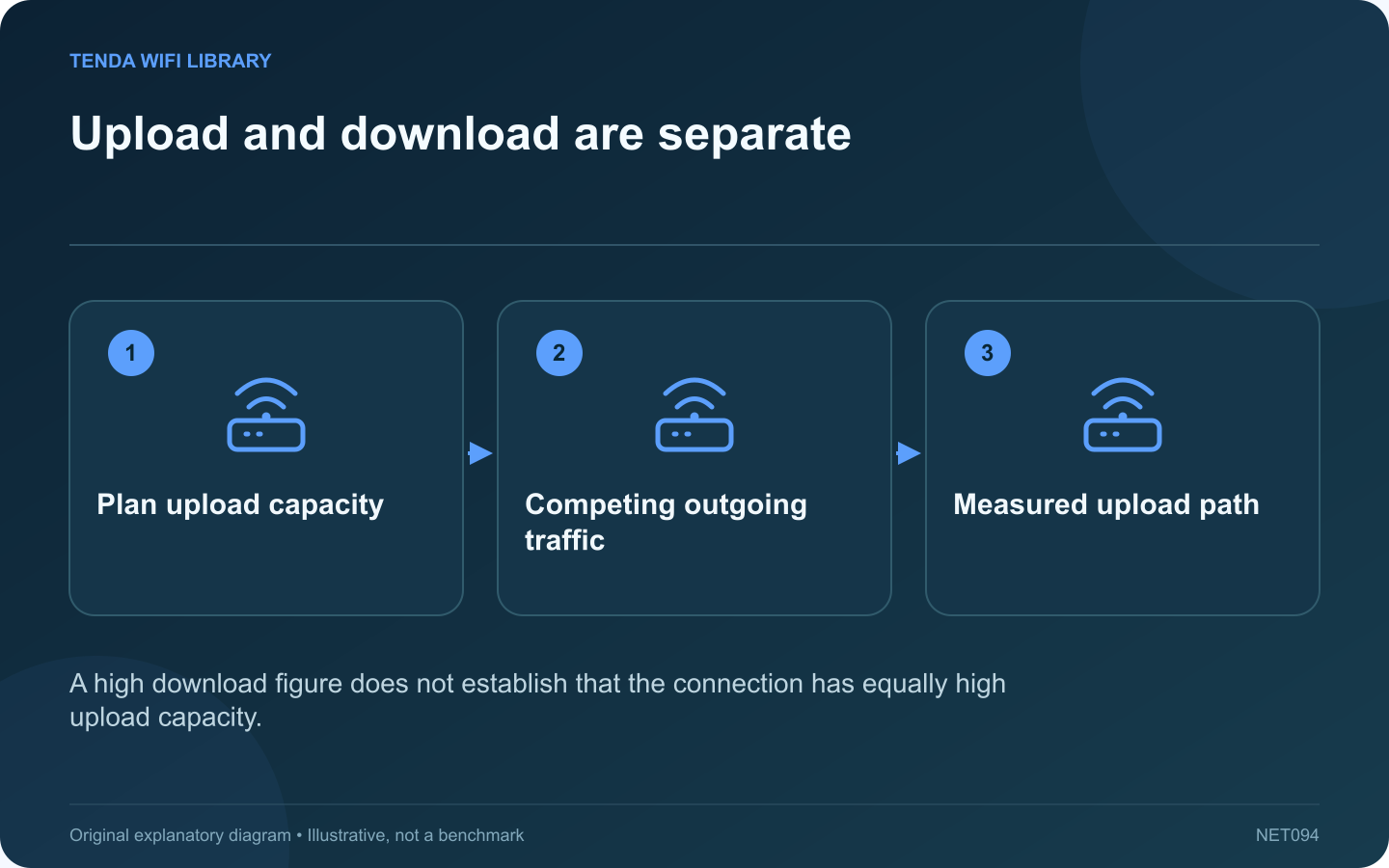
A connection can download quickly while taking much longer to upload a video or backup. The service may provide different capacities in each direction, and ongoing uploads can consume the smaller allowance before you start a test.
Check the service specification
Look up the upload speed included with the current plan. Do not infer it from the advertised download headline. Record the units and any provider guidance on expected performance so the target is based on the actual service.
Identify outgoing activity
Cloud backups, photo synchronization, security cameras and file transfers may send data continuously. Ask other users before interrupting their work. If possible, pause one optional large upload briefly and repeat the same test.
Compare a wired baseline
Use a capable computer connected by Ethernet to separate some wireless variables from the internet measurement. Keep the same test destination and avoid running another speed test at the same time. Record both upload throughput and responsiveness during the transfer.
Inspect application limits
A cloud application may impose its own transfer limit. Microsoft’s OneDrive guidance documents upload and download rate controls. Check the actual application setting before assuming the router is preventing higher throughput.
Interpret the pattern
| Result | Next investigation |
|---|---|
| All devices show the same low upload | Plan capacity, shared traffic or provider path |
| Only one device is slow | Client connection and software |
| Only one service is slow | Application limits and destination behavior |
These are directions for investigation rather than automatic diagnoses. Repeat the relevant result before purchasing hardware or changing a service plan.
After identifying the bottleneck, schedule or limit optional uploads so essential calls and work have room to function. Keep necessary backups enabled and choose a realistic completion window. The aim is a usable connection throughout the day, not merely a larger number on an isolated upload test.
Sources and editorial notes
Sources checked 8–9 October 2026. Independent guidance and original illustrations; product comparisons use published specifications rather than hands-on benchmarks. Check the exact model, revision and regional documentation before changing settings.
- Cloudflare: throughput, loaded latency and jitter definitions
- Microsoft: OneDrive transfer-rate and pause controls