Explore the guide library · Browser and DNS help
Read the selected DNS protection level before treating a resolver warning as a whole-network outage.
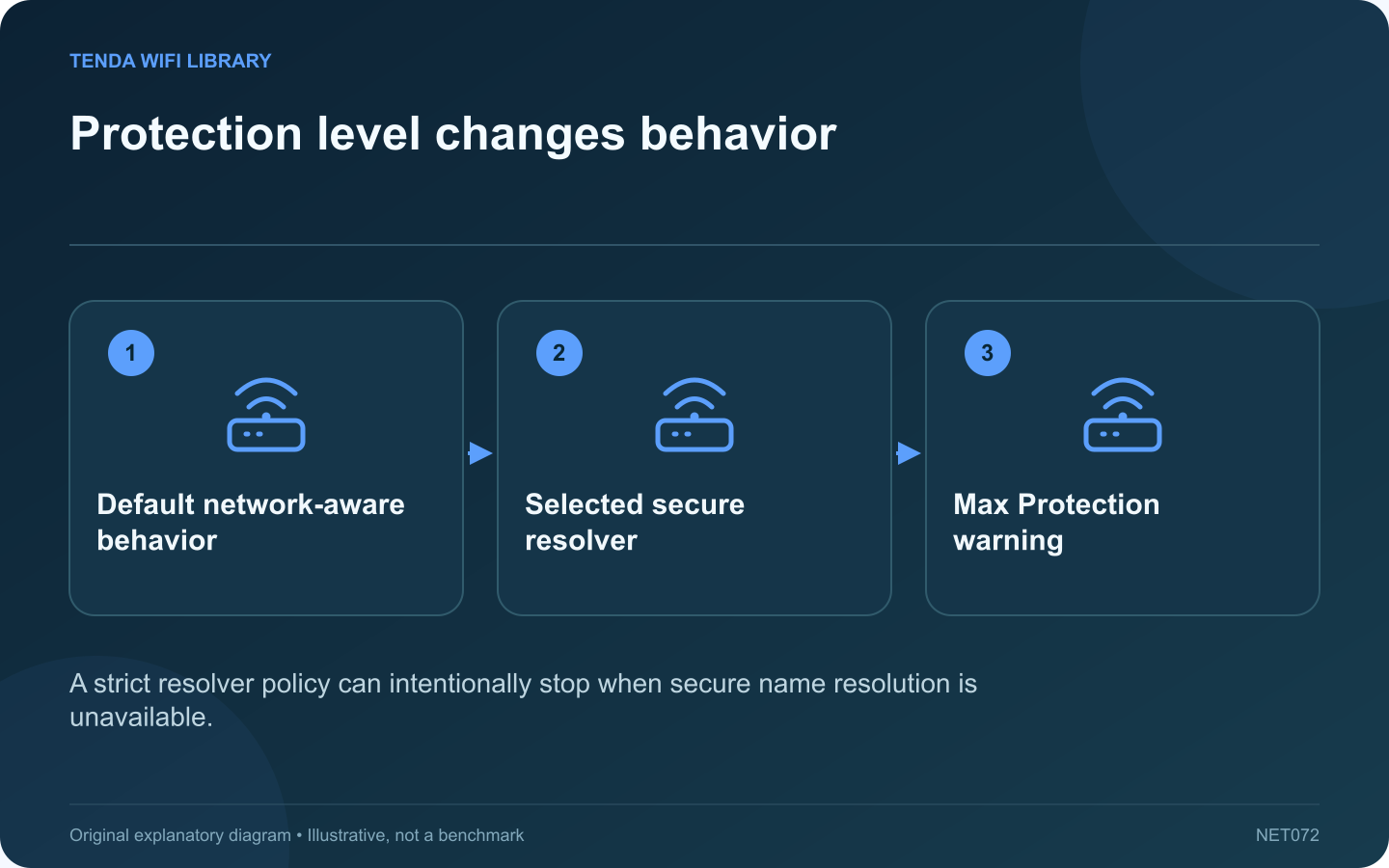
Firefox can stop a page from loading when its selected secure DNS resolver is unavailable. Under Max Protection, that behavior can be intentional. It is different from the Wi-Fi adapter failing to connect or the entire household losing internet access.
Read the actual warning
Record whether Firefox reports a resolver connection problem or a missing address for the requested name. Check the exact hostname. Do not interpret every browser warning as a password or router signal issue.
Inspect the protection level
Mozilla documents Default, Increased and Max Protection choices for DNS over HTTPS. Max Protection continues to require secure DNS and displays a warning when the necessary resolver result cannot be obtained. Default behavior is more sensitive to network conditions and policies.
Confirm the reason for the choice
If you deliberately selected a particular provider, check its service status and official configuration. If an organization manages the browser, contact its administrator. A strict privacy choice should not be silently weakened merely to remove a visible message.
Make a diagnostic comparison
- Check whether another ordinary public name fails similarly.
- Compare another permitted application on the same device.
- Record whether the issue appears only on one network.
- Keep the selected protection level noted with the result.
Choose an informed correction
Repair an incorrect provider setting or follow the intended network policy. If you choose a different protection level on your own device, understand the resulting fallback behavior and verify that it still meets your privacy expectations.
A successful page load through another application establishes that some connectivity exists, but it does not prove Firefox’s selected resolver is reachable. Finish by testing the original hostname under the configuration you actually intend to keep. Avoid collecting unrelated browser changes that make the immediate warning disappear without explaining which requirement failed.
Sources and editorial notes
Sources checked 8–9 October 2026. Independent guidance and original illustrations; product comparisons use published specifications rather than hands-on benchmarks. Check the exact model, revision and regional documentation before changing settings.