Explore the guide library · Browser and DNS help
Check whether the computer expects an intermediary before changing DNS or resetting the home router.
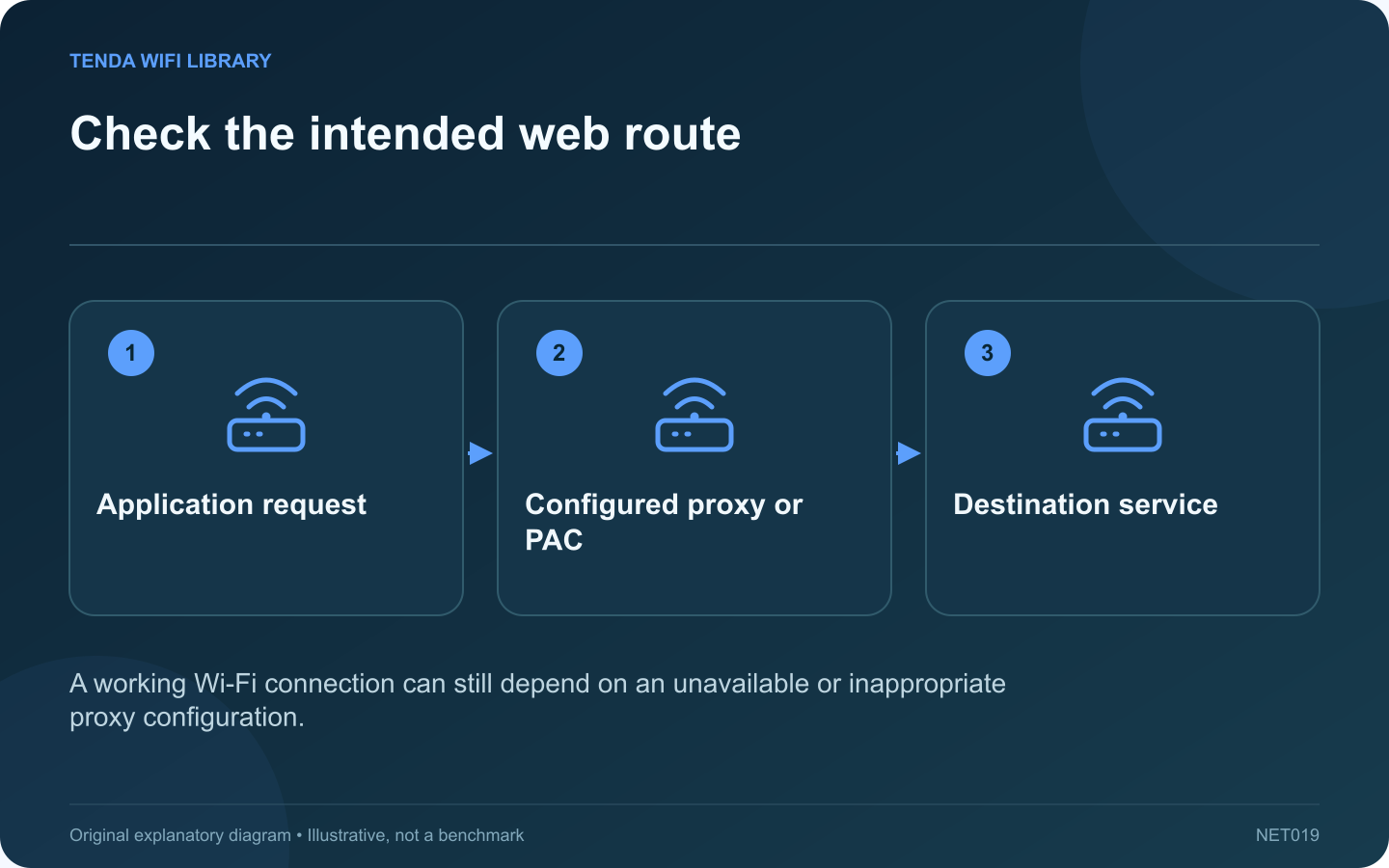
A computer can connect to Wi-Fi normally while web requests fail because its proxy configuration is unsuitable for the current network. A proxy is an intermediary for selected traffic, and an automatic configuration script can decide when that intermediary should be used.
Record the visible error
Note whether the browser mentions a proxy, tunnel or configuration script. Compare an unrelated application and another device on the same router. If other devices work, that supports investigating the affected computer before changing shared router settings.
Inspect the configured method
In Windows Settings, open Network & internet and Proxy. Microsoft distinguishes automatic detection, a setup script and manual configuration. Record which method is active without copying private script addresses into a public support post.
Respect managed configuration
A work computer may intentionally require an organization proxy or an approved VPN. Do not disable those controls to get around a restriction. Ask the administrator whether the present network and VPN state match the expected access path.
Handle a personal-device mistake narrowly
If you knowingly entered an obsolete proxy on your own device, compare the setting with the service’s official instructions and correct only that configuration. Preserve the original details privately so the change can be reversed if it was still required for another task.
Check application-specific behavior
- Some applications have their own proxy settings.
- A VPN connection can have separate proxy configuration.
- A browser extension may alter how certain requests are handled.
- A working ordinary site does not prove every internal service is reachable.
After the justified change, retry the same failing destination and a second normal destination. Keep security software active. If a proxy setting returns unexpectedly, investigate the application or management policy restoring it rather than repeatedly resetting the router. The goal is to restore the intended route with a configuration you understand.
Sources and editorial notes
Sources checked 8–9 October 2026. Independent guidance and original illustrations; product comparisons use published specifications rather than hands-on benchmarks. Check the exact model, revision and regional documentation before changing settings.